
Your Hallway Is Not a Coordinate System
Maps are for pirates. Your robot can do something stranger and, frankly, a little human: it can remember places and retrace them by sight. No lidar. No floor plan. Just a forward-facing camera and a good memory.
That is the bet behind Synthiam ARCx and its camera-only Visual Waypoint Navigation skill. You teach your robot once by driving it around. Later, it gets there again by recognizing what it sees—like a friend who says, “Turn left at the weird lamp.”
Memory over Maps
Teach-and-repeat with a single camera. Name places, record routes, and your robot follows the same visual story later. No X/Y, no SLAM, just recognition.
ARCx at the Center
ARCx runs on the robot headless and is programmed from your browser. Add, configure, or remove skills live. If one skill crashes, the rest keep going—no drama.
Vision + Control
DINOv2 features, cosine similarity, and keyframes guide the robot. Movement goes through the Movement Manager, so it works with any movement panel you already use.
Your Hallway Has Never Heard of Coordinates
We love grids. We label rooms with numbers and pretend the world sits still. But your hallway changes. Lights flip on. Shoes migrate. A cat plots something. A robot that relies only on precise positions will notice those changes and get anxious. A robot that remembers? It shrugs and says, “Yep, still the hallway.”
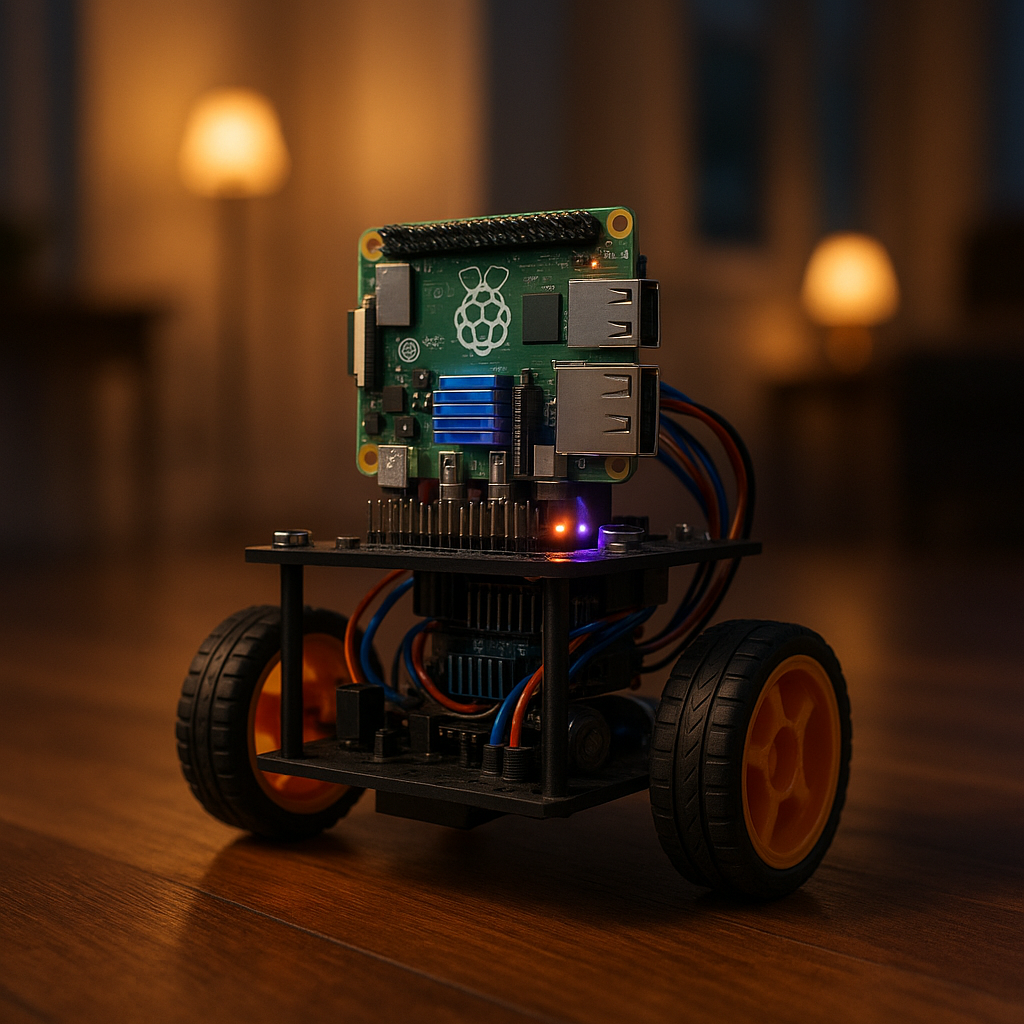
With Synthiam ARCx, the robot runs its brain on its own computer—Windows 10/11 or Ubuntu 24.04 LTS on x64 and ARM64, including Raspberry Pi. You open a browser on your laptop or phone and teach it places. Then you close the tab and go make tea. The robot keeps running because the brain is on-board, not in the tab.
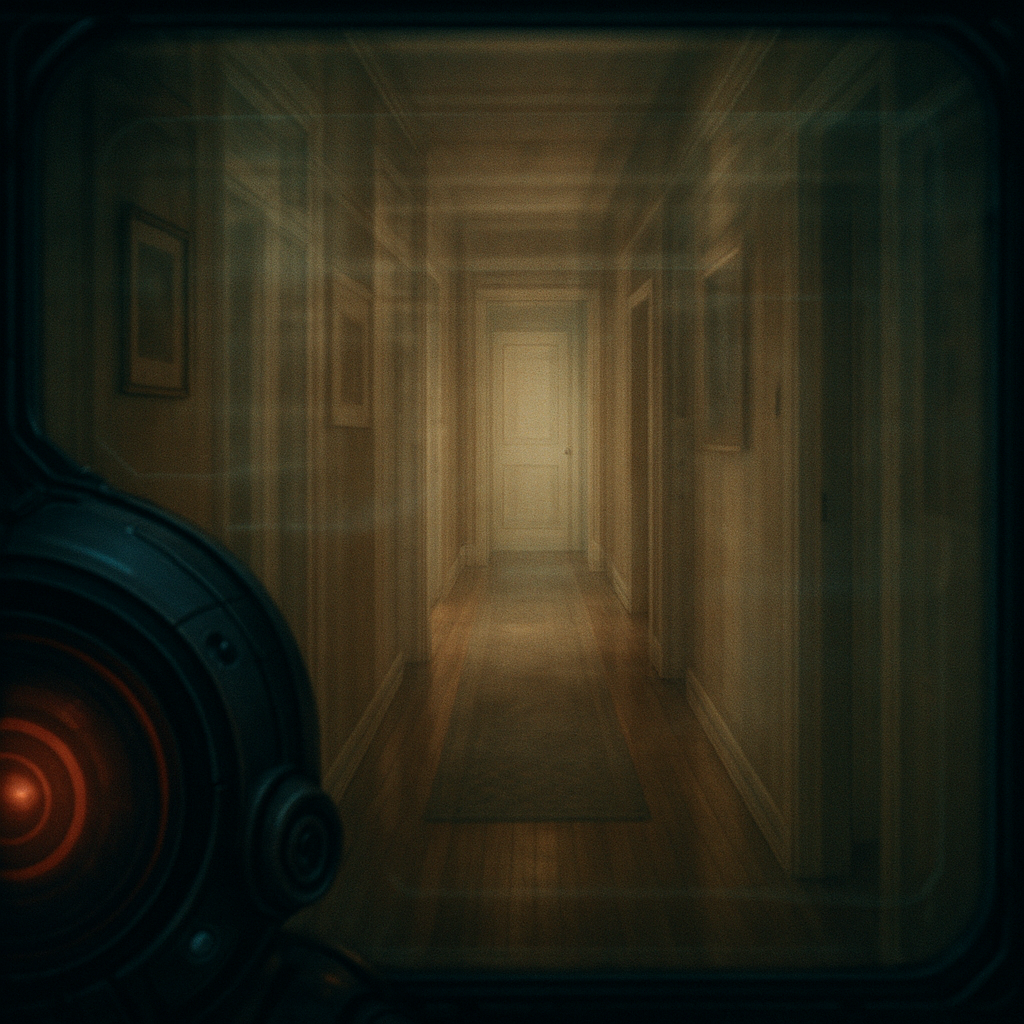
Visual Waypoint Navigation turns your home into named memories. The robot drives bedroom → hallway → kitchen by recognizing scenes it has already seen. Your hallway never cared about coordinates anyway. It cared about how it looked at 3 p.m. on a Tuesday.
Teach Once, Drive Many
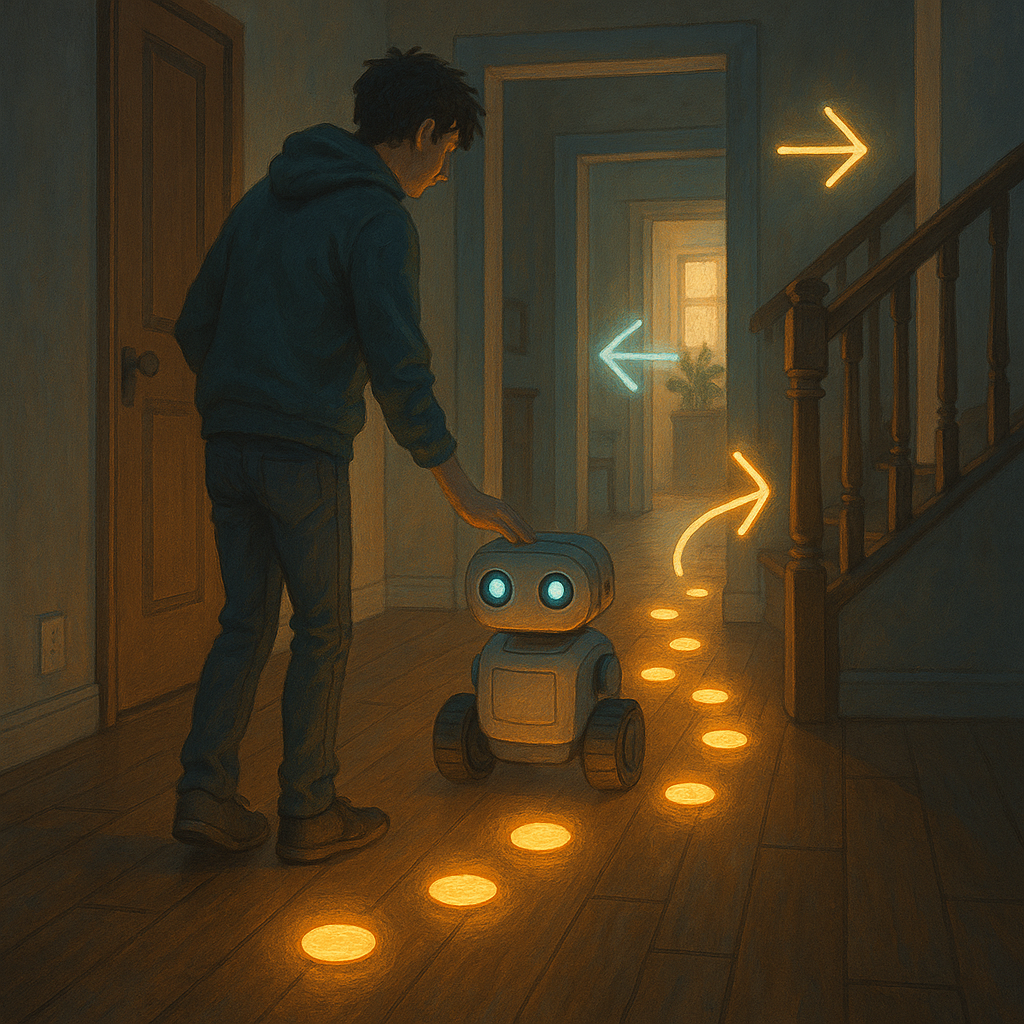
Training is simple. In the Visual Waypoint Navigation skill, you move the robot with the on-screen buttons. Park it in the kitchen, name the place, and add a few views while turning a little each time. Do the same in the hallway. Then record a route from hallway to kitchen. The skill keeps keyframes as the view changes and lets you add extras at tricky spots like doorways.
Routes are one-way because the camera faces forward. The way back looks different, so you record that too. Later, telling the robot “Go to the kitchen” from the bedroom chains routes together: bedroom → hallway → kitchen. If you trained it, it can drive it.
Nerd Corner: How It Actually Works
Every camera frame is turned into a short list of numbers called a feature vector. Think of it like a fingerprint for a scene. ARCx runs a vision model called DINOv2 in ONNX Runtime to make that fingerprint. Two looks at the same place make similar vectors. Different places make different ones.
To compare two vectors, the skill uses cosine similarity. Imagine two arrows from the same point. If they point the same way, the cosine is near 1. If they point in different directions, it drops toward 0. The robot picks the waypoint or keyframe whose vector points most like what the camera sees right now.
While following a route, the robot matches keypoints between the current view and the next keyframe. If the match is shifted to the left, that is a heading error. The robot turns left to cancel it. When the next keyframe matches better than the current one, it advances. At the last keyframe, it stops when the view is close and the scene is about the same size as when trained. All motion goes through the Movement Manager, so your favorite movement panel stays in charge of motors.
The robot isn’t reading a map. It’s humming a tune it learned, and checking each note against memory.

Edge Brains, Calm Hands
ARCx includes ONNX Runtime and can use your chosen graphics card for the model. That keeps the robot responsive because the CPU is free for other jobs. You choose acceleration in Options → Preferences → Acceleration. The log tells you which device loaded the model. Yes, the robot will brag in the log when it hits the GPU. Modestly.
This all runs headless on the robot. Open one browser or five at once; all stay live while the robot keeps working. Add or remove skills without restarting. If a skill breaks, the rest keep running. And if you need to stop everything now, the panic button halts scripts, movement, servos, and audio at once.
Who Decides to Go? LLMs as Tour Guides
Navigation is a tool. Decisions are another story. ARCx’s Autonomous AI skill can act as the robot’s decision maker. It sees through the camera, listens, speaks, drives, and calls the control commands of skills in the project as tools—so adding Visual Waypoint Navigation gives it a new way to move. Say “Bring me the charger from the kitchen,” and the AI can plan, speak, and invoke the route to kitchen before doing the rest. Safety limits keep it in bounds.
Need glue code? Athena, ARCx’s built-in assistant, reads your project and helps write JavaScript or Python that calls the skill’s commands. You approve any change it suggests. Prefer the map world? ARCx can bridge to ROS 2 with the ROS 2 Connector over a WebSocket, so the memory robot can still chat with coordinate fans.
ARCx embraces memory-first navigation and makes it practical: camera-only teach-and-repeat, browser programming, GPU-accelerated vision, and tools that work together without drama. The result is a robot that doesn’t know its coordinates—but does know the way.
If a place is something a robot can remember, not just a point on a grid, what exactly do you want it to remember about you?
- Runs on the robot: Windows 10/11 and Ubuntu 24.04 LTS on x64/ARM64 (Raspberry Pi included)
- Headless; program from a browser on laptop, tablet, or phone
- Add/remove skills live; isolated skills keep projects stable
- Camera-only teach-and-repeat via Visual Waypoint Navigation (DINOv2, cosine similarity)
- Movement through the Movement Manager; works with many movement panels
- GPU or CPU acceleration for ONNX Runtime selectable in ARCx
- Autonomous AI uses skills as tools; safety limits bound behavior
- Athena writes JS/Python that knows your project’s commands
- Custom UI designer for phones, tablets, or kiosks
- ROS 2 Connector via rosbridge over WebSocket
Key Thought
Maybe “place” is not a number but a story—a sequence of views your robot can retell without ever saying X or Y.
Big Idea
Synthiam ARCx turns perception into action. A camera becomes a compass. Each new skill becomes a new tool for the brain you build in your browser. Start here: Synthiam ARCx.
