
DJ Sures spoke at the Grow Conference in 2014, this was someone's iPhone recording.
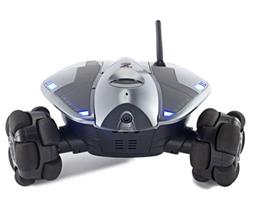 Wowwee Rovio
— Movement panel integrating WowWee Rovio with Synthiam ARC for remote drive, live camera, audio and docking control. Under development.
Try it →
Wowwee Rovio
— Movement panel integrating WowWee Rovio with Synthiam ARC for remote drive, live camera, audio and docking control. Under development.
Try it →
