

Change Release Notes
This one is a fun update.
ARCx v2026.09.30.03 introduces a brand-new Visual Waypoint Navigation Robot Skill, expands ARCx's neural-network capabilities with ONNX Runtime hardware acceleration, and adds new controls for choosing how AI workloads run on your system.
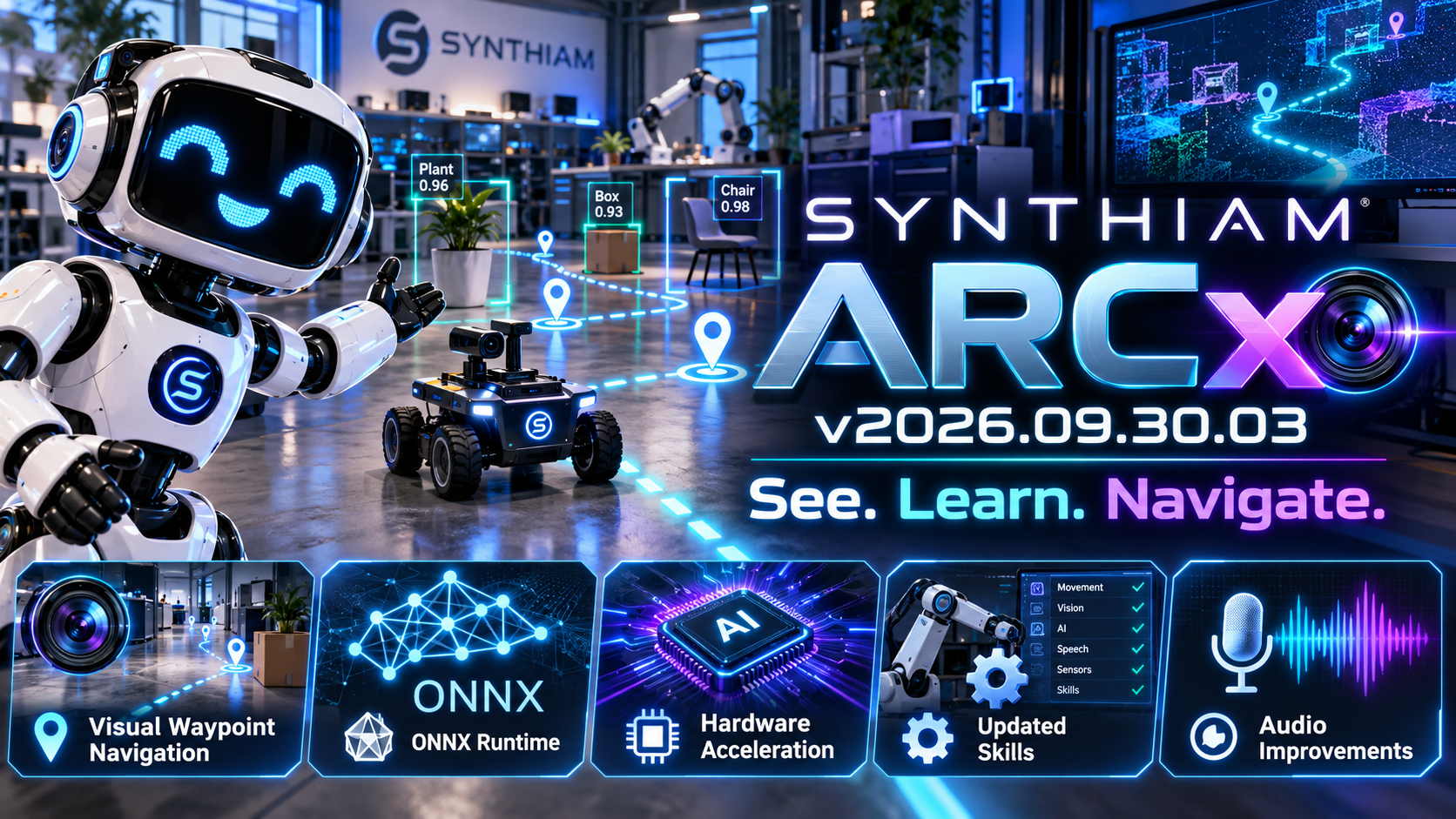
In other words: more vision, more AI, and more control over the hardware doing the work.
New Visual Waypoint Navigation Robot Skill
ARCx now includes Visual Waypoint Navigation, a new robot skill designed to let robots navigate using what their camera sees.
You can teach the robot recognizable visual locations and use those locations as waypoints.
Instead of relying entirely on GPS, lidar, wheel odometry, or a pre-built map, the robot can use visual cues from its environment to determine where it is and where it needs to go.
Drive the robot to a location.
Teach it what that location looks like.
Then let ARCx use those learned visual waypoints to help the robot navigate back to it.
This opens the door to some very interesting autonomous robot projects.
ONNX Runtime Is Now Part of ARCx
ARCx's neural-network infrastructure has received a major upgrade.
ONNX Runtime integration is now built into ARCx, providing a common foundation for Robot Skills that use machine-learning models.
That means individual Robot Skills can take advantage of ARCx's neural-network runtime instead of each skill having to manage its own implementation.
Cleaner Robot Skills. Shared infrastructure. Better performance.
Hardware-Accelerated Neural Networks
Neural-network workloads can now take advantage of supported hardware acceleration.
ARCx includes support for execution options such as:
- CUDA
- WebGPU
- CPU execution
This allows compatible systems to move expensive neural-network processing away from the CPU and onto hardware better suited for the job.
For robots performing vision, object recognition, speech processing, or other AI workloads, that can make a very noticeable difference.
Choose Your Neural Network Accelerator
A new section in ARCx Preferences lets you control which hardware ARCx should use for neural-network execution.
This means ARCx can adapt to very different robot computers - from compact systems running entirely on CPU to workstations equipped with powerful GPUs.
The robot skill doesn't have to worry about the hardware.
ARCx handles it.
Robot Skill Update Notifications
ARCx can now notify you when installed Robot Skills have been updated.
After startup, ARCx can display a new robot skill update dialog so you're aware when something you're using has changed.
No more wondering whether that robot skill quietly received a new version while you weren't looking.
More Reliable Audio Handling
The ARCx audio services received another round of improvements as well.
Stream handling has been refactored to better recover from situations such as:
- Audio devices being unplugged
- Streams unexpectedly stopping
- Playback resources changing underneath ARCx
These changes improve stability for robots that depend heavily on microphones, speakers, speech recognition, and synthesized speech.
Under-the-Hood Improvements
We've also updated dependencies, configuration, and internal components to support the new ONNX infrastructure and keep ARCx's growing cross-platform architecture maintainable.
A lot is happening underneath ARCx right now - and much of it is building the foundation for increasingly capable AI-powered Robot Skills.
ARCx v2026.09.30.03 takes another big step toward robots that can understand and interact with the world around them.
Teach them what a place looks like. Give them neural networks. Give them hardware acceleration. Then see where they go.
Download ARCx
Install ARCx on the computer that runs your robot — from a first prototype to a commercial product or an industrial cell. Available for Windows 64-bit, Linux 64-bit and Linux ARM64 for Raspberry Pi (Ubuntu 24.04 LTS 64-bit).
Linux
Ubuntu, Debian & friends
64-bit (x64) (zip)
Raspberry Pi
Single board computers
Linux ARM64 (zip)
Requires Ubuntu 24.04 LTS (64-bit)
ARCx is always evolving. Follow along in the community for updates.
Follow ARCx development Download ARC today
Upgrade to ARC Pro
Your robot can be more than a simple automated machine with the power of ARC Pro!