Tutorial

Published
— Updated
Step 1 of 8
For anyone who uses, or wants to use "Cepstral" voices, you may be aware that they also supply sound effects with the voices they offer. These are great to have your robot sound, well, like a robot and not so human. Downloading a Cepstral voice and selecting a sound effect to use such as "Old Robot" will work fine with Windows Narrator, but won't work straight away with EZ-Builder, only the non effect voice will be heard. But there is a way to achieve this.
Related Robot Skills
(view all robot skills)

Step 1
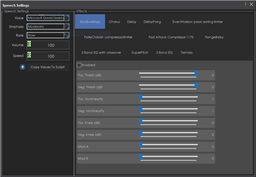
Here I will use "Cepstral Lawrence" as an example but the setup is the same whatever voice you purchase. So to get the Cepstral effects working on EZ Builder, do the following....
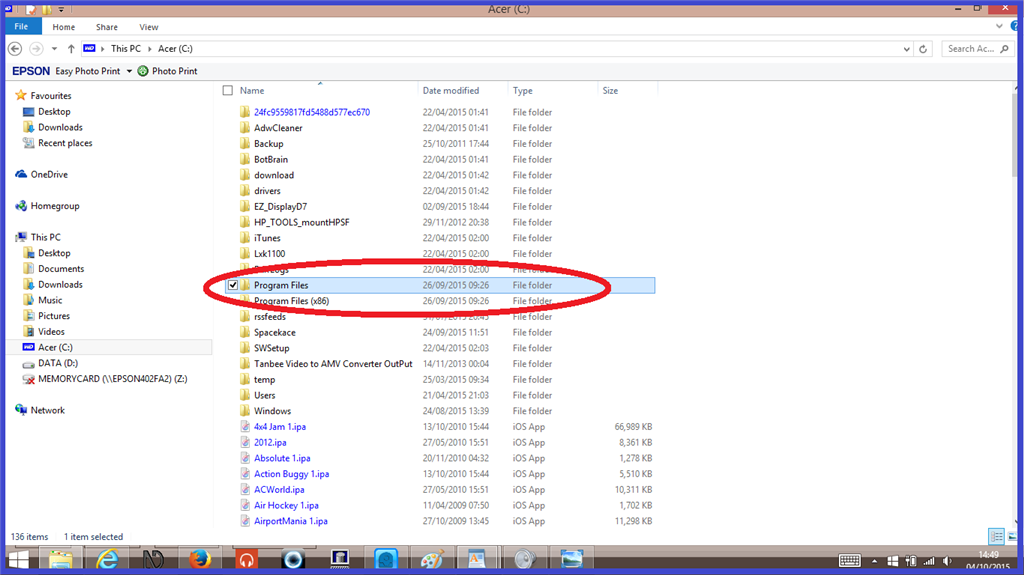
Open your (c: ) drive, then click on "Program files".