
Boydw
Australia
Asked
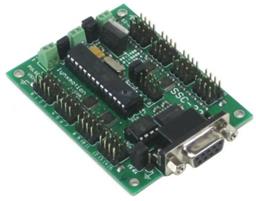
Sabertooth 2 X 32
Hi I have a question about the power outlets P1 and P2 I have a small RC controlled trolly to be used on a construction site. This requires that I have a beeper and flashing light. Hoping to use the Power outlets to operate light and beeper. I seem to be unable to get the power outlets to work. Despite setting the board to brakes and timeout limits to 0 as per manual its not working. As I understand I connect - to the P outlets and + to the main power input Can anyone give me some advice on this? Thanks in advance
Related Hardware (view all EZB hardware)
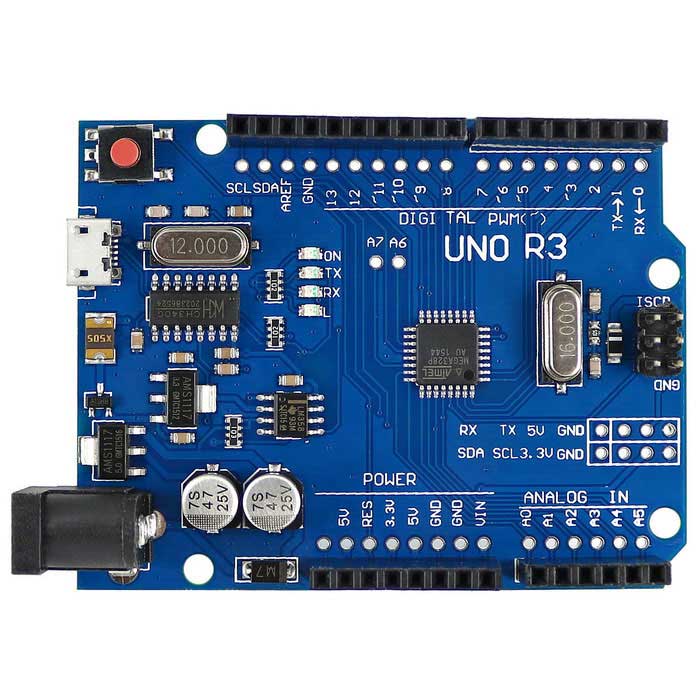
Arduino Genuino Uno
by Arduino
Program Arduino Uno with EZB firmware for Synthiam ARC control; pinouts, PWM pins and frequency details for Arduino boards.
USB
Servos
12
Camera
Audio
UART
✕
I2C
ADC
6
Digital
14
Related Robot Skill (view all robot skills)
Sabertooth Movement Panel
by Dimension Engineering
Sabertooth movement panel: control two motors via Simplified Serial with variable speed sliders, movement buttons, and serial port options.
Requires ARC
v10

I hope EZ script isnt phased out too, Im just startingto learn it again, Ive seen Java, not so easy to pick up.
Ideally i'd like to get rid of ezscript, but i guess it doesn't hurt by keeping it in there
If it doesn't hurt. Let it be.
I think it's the genius and success behind the whole EZ Robot success.
Ya, I know, you have split off from EZ Robot and changed the name of ARC to ARC and totally enhanced the software. But EZ Scrip is the secret that makes it work for everyone. Kinda like the Universal Translator on Star Trek. My advice if it's worth anything, don't ever let it go.