

joinny
Japan
Asked
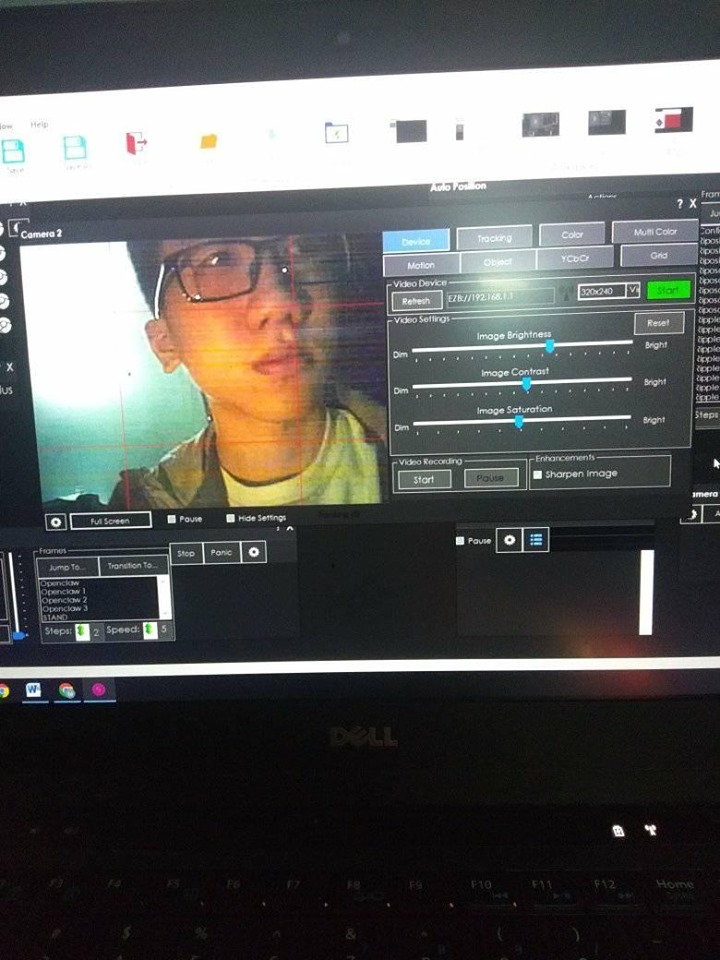
The Camera Suddenly Disconnected
Related Hardware (view all EZB hardware)

EZ-B V4
by EZ-Robot
EZ-B v4/2 robot controller: dual Cortex ARM, Wi-Fi, audio/video, 24 servo/digital ports, I2C/UART, camera and Synthiam ARC control for custom robots
Wi-Fi / USB
Servos
24
Camera
Audio
UART
3
I2C
ADC
8
Digital
24
Related Robot Skill (view all robot skills)

Camera Device
by Synthiam
Use PC or robot cameras for vision tracking: color, QR, glyph, face, object, motion; record video/data, control servos and movement, run scripts

A few things to note...
In the camera control "Tracking Start" script. You have "WAIT FOR FACE". The tracking start script is when the tracking has already been detected. You don't wait for anything inside that script. Remove WAIT FOR FACE. There's some great educational programming lessons at ez-robot. Here's a link: https://synthiam.com/Tutorials/
There's some good tutorials on how to detect faces and such.
The same applies with Speech Recognition. You've also added a bunch of WAIT FOR in the speech recognition. If you're wanting to detect a face. Simply enable face tracking. Don't WAIT FOR anything.