
NordBotJon
Route Audio File Out To EZB 1
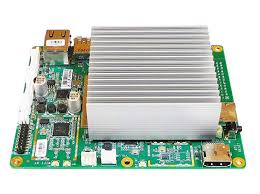
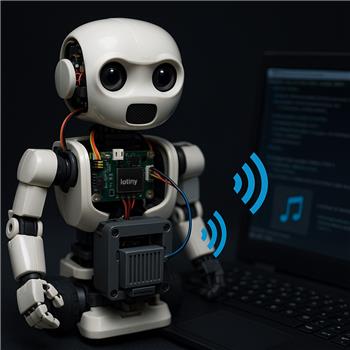
ARC is running on an Atomic Pi inside my bot, and I’m trying to get audio to come from the head speaker. I’ve got two controllers connected over WiFi: an EZB v4 as Connection 0 (in the base) and an IoTiny as Connection 1 (in the head with the speaker). Using the Audio File Out EZB skill, pressing Play always streams to the primary EZB (#0). The log shows "Playing: c:\sounds\hello.mp3" followed by "Streaming to EZB: 0", and audio comes from the base. If I unplug the base speaker, I get silence.
What I’ve tried:
- Reordering the connections so the IoTiny is #0 makes the head play audio, but it breaks a bunch of existing scripts and servo configs that assume the v4 is #0.
- Adding two instances of the Audio File Out EZB skill (hoping one could target #1) still only streams to #0.
- Scripting a temporary default switch in JavaScript around the Play command:
SetDefaultEZB(1);
ControlCommand("Audio File Out EZB", "Play", "c:\\sounds\\hello.mp3");
Sleep(5000);
SetDefaultEZB(0);
Even with a delay and trying Stop before switching, the skill’s log still reports it’s streaming to EZB: 0.
Is there a supported way to direct the Audio File Out EZB skill to a specific EZB index (e.g., #1) or to temporarily switch the primary just for this control without reconnecting and reassigning all my other controls?
Related Hardware (view all EZB hardware)