

TripleJ500
 Resolved by DJ Sures!
Movement Tracking Not Working
Hello, I have a n issue that I recently ran into and was wondering if anyone had any suggestions on how to fix it.
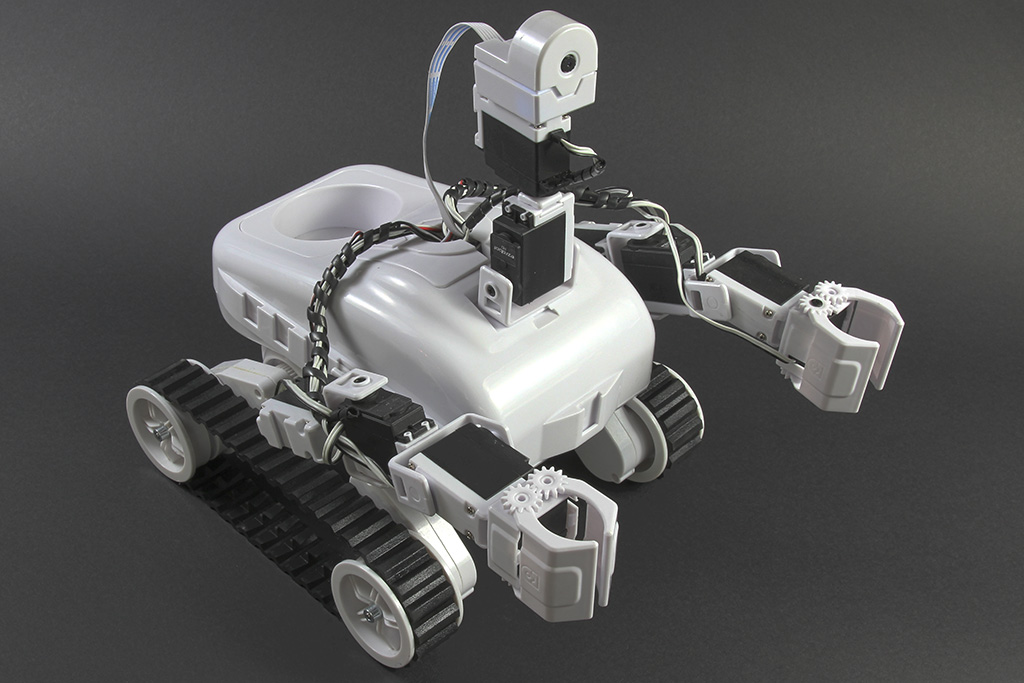
I've been working with my Revolution Roli robot for almost 2 months now and everything had been working fine up until now. Whenever I try turning on Movement Tracking in the Camera Device skill, the robot does not move at all, even when a learned object is in it's view (To be more specific, I am tracking an object by it's color. The color is showing up fine in the Multi-color picker and the focus box is showing that the object has been recognized, but the robot is not tracking it). I've double checked the wiring to make sure that everything is properly hooked up to the board, I double checked to make sure all the servos are assigned to the correct port, and I have tried creating a new project from scratch, as well restarting my computer, but nothing is working.
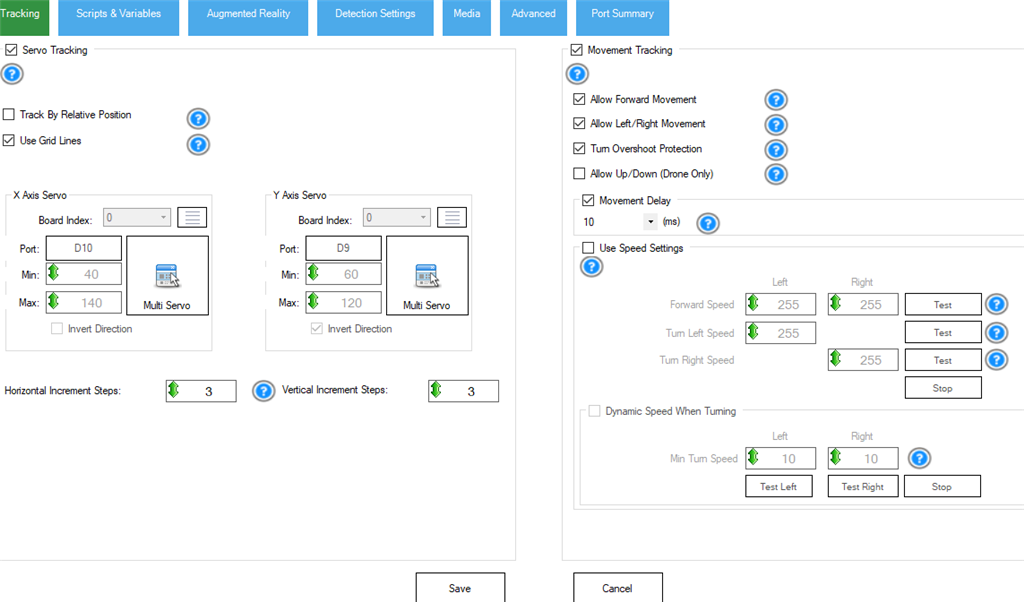
Also, I have tried using the HBridge PWM Skill to move the robot around manually and that works just fine, as well as the servo tracking. It seems that only the movement tracking is not working. I have attached a picture of my Camera Device settings as well. Any advice on what to do?
Related Hardware (view all EZB hardware)
Related Robot Skill (view all robot skills)


Thank you for the feedback!
Thank you all for the support. I resolved this a while ago but forgot to set the question as resolved.