




I Am Itchin' To Get Started
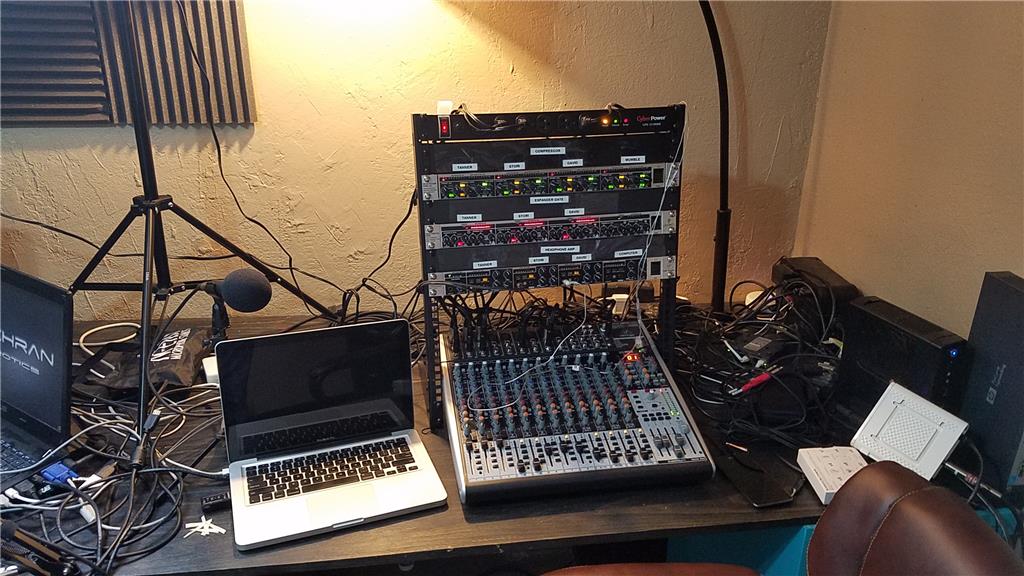
A while ago I had mentioned that I would be starting a video podcast that functions as technical classes for homeschool students. I had also mentioned that I would go all in if I did it. Well, I went all in. My office has been converted to a video podcaster's paradise. Last weekend I was able to get the mixer, compressor, gate, Audio interface, green screen, dynamic mics, cameras, lighting and sound dispersion panels installed in my studio. My hosts (Tanner and Stori) both have a JD now and are learning about them by going through the LMS curriculum that was developed. We will start some "test" shows on Thursday evenings which will help the hosts to be more comfortable in front of the camera and allow them to get really comfortable with the robots and the technology behind the video podcast. The podcasts will be live so you will get to see all of the fun if you want to
On another project, I have been working with a group in the middle of nowhere Texas that is setting up a ranch for people who have aged out of the foster care system in Texas. Next week I will be setting up their firewall, NAS, domain server, some workstations, network and such. They will be using the class mentioned above for their students to teach them about robotics on the EZ-Robot platform. I want to do a show from the ranch but the logistics could make that difficult.
I will post the links to the video podcast streams later. We will be streaming on Youtube and Twitch. We also will have the RTMP feed available to be viewed directly. We have a mumble room and IRC channel that I will publish also. These allow participation in the discussion that is happening and in the show. Along with that, 662-4ROBOT1 is a direct phone number into the show, and Skype is also available. If you want to check out our early tests, I will post the links later. The official start is on May 6th 2017. We will be broadcasting from our booth at a Homeschool show in Oklahoma City.
I want to also do a show on Saturdays on more generic topics but all relating to technology. Nicholas (my son) will be teaching an Intro to Programming class. The next semester we will move up to intermediate programming and robotics classes.
SM@RT Club is the Patreon support page for the classes. I still have some work to do on it, but it is there at least.
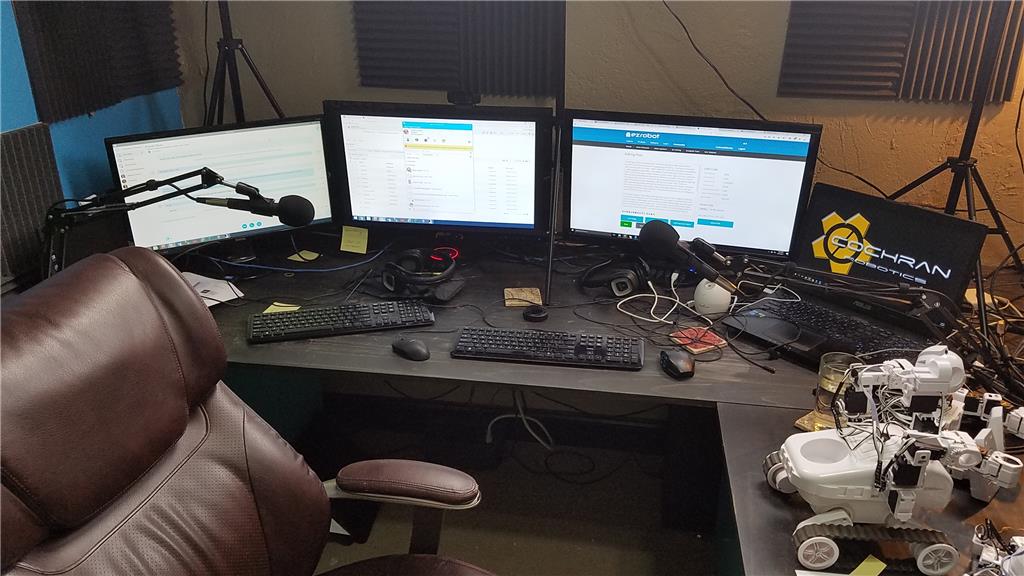
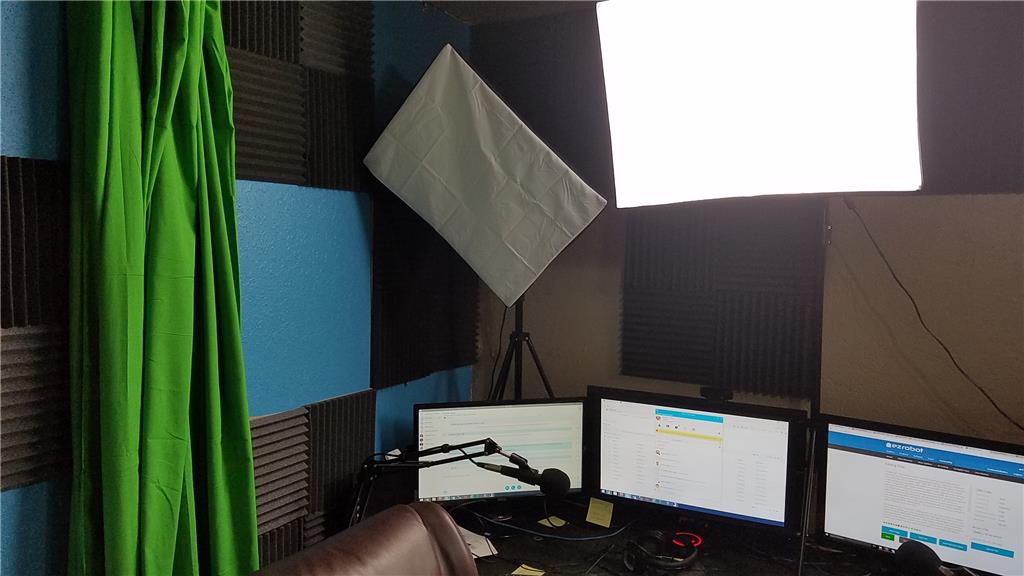
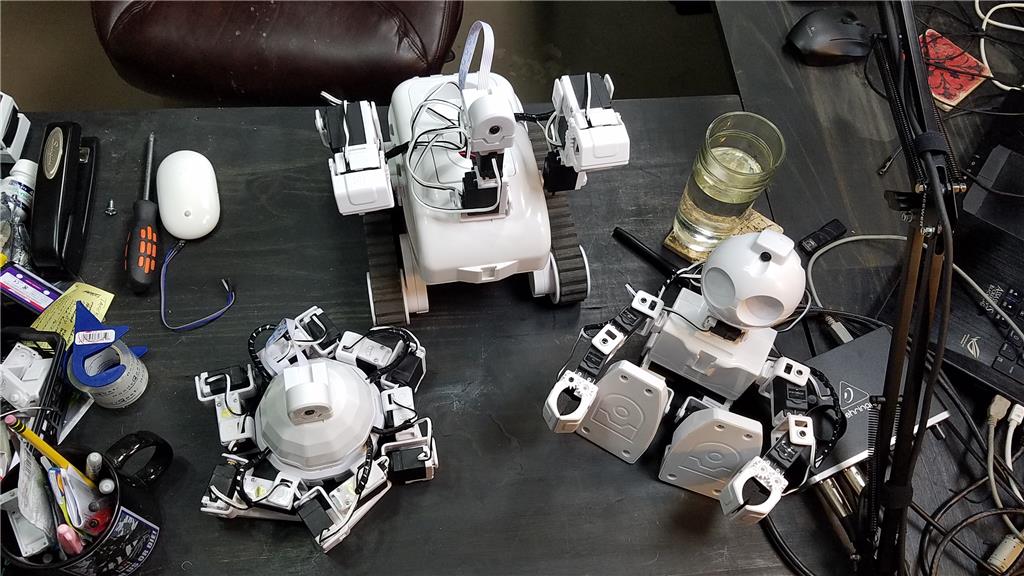
I guess I still need to clean up some cables...

The show is live and people can participate in the show via IRC from the webpage to ask questions or make comments during the show.
I plan on doing more shows like the one coming up. They are enjoyable but are time consuming. I have 5 hours of video on the latte panda so far but most of it is me figuring things out on it like 1 hour on putting the case together. It took about an hour and thirty minutes to install the windows updates and so on. This stuff will be edited down so the show wont be amazingly boring
The advantage that I see to a small board like are
It would be best if I could get my son on sometime to discuss api.ai. He has more experience than I with it. I will see what his availability is.
With the 4G version, it comes installed with Windows but it isnt activated. I discuss this in the show some more, but yes, you will need to buy a license for Windows 10 when you activate Windows 10.
I should also say, Tony's interview is a real delight. It gives you a greater appreciation for Tony and his passion for pushing forward robot technology. He is a genius in my book and is always willing to help people.
Thanks David, it was a pleasure to do the interview - and we all appreciate your hard work bringing this great show together!
Tony
Really looking forward to the show!
Me too...all the above mentioned made it clear why the Latte Panda is perfekt for the little space available in a robot, I was just thinking if you would need to hook up a keyboard and screen to run ARC, while the EZ-B will be connected via Wifi anyways it would make little sense to get it! The Arduino is kind of a nice extra for having the COM port hardwired and safes space which is kind of cool, but hooking up the EZ-B via USB would be really something awesome...we all experienced latency due to polluted Wifi channels, or the EZ-B dropping out and loosing its connection...so any info on how this can be done would be highly appreciated and would make me order a Latte Panda right away!
In the video I show remote connecting the Latte Panda so that you dont have to have a keyboard, mouse and monitor connected. I used Team Viewer for this but VNC is a free option that works well.
I am seriously considering buying one of these for myself. It is working good so far once you get past the hour and a half of installing Windows Updates and doing a scan with Windows Defender. Both of these consume quite a bit of processor while running.
The power plug is a 5v 2A plug so power consumption isn't crazy high at all. The power port is a micro usb port, so it would be good to use a breakout board for this and then supply power from a voltage regulator that can handle 2 Amps. It is the same config as what I have in place in Rafiki for the tablet. It makes for an easy install for me personally.
I also want one to have a small linux computer that I can pack with me very easily. I already have a mini keyboard/mouse bluetooth device that works great on linux. I would just need a small monitor of some sort. It gives me options anyway, but I would probably just connect this to the flatscreen that we use when doing shows.
They sell a 7 inch screen and also even one with touch on their products page...
https://www.lattepanda.com/products/
And I totally agree that this little device is a gem! Good that you can confirm that all the stuff they promise really works the way it should! And yes, even though Windows 10 is by far the best OS they managed to put together any type of less consumptive operating system would be far better for a device like this...sadly enough my knowledge of Linux is painfully limited!
So lets see where this will take us all...thanks for sharing and going thru the effort of putting the show together David!
Talk your son into doing an interview.. It would be great to get his input on the api.ai.
Maybe he could do something on his programming podcast regarding ai. He could maybe do a teaser instruction class about the api.ai. Do you know the cost?
I am surprised the case was such a pain. I thought coming from the company it would be a piece of cake to build and install the board.