



Irobot Create EZ-B
Followed DJ's youtube video on soldering the servo cable and connecting it to the irobot.
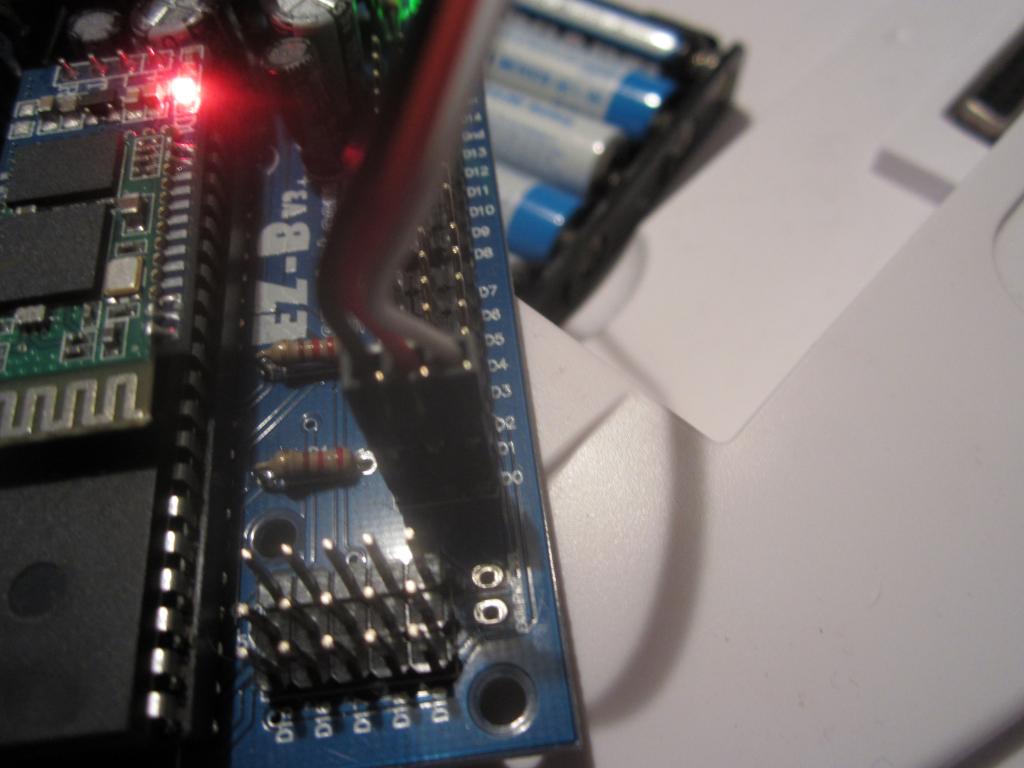
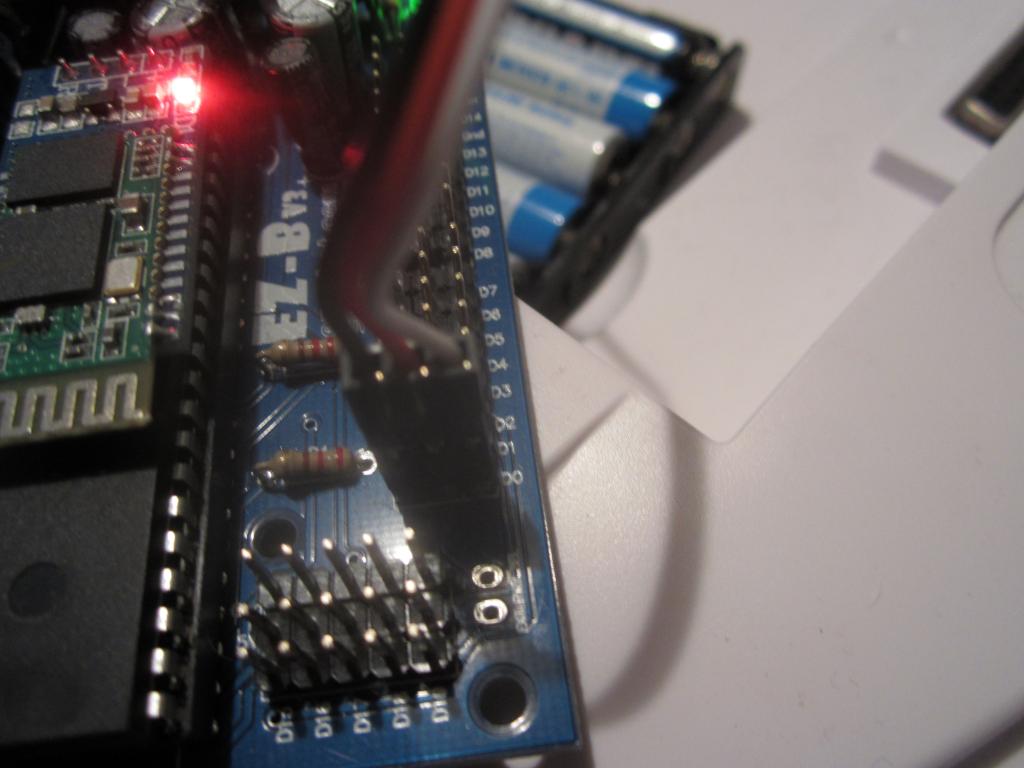
Had the Movement Panel working and could control my Robot perfectly when EZ-B let you choose the port. Now I update EZ-B and the firmware to 15.7 and it tells me I have to use D0, so i did. No response or movement. Help me.
Would love to skype or call with someone who knows whats going on. I need this to graduate highschool.
Skype: jacob.dubois2 Cell: Six034Nine9344Eight

Does the Roomba tones panel work?
if not try using old protocol and holding down the Play button while powering on Create until you hear a sequence of descending tones then try the movement panel/tones panel
You can use a script sendserial to communicate with the Roomba but you need to know what baud rate it using 1st
Thats about all I can think of
I cannot reproduce this issue. I have 3 roomba's at different baud rates and they all work. Port D0
I took a volt meter to D0 and found out it isnt producing a signal. How can I fix this fast? My servo doesnt work on D0 but does on D1. Anyway to get the old version? stress
D0 has been damaged. It's the only port that supports the roomba. Contact Us and ask for a replacement chip