

robbarker37
United Kingdom
Asked
Free Up Lattepanda Slot
Hi, I have a LattePanda integrated into my robot system. On my main PC, it indicates that two slots are being used. How can I free up one slot to allocate it for the robot? Thank you!
Related Hardware (view all EZB hardware)
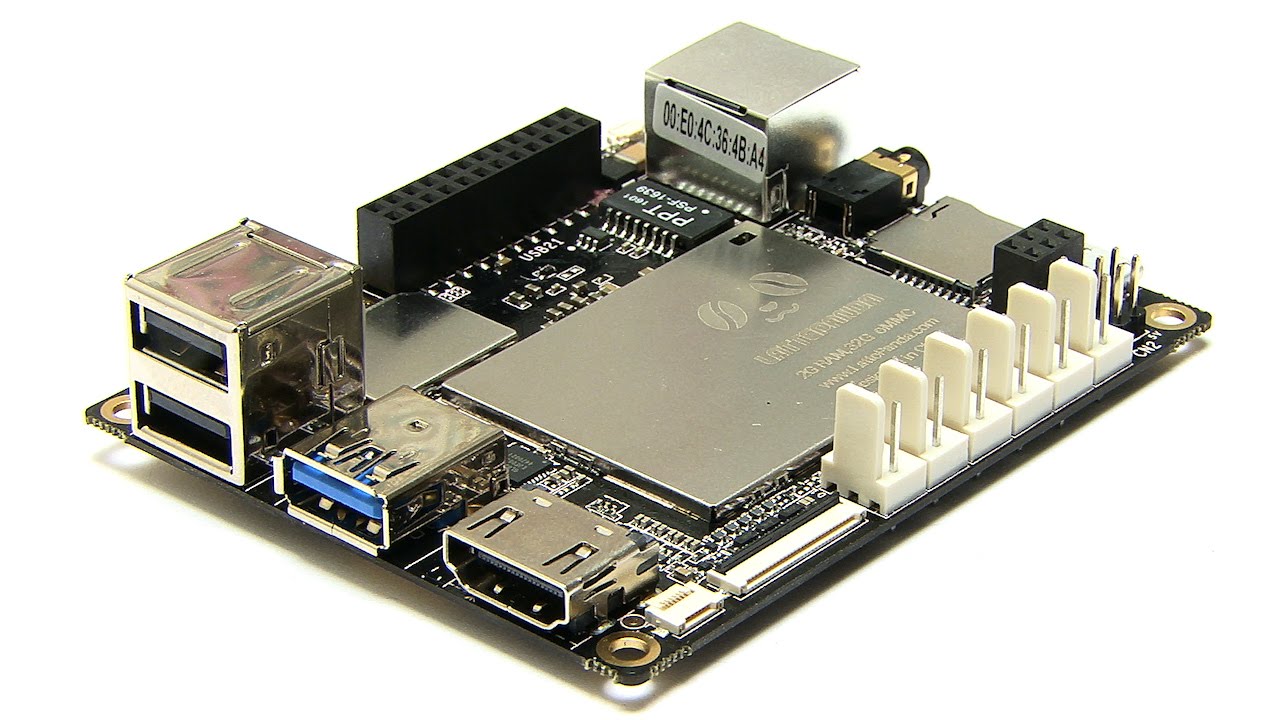
Lattepanda
by DF Robot
LattePanda runs Windows and Synthiam ARC, with onboard Arduino (EZB firmware) for GPIO and direct EZ‑B v4 hardwire control with low latency.
Wi-Fi / USB
Servos
12
Camera
Audio
UART
1
I2C
ADC
5
Digital
12
Related Robot Skills (view all robot skills)

EZB Connection
by Synthiam
Connects EZ-B I/O controllers to ARC via COM or IP (5 connections). Supports init scripts, battery monitoring, TCP/EZ-Script server and serial/I2C.

EZB Connections
by Synthiam
Add and manage up to 255 EZ-B I/O controller connections in ARC, select COM/IP ports or device addresses to connect or remove devices.

First, quick clarification: when you say "two slots are being used," I’m assuming you mean ARC Pro subscription seats (PC activations). If you actually mean the Connection skill’s EZ-B connection slots, tell me and I’ll give those steps instead.
If you mean ARC Pro seats, here’s how to free up a seat on your main PC so the LattePanda can take it.
Steps - release the seat from the main PC
Activate the LattePanda
Other options (if you don’t want to revoke)
If you’re actually referring to EZB Connection slots (the Connection control showing two EZB indexes in use), tell me:
I can walk you step-by-step (with screenshots if you want) - which slot type are you referring to (subscription seat vs. EZB connection index)?