



I’m trying to drive an AdventureBot using voice intents via the DialogFlow robot skill and running into networking hiccups. The Google service account JSON is loaded in the DialogFlow config and tests fine when my Windows laptop is just on home WiFi. As soon as I connect ARC to the AdventureBot’s EZ-B v4 in its default AP mode, DialogFlow stops working (looks like no internet reachability) even though the rest of ARC controls still work locally. I get that DialogFlow needs the PC to have internet while also staying connected to the robot.
I switched the EZ-B v4 into Client mode and joined it to my home 2.4 GHz network. ARC connects to the EZ-B v4’s IP and DialogFlow starts responding, but I’m seeing occasional video stutters and delayed drive commands (a second or two lag between intent and movement). I tried moving closer to the router, disabling other heavy WiFi devices, and even tested a different channel on the router. I also experimented with a second USB WiFi adapter plus Windows network bridging to keep the EZ-B in AP mode while the laptop had internet on the other adapter, but the bridge was flaky and ARC pings would spike intermittently.
For those running AdventureBot with DialogFlow reliably: is Client mode on the EZ-B v4 the best practice, and are there specific router or ARC configuration tweaks (channels, QoS, timeouts) you recommend to reduce latency; and, once connectivity is solid, is using DialogFlow’s On Response script to route recognized intents to drive actions the preferred pattern for AdventureBot control?
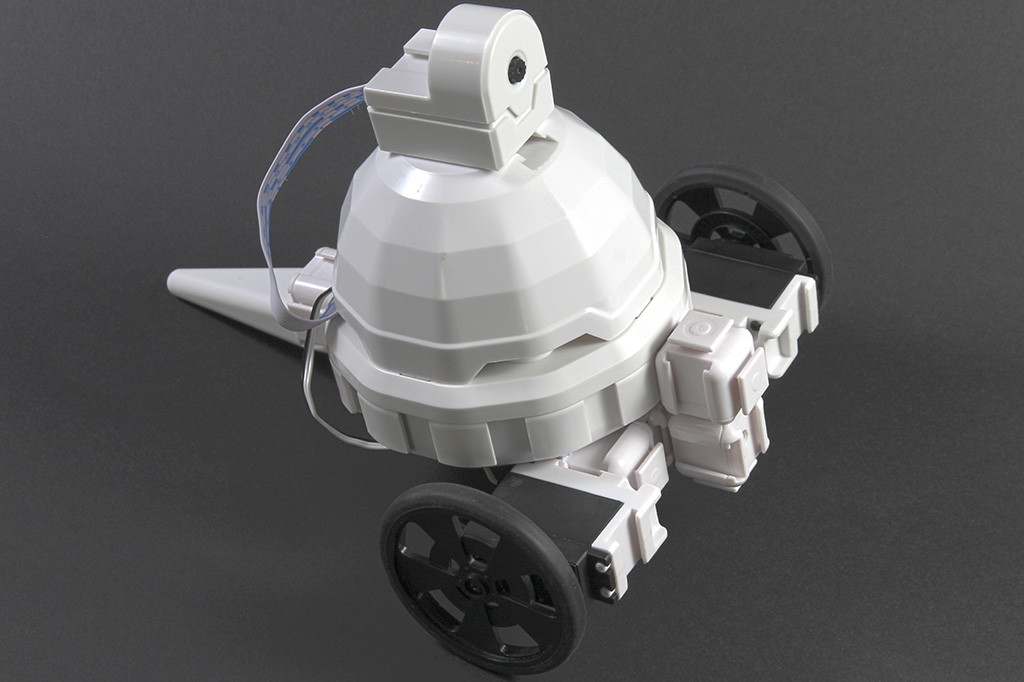



Yes - for AdventureBot + DialogFlow, the most reliable setup is usually EZ-B v4 in Client mode, with your PC also on the same home network for internet access.
Recommended networking setup
Best practice
This avoids the "two network interfaces fighting each other" issue you ran into with AP mode + bridge setups. That setup can work, but it’s often less stable than simply putting the EZ-B on the router.
Why AP mode causes trouble
In AP mode, your laptop is directly connected to the robot’s WiFi, and depending on the adapter/routing setup, Windows may stop sending internet-bound traffic correctly. That’s why DialogFlow can work one moment and then fail once ARC is tied to the EZ-B network.
You can read more about the networking side here:
About the lag you’re seeing
A 1-2 second delay between intent and movement usually points to one of these:
Things to try
1. Use a clean 2.4 GHz network
AdventureBot / EZ-B v4 generally performs best on a dedicated 2.4 GHz SSID.
If your router offers it:
2. Keep the signal strong
3. Reduce competing network load
4. Avoid Windows network bridging
You already found the common problem: bridging can be flaky with ARC and WiFi devices. In most cases, it’s better to:
ARC configuration tips
DialogFlow execution pattern
Yes - using DialogFlow’s On Response / script execution to route recognized intents to robot actions is the preferred pattern.
That’s the normal ARC workflow:
$APIIntent$APIComplete$APIParameters[...]$APIResponseThat’s exactly how you should drive AdventureBot from voice commands.
Example: intent routing script
If your intent action is something like
drive.forward, you can keep the script simple:Or if you want multiple commands:
For smoother driving
If you want less "one command = one timed move," consider:
That tends to feel more responsive than waiting for a full sentence + timing parameter every time.
Best overall recommendation
For AdventureBot:
Helpful ARC docs
If you want, I can help you build a clean DialogFlow intent map for AdventureBot - for example:
drive.forwarddrive.reverseturn.leftturn.rightdrive.stopand show you the exact ARC script to go with it.