


I recently posted a question about getting my PS3 to work with ARC. I now have a driver that allows it to be recognized and connect. The issue I am having is with the speed of the servos and the robot jitters. It just isn't a smooth movement.
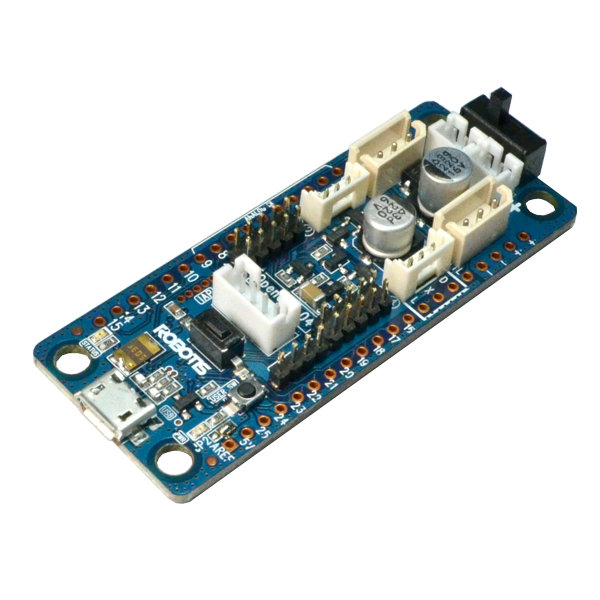
I am using a dynamixal robot arm (AX12) and an OpenCM controller. Is there a way to control the speed or sensitivity of the joystick movement? I have read most of the joystick threads and other materials, but I don't find any reference to how you can have "finer" control over how the joystick is moving the servos.
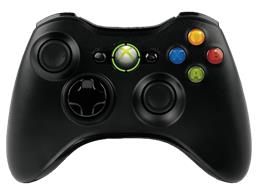
If I purchased a different joystick would it behave differently? If so, I would appreciate a recommendation on which joystick works best with ARC.
Appreciate any help. Vicki

Probably the servo position range on each axis. The joystick only has a finite resolution that’s being mapped to a large degree range.
lower the range per axis