
Sabertooth Kangaroo icon Sabertooth Kangaroo Movement panel enabling Kangaroo & Sabertooth encoder-based speed/velocity control, UART/PC serial options, tuning and encoder setup. Try it →
Asked

Controlling Servo Speed And Fluidity With Joystick Control

I recently posted a question about getting my PS3 to work with ARC. I now have a driver that allows it to be recognized and connect. The issue I am having is with the speed of the servos and the robot jitters. It just isn't a smooth movement.

I am using a dynamixal robot arm (AX12) and an OpenCM controller. Is there a way to control the speed or sensitivity of the joystick movement? I have read most of the joystick threads and other materials, but I don't find any reference to how you can have "finer" control over how the joystick is moving the servos.

If I purchased a different joystick would it behave differently? If so, I would appreciate a recommendation on which joystick works best with ARC.

Appreciate any help. Vicki


Related Hardware (view all EZB hardware)
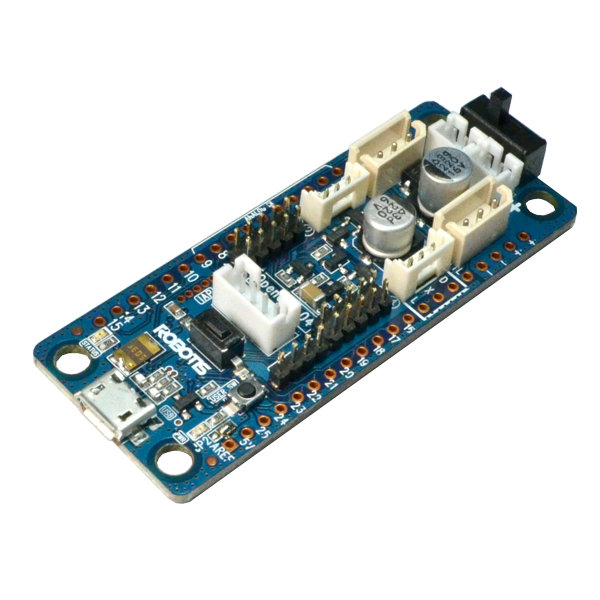
Opencm 9.04 by Robotis
Control Robotis DYNAMIXEL servos with OpenCM9.04-C using Synthiam ARC - XL-320 TTL support, expansion board for AX/MX, UART0 or UART2 selectable
USB
Servos 200
Camera
Audio
UART
I2C
ADC
Digital

Related Robot Skill (view all robot skills)
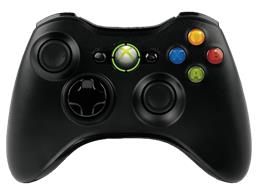
XInput joystick skill for ARC: maps Xbox controllers to movement, servos, triggers, vibration, variables; supports analog inputs and scripts.

ARC Pro

Upgrade to ARC Pro

Stay on the cutting edge of robotics with ARC Pro, guaranteeing that your robot is always ahead of the game.

Author Avatar
PRO
Synthiam
LinkedIn Thingiverse Twitter YouTube GitHub
#1  

Probably the servo position range on each axis. The joystick only has a finite resolution that’s being mapped to a large degree range.

lower the range per axis