
I would really like to be able to do what is being accomplished in the video below but, I want to be to use EZ-B to do it.
Anyone interested in this type of control? Any ideas on how to go about this?
 Sound Servo (PC Speaker)
— Maps PC audio volume to servos in real time with scalar, min/max, invert & multi-servo options-ideal for syncing robot mouth to sound
Try it →
Sound Servo (PC Speaker)
— Maps PC audio volume to servos in real time with scalar, min/max, invert & multi-servo options-ideal for syncing robot mouth to sound
Try it →

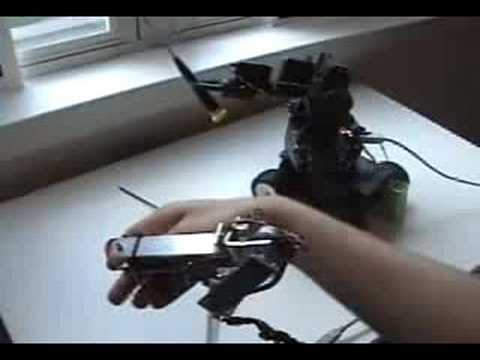
I would really like to be able to do what is being accomplished in the video below but, I want to be to use EZ-B to do it.
Anyone interested in this type of control? Any ideas on how to go about this?

Super easy dude , 2 main ways. First is the way he does in the video which is he cut the wires going to the potentiometer in the servos and ran longer wires to larger pots on the duplicate arm. Each joint has one potentiometer to represent a servo that would actuate it. As the arm moves the servo control board moves the other arm. The other option is using pot to give position feedback and then use ARC to match the position with the servo position. It's like how the robot supersoldier suites work too. Read your slight movement and then move servo to match.