Autonomy That Asks for a Hand
A robot that shares its body with your wrist isn’t less intelligent. It’s honest about intent.
With Synthiam ARCx and the Wiimote robot skill, a humble game controller turns into a robot’s second nature—drive with the D‑Pad, run scripts with buttons, and tilt to move servos. It’s part cyborg, part couch, all practical. And yes, you can press Home to make the robot stop following your chips around the room.
Shared Autonomy
Let the Wii Remote express your intent while ARCx handles motion, servos, and scripts. It’s not fighting the AI—it's framing it.
HID, Tilt, and Timing
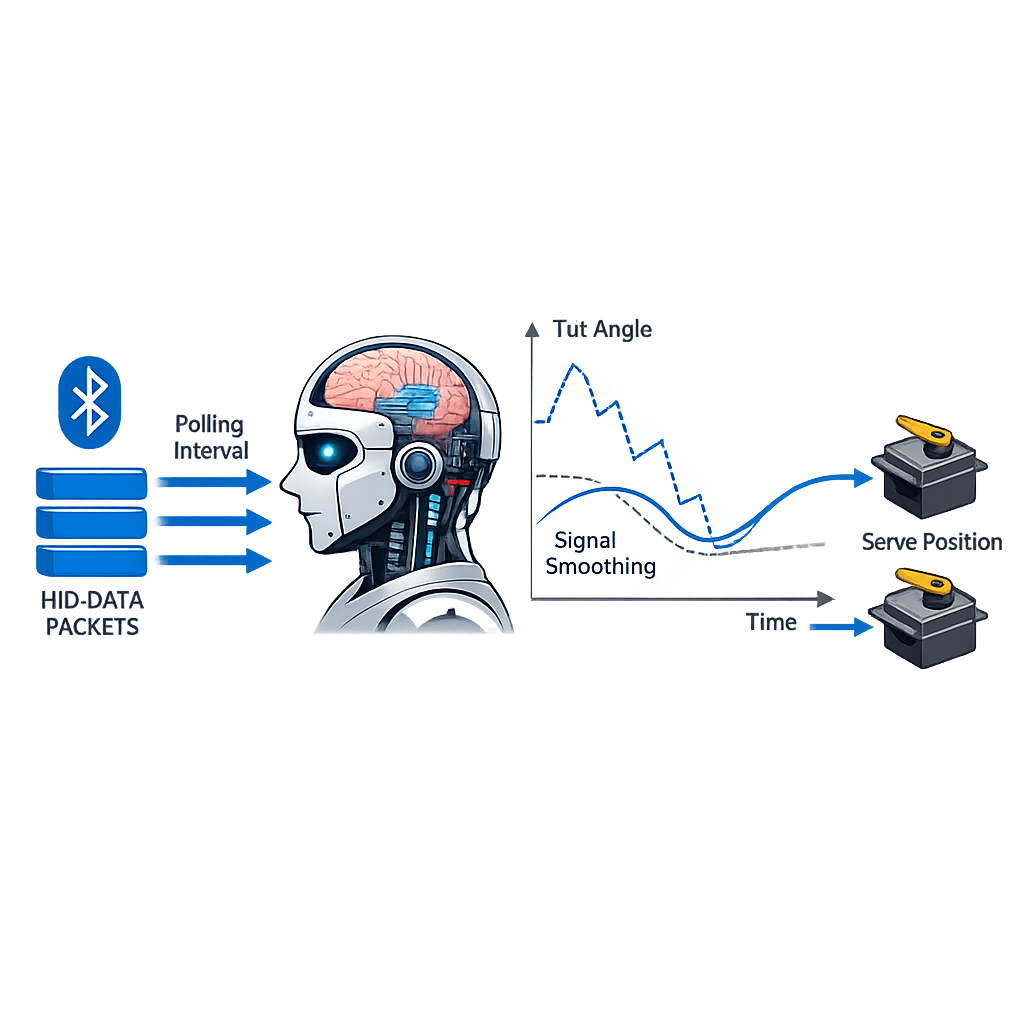
Bluetooth HID input becomes servo positions. Polling intervals shape latency and smoothness. Dead zones keep coffee in cups.
Buttons as APIs
Each button triggers a script in ARCx. That means quick macros, safety moves, or mode switches—no restarts, no drama.
The Robot That Borrows Your Balance
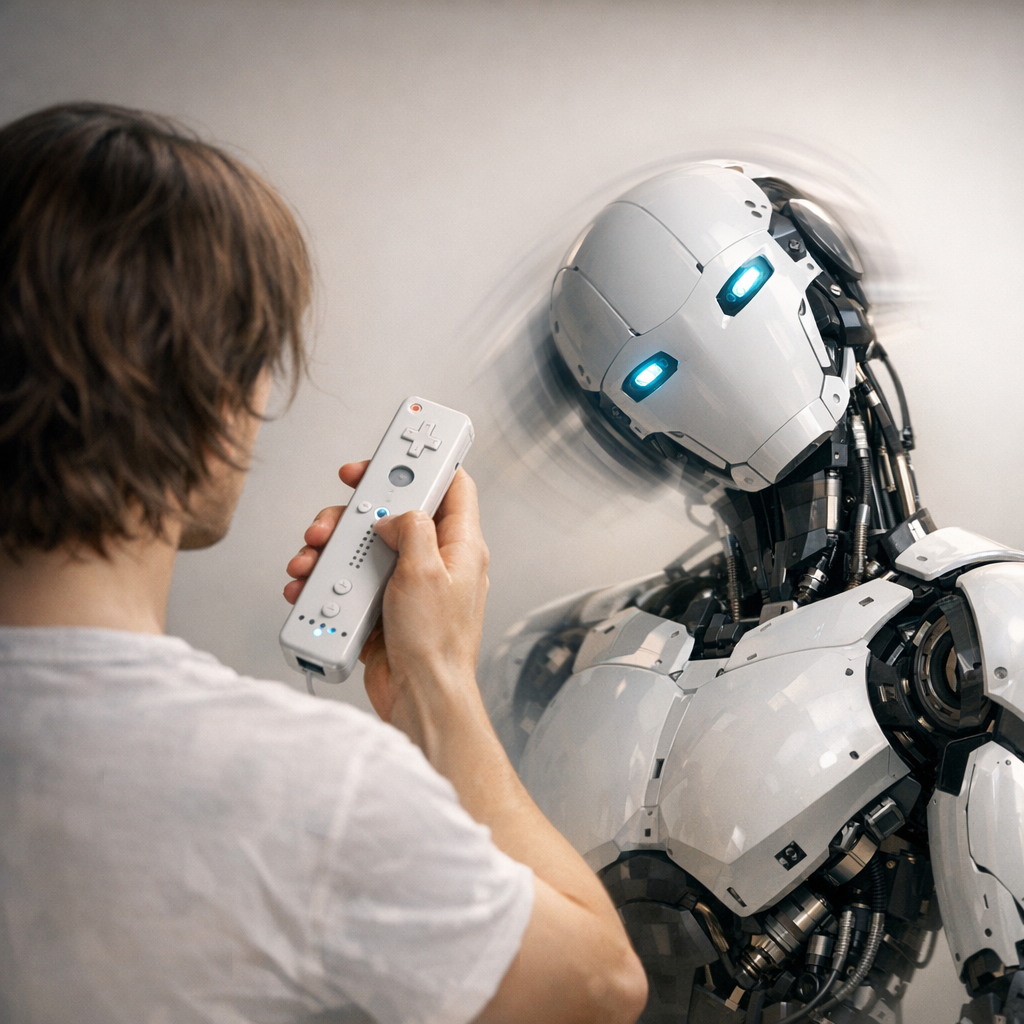
Autonomy is great at slow wisdom: planning, safety, consistency. Humans are great at fast intent: look here, not there, now. The neat trick is sharing. With ARCx and the Wiimote skill, your wrist becomes the robot’s neck muscles. Tilt, and the servos track your hand like a mirror—no joystick learning curve, just gravity and instinct.
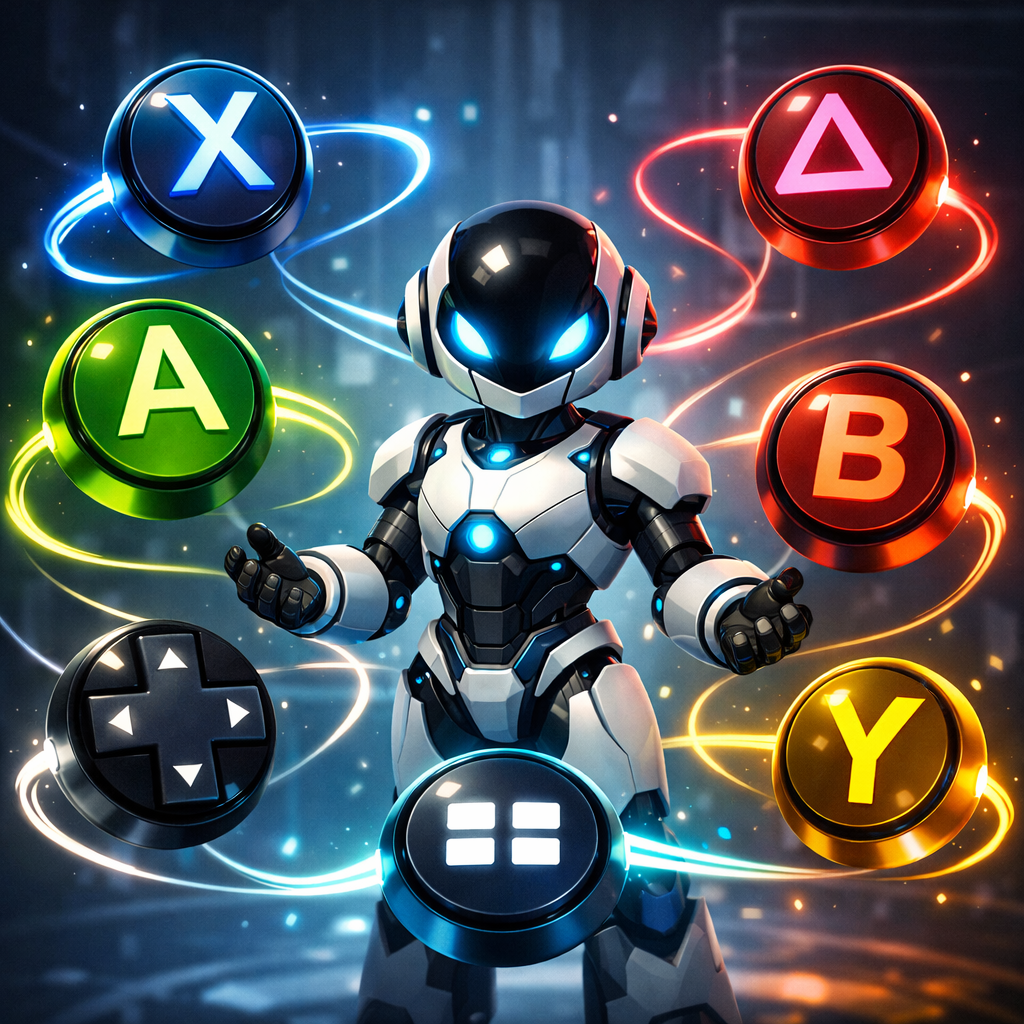
The D‑Pad can drive a Movement Panel for classic up/left/right/back. Buttons A, B, –, +, 1, and 2 each run a script you choose. Press Home to toggle “tracking” so the accelerometer is either live or politely asleep. It feels like a pact: the robot handles the hard parts, and when you want to nudge reality, you just tilt.
How It Actually Works
Bluetooth HID is the protocol that makes keyboards, mice, and controllers act the same across systems. The Wiimote speaks HID. ARCx reads it at a poll interval (for example, every 100 ms). Lower numbers feel more responsive but use more CPU. Think of it like checking your phone: check too rarely and you miss things; check too often and you get nothing else done.
The Wiimote has an accelerometer that senses tilt along X and Y. The skill maps those values to servo positions. A standard hobby servo expects a position value—ARCx handles that for you. You can add a small dead zone so tiny shakes don’t move the head. Servo hard limits in ARCx keep motion inside safe ranges, so “look over there” never becomes “look behind your own spine.”
If you want curves instead of straight lines, add easing in your script. Or switch the accelerometer to variables and write your own filter. Pro move: map tilt to a named kinematic chain for a neck, so X/Y angles become natural head arcs without thinking in single-servos.
Buttons Are Little APIs
Every Wiimote button can run a script. In ARCx you can write JavaScript, Python, or Blockly—same API either way. Use IntelliSense in the built‑in editor to call movement, servos, camera, audio, or networking. The AI script assistant (Athena) even drafts code that knows your project’s skills and commands. You approve every change before it goes live.
Examples? Map “A” to an Auto Position action for a “greet” pose. “B” can set a global variable that switches your robot into a “follow me” routine. Turn off “Control Movement Panel,” and the D‑Pad directions each call their own scripts—perfect for modes like “scan shelf,” “take snapshot,” or “turn on a status LED.” Multiple Wiimotes? Add several skill instances, one per remote, and set the Remote Number so LEDs tell them apart.
The Consent Button
Tracking on the Wiimote skill is explicit. Press Home, and accelerometer control wakes up or sleeps. This matters. It draws a clean line between your intent and the robot’s autonomy. You can put the controller down without your bot watching the floor like it lost its keys.
ARCx layers in more safety. A big red panic button in the editor stops scripts, movement, servos, and audio at once. Rumble gives you quick haptic feedback that the link’s alive. Battery and extension status keep you honest about power and attachments. It’s all the small feedback loops that make trust feel simple.

Why ARCx Makes It Boring (and That’s the Magic)
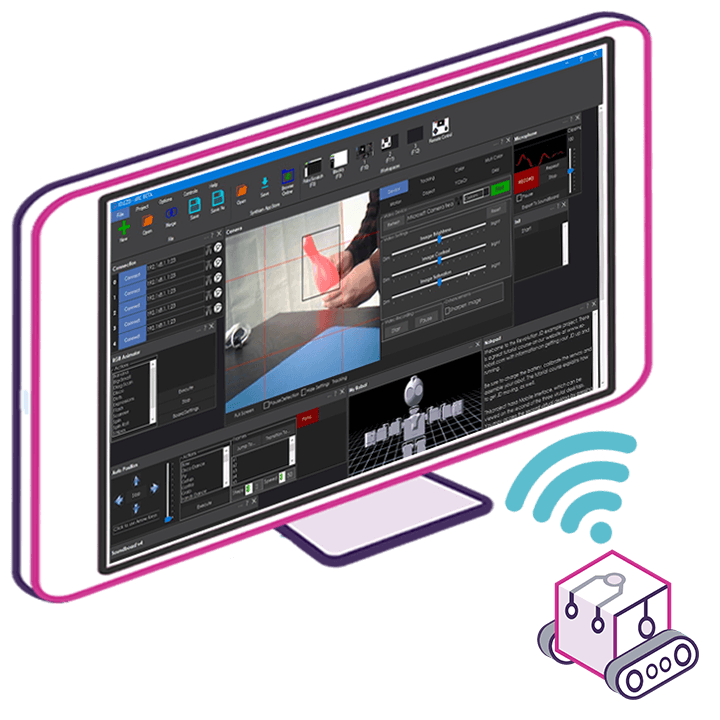
Synthiam ARCx runs on the robot’s own computer—Windows 10/11 and Ubuntu 24.04 LTS on x64 and ARM64, including Raspberry Pi—and it runs headless. You program it from a browser on your laptop, tablet, or phone. Close the browser; the robot keeps running. Open several browsers at once; they all stay live. Add, configure, or remove robot skills without restarting, and each skill is isolated so one bug doesn’t end the party.
The Wiimote skill is delightfully portable because it uses Bluetooth HID—no native binaries to wrangle. Pair the remote in the OS, click Connect in ARCx, press Home to start tracking. From there, your scripts can touch anything in the project. Want ROS 2 in the mix? Add the ROS 2 Connector skill and bridge over WebSocket while still keeping your thumb on the D‑Pad. Want an LLM to decide when to act? Add Autonomous AI so the model can call your robot’s tools; keep a Wiimote button to flip modes via a global flag your scripts watch.
In other words: ARCx makes shared autonomy routine. That’s good. Boring is what you want when metal moves near ankles.
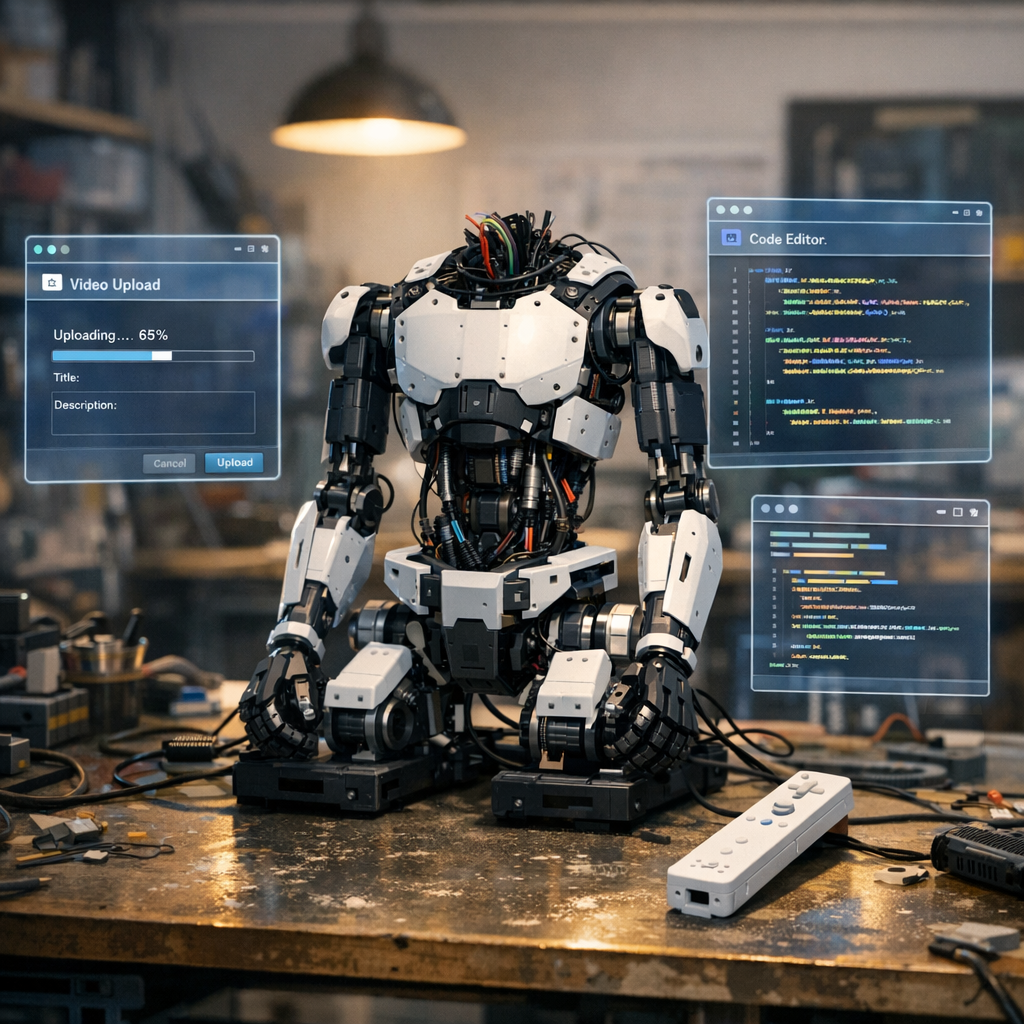
Where ARCx lands: it embraces human intent without ego. The Wiimote skill makes intent obvious; ARCx makes it dependable.
Question: If a robot can share its body with you this easily, what part of yourself are you most willing to lend it?
- Drive with D‑Pad; buttons run scripts
- Tilt maps to servos or variables
- Home toggles tracking on/off
- Runs headless; program from any browser
- Add/remove skills live; isolation per skill
- Windows & Ubuntu 24.04 LTS (x64/ARM64)
- Multiple Wiimotes supported (set Remote Number)
Key Thought
Control isn’t the opposite of intelligence. It’s the interface for intent. The secret is making it fast, clear, and stoppable.
Big Idea
Buttons are the new APIs for bodies. With ARCx, each press can trigger movement, vision, or speech—while autonomy hums in the background, ready when you let go.