

Mago
USA
Asked
— Edited
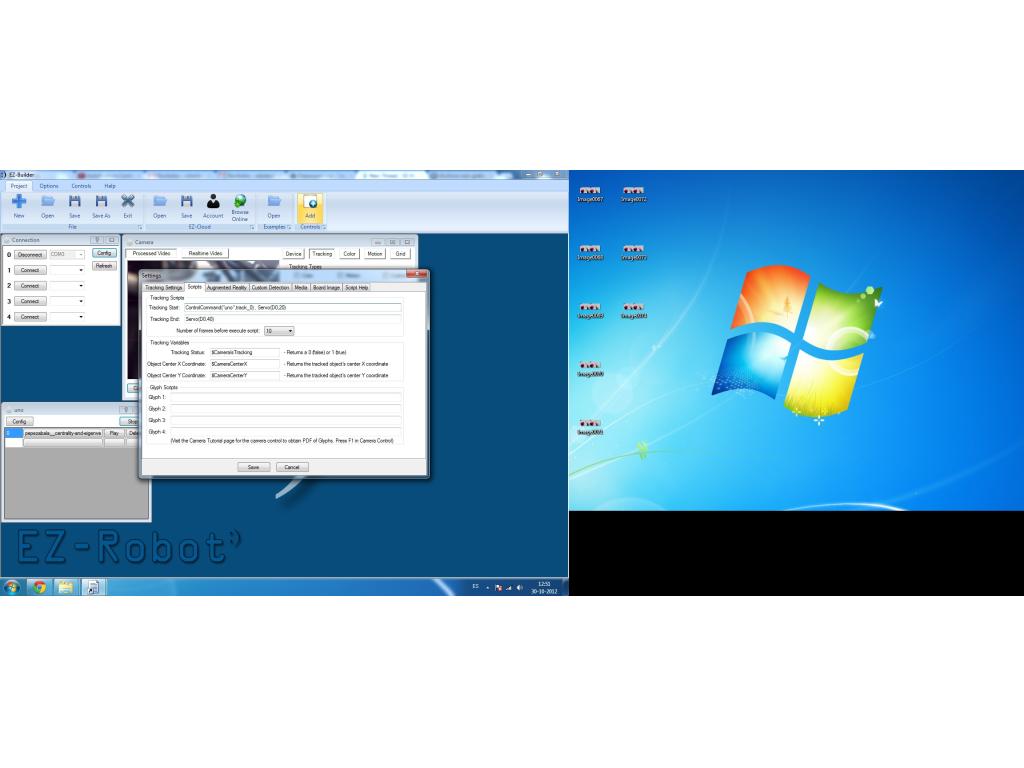
Use Multiple Tracking Script
Hi, i try use 2 script in 'Tracking Start' or ' Tracking end' but i can't do it.
Any solution for use 2 script in the same line?
i need move my servo from 50 to 60, and after back to 50.
Thanks a lot (:

Hi yes just start a separate script panel which moves your servo to one position then perhaps a pause and back again.
You use this
ControlCommand("moveservo1", scriptStart)
Create a script panel and name it moveservo1 and another called moveservo2
e.g. The tracking start runs moveservo1 and tracking end runs moveservo2
check out the Procedural examples in ARC
Hope this helps Neil
Mago, press the EXAMPLES button to view examples of scripting with procedures