

sandeepraj
India
Asked
— Edited
Steps For Troubleshooting The Motors & Firmware Question In Windows
EZ-Builder software is not supported in every system(firmware above 2.0) of ours.
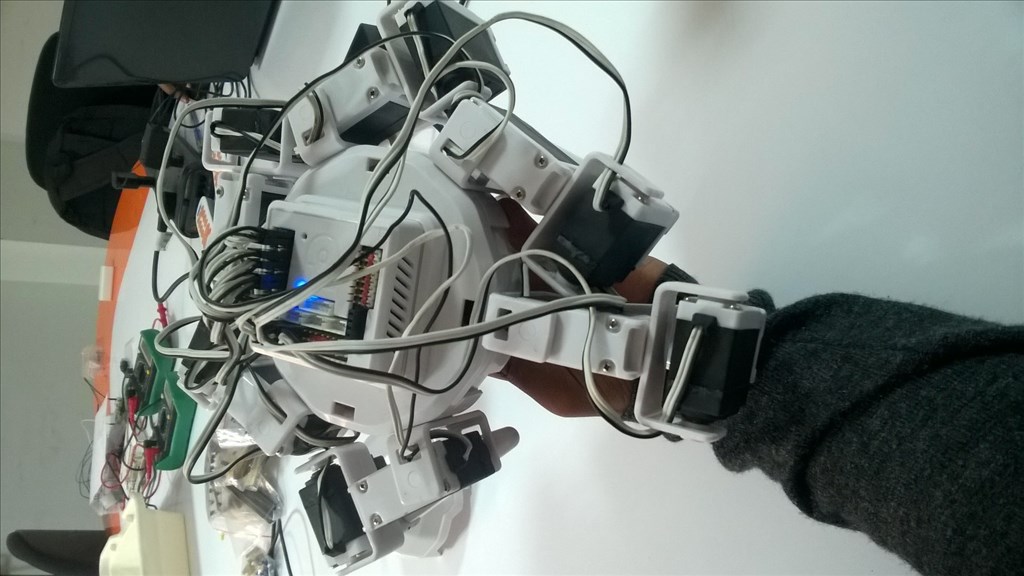
One of the motor is not working & i need some troubleshooting steps.
Thankyou.
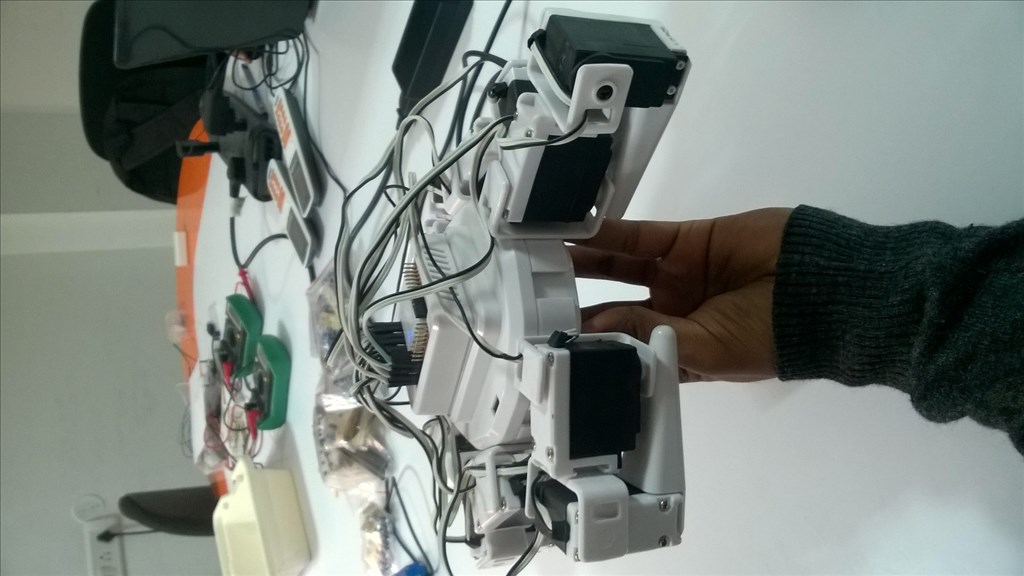

When the IC is burnt, this may indicate an defective motor (shortcut...). If so, your IC replacement and work will be lost soon again. Also the motor may be blocked mechanically - can you turn it manually?
I'd strongly suggest to test the motor first, before any other attempts to repair. Does somebody have figures, how much current the motor will draw in normal (DC) operation, at which voltage?
The motor is not blocked mechanically, its movement is very smooth when manually rotated. Voltage drawn by the motor is 7.5-8.0 volts. Current drawn by the motor varies respective to the activities.