

crazyhardware
Germany
Asked
— Edited
Searching Plugin For Kinect 2.0
Hi,
Im searching a way to use the Microsoft Kinect 2.0 for my Robot ( InMoov ). Is here everyone who has written a plugin ( Beta-Status/ Source is ok )?
Best reguards Hansi

synthiam.com/Community/Questions/9289
yes i wrote one plugin but is not published yes.
check this thread:
https://synthiam.com/Community/Questions/9289
I m almost done, finishing a few more tests.
Thanks to all, I'll take a look to the other Thread.
I've a Kinect 2.0 for the XBOX One, it do not work with the "Kinect Body Control" Plugin. The only way I found to get Datas from the Kinect 2.0 are the ControlCommands.
Best reguards Hansi
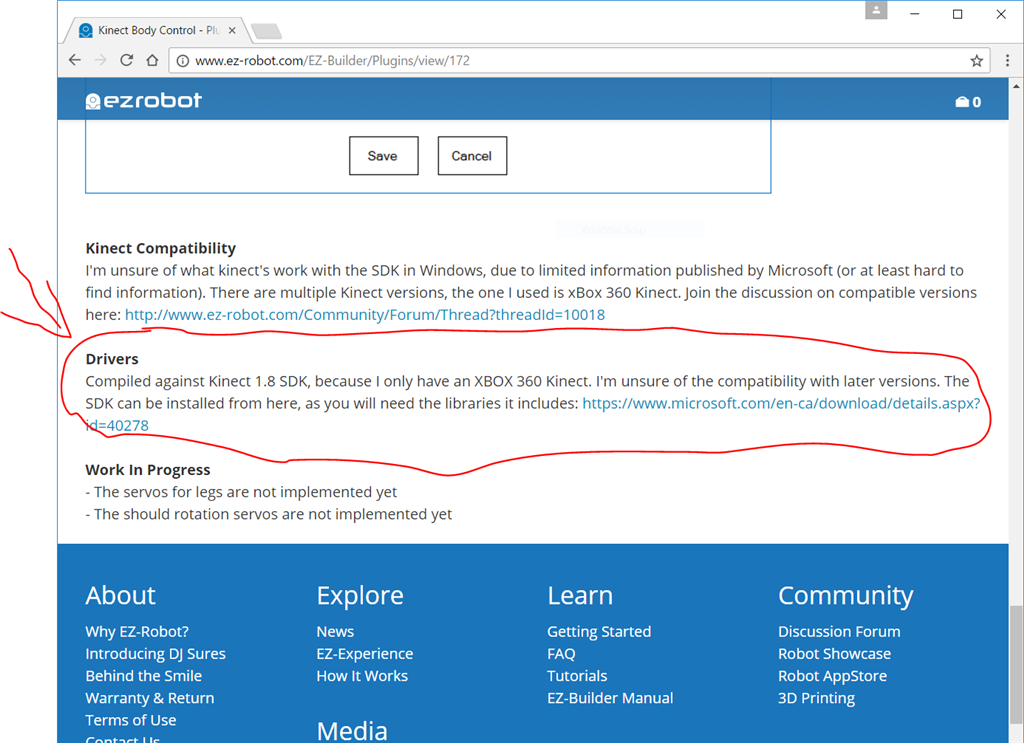
you read the "Kinect body control" plugin page and installed the correct driver from the link provided?
Yes, I installed both, the "Kinect SDK 1.8" and the "Kinect SDK 2.0". All Demos from the SDK 1.8 do not work with my Kinect 2.0.
Best Reguards Hansi
That's good to know. My Kinect is from a 360, so I can't test with anything newer
I try to write a plugin for the Kinect 2.0, but I don't know how I can create a Viewer? All Samples based on WDF / XAML Files, but for a plugin I need a normal Window.
How do you realised the Plugin/Viewer vor the Kinect 360?