

rubenvogeler
USA
Asked
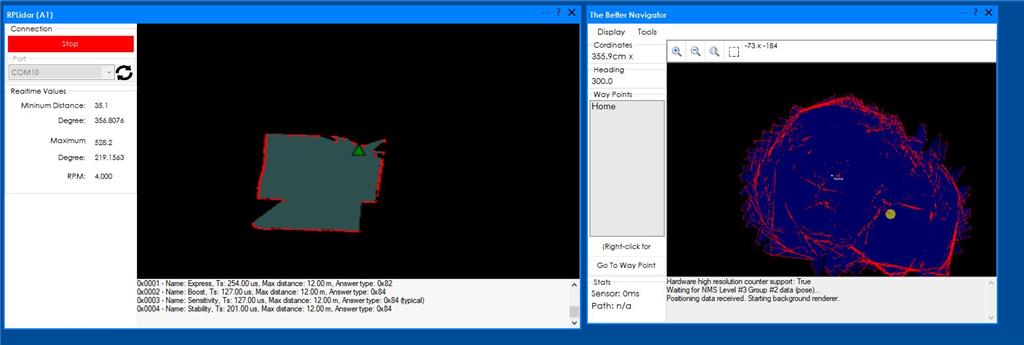
Rplidar A1 And Better Navigator
I have connected the A1 lidar and I can see the mapping on RP lidar, but on the Better navigator, I just see lines without the map shape. I had followed the tutorial video, but still can't get the area map in the better navigator. How can I fix it?
Related Hardware (view all EZB hardware)
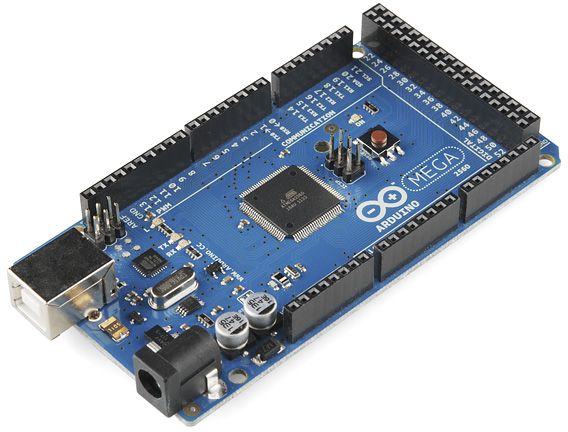
Arduino Due/Mega
by Arduino
Synthiam ARC enables Arduino Mega 2560 control with 8 ADC, 13 PWM, 21 digital ports and 24 servos; includes firmware, shield and tutorials
USB
Servos
24
Camera
Audio
UART
3
I2C
ADC
8
Digital
21
Related Robot Skills (view all robot skills)
The Better Navigator
by Synthiam
Hector SLAM-based ARC navigator that maps with lidar/depth, saves waypoints, plans paths and autonomously navigates while avoiding obstacles.
Requires ARC
v44
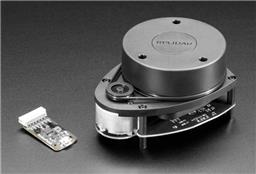
Rplidar
by Slamtec
Slamtec Lidar driver for ARC; scans 360° and publishes distance data to NMS for mapping, obstacle avoidance, and navigation.
Requires ARC
v28

first check that your lidar is mounted the correct direction. the softare needs to know what direction it is mounted otherwise the map will look like that
ensure you only have one robot skill pushing the pose data to the better navigator. what robot skills do you have added?
i'd need to know your configuration for the robot skills. by looking at the photos, i can only guess the two suggestions above without knowing anything else. configuration screenshots is useful. Also a list of what other robot skills that you're using would be needed as well. If you followed the video tutorial for the better navigator, my guess is that the lidar is mounted in reverse.