

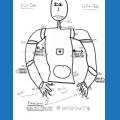







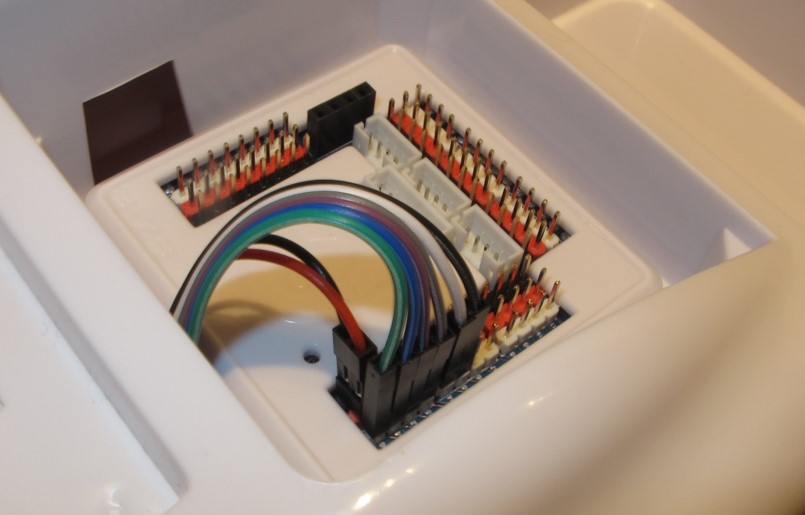
I'm going through the tutorials (this particular one is lesson 44), and something seems off. I've followed the instructions completely but the H-Bridge controls don't function correctly. Roli will move backwards just fine, but "Stop" causes the left tread to stop, "forward" causes total stop, right causes total stop and left causes only the right tread to move.
Any advice would be greatly appreciated.

Sorry Nomad, that tutorial is not a good one to follow as it is wired to work with the ez-bv3. It is wired differently for the v4, see here.
Please follow the Roli HBridge Tutorial to verify that the wires are connected correctly Here is a link to the tutorial: https://synthiam.com/Tutorials/Lesson/44
As for the wires directly on the HBridge (which is inside roli), there is a section at the bottom of the tutorial with images.
thanks jeremie
Thank you so much for all of your help everyone! My robot is fully functional now.
Rich posted above: Check the push switch on the H-Bridge is pressed down to enable the onboard 5V regulator.
This lesson indicates the same thing (https://synthiam.com/Community/Tutorials/69?courseId=3).
The lights on the H-Bridge only come on when mine is in the up position, and Roli only moves when it is in the up position.
Which way is correct?
What's correct is what works... have fun...