



Asked
— Edited
 Resolved by thetechguru!
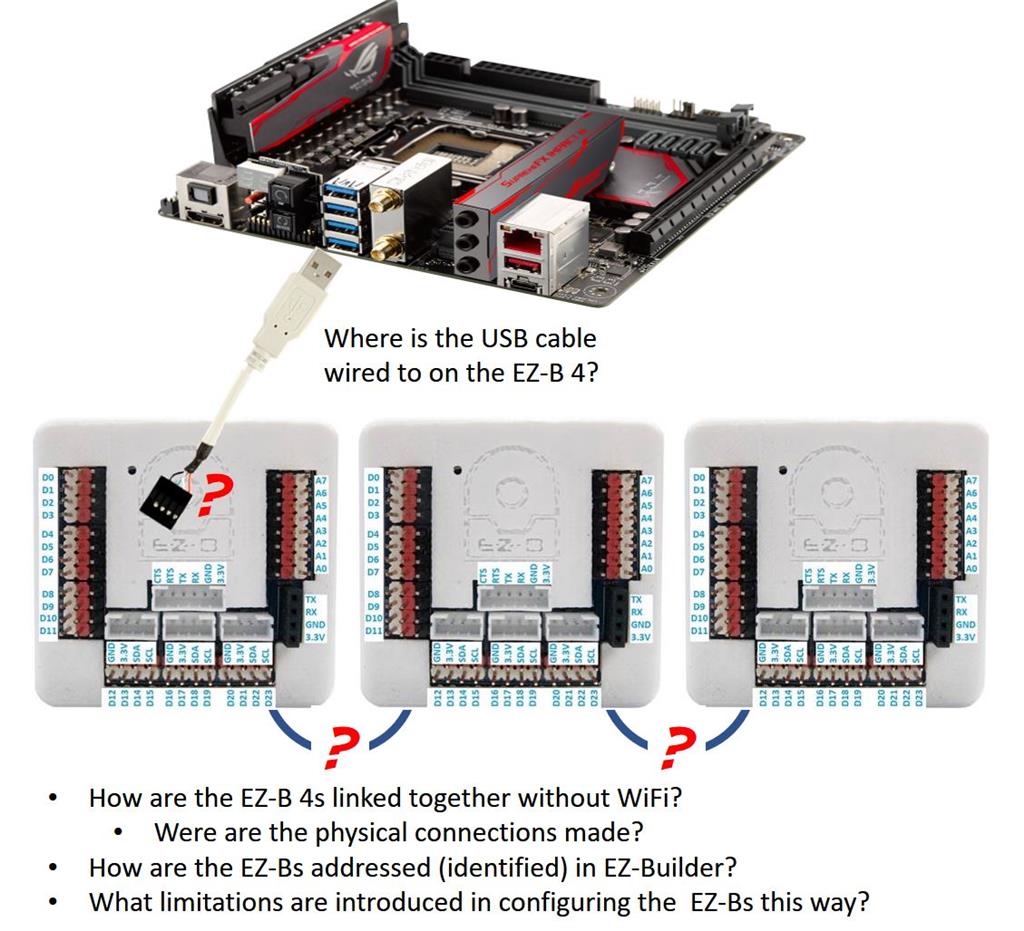
Ezb4- How To Extend The Servo Ports
Hi DJ,
Would you help to answer my question as below :
I'm making a robotic but it has over 23 servo ports. Is it need to buy one more EZB4 to extend the servo ports? if yes, how to connect and let the ARC to know the extend servo ports?
EZB4 can support the heavy duty servo (VDC 12V)?
Will it reduce the power if servo ports are full ?
Thanks for your attention.
Ricky Ma

Ok! I will look into the firmware upgrade.
My question was more focused on the hardware. Do I need to do the physical upgrade to my original v4 EZ-Bs to make them EZ-B 4/2 (Comm 1 to Comm 2) ? Is there an advantage?
They NEED to be /2 comm, yes
Deleted
Okay! Fantastic!
I did place an order from the world famous EZ-ROBOT.COM website an EZ-B 4/2 and an EZ-B v4/2 Comm Upgrade kit. Looks like I need to order another EZ-B v4/2 Comm Upgrade kit so all three of my EZ-Bs will be rocking.
Thank you.