

joinny
Japan
Asked
 Resolved by DJ Sures!
ARC Does Not Accept The Plugin
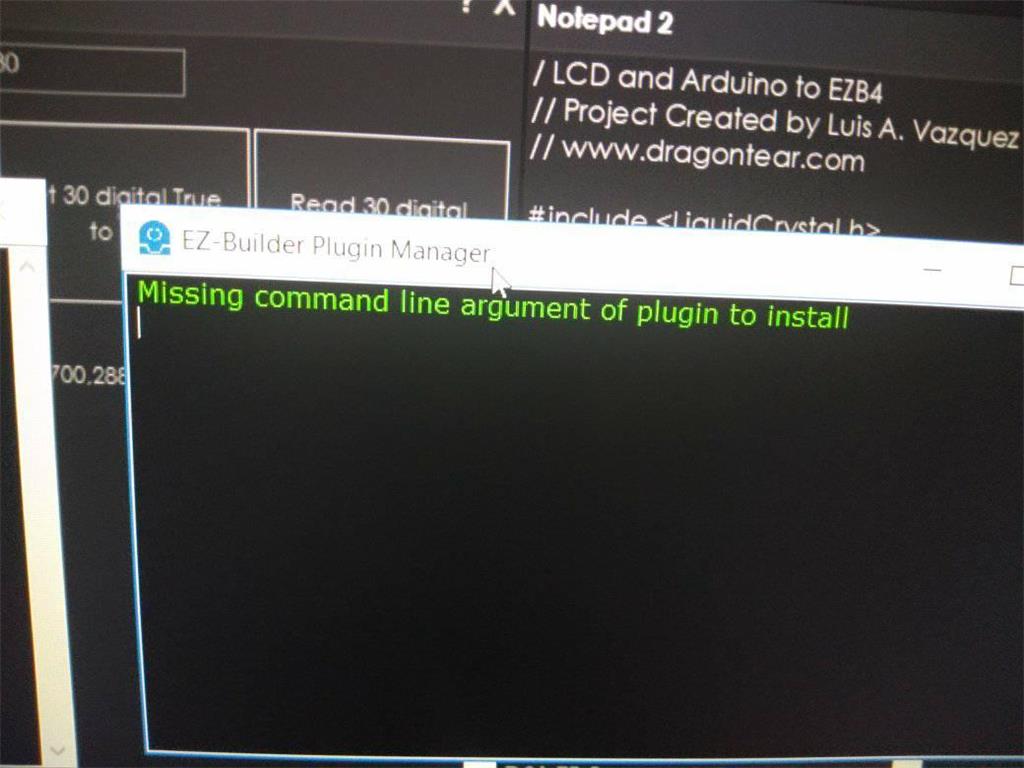
Hello everyone, I am having trouble with ARC software, it does not accept the plugin, when I upload from the Synthiam wed site or from VS it does not appear the plugin I downloaded in ARC. Instead when I click on ARC plugin manager, an error will appear::"Missing command line argument of plugin to install"?
sincerely thank you
Related Hardware (view all EZB hardware)

EZ-B V4
by EZ-Robot
EZ-B v4/2 robot controller: dual Cortex ARM, Wi-Fi, audio/video, 24 servo/digital ports, I2C/UART, camera and Synthiam ARC control for custom robots
Wi-Fi / USB
Servos
24
Camera
Audio
UART
3
I2C
ADC
8
Digital
24

Your file is not a valid plugin. Upload your zip archive to the website plugin manager for it to be authenticated and verified as a plugin.
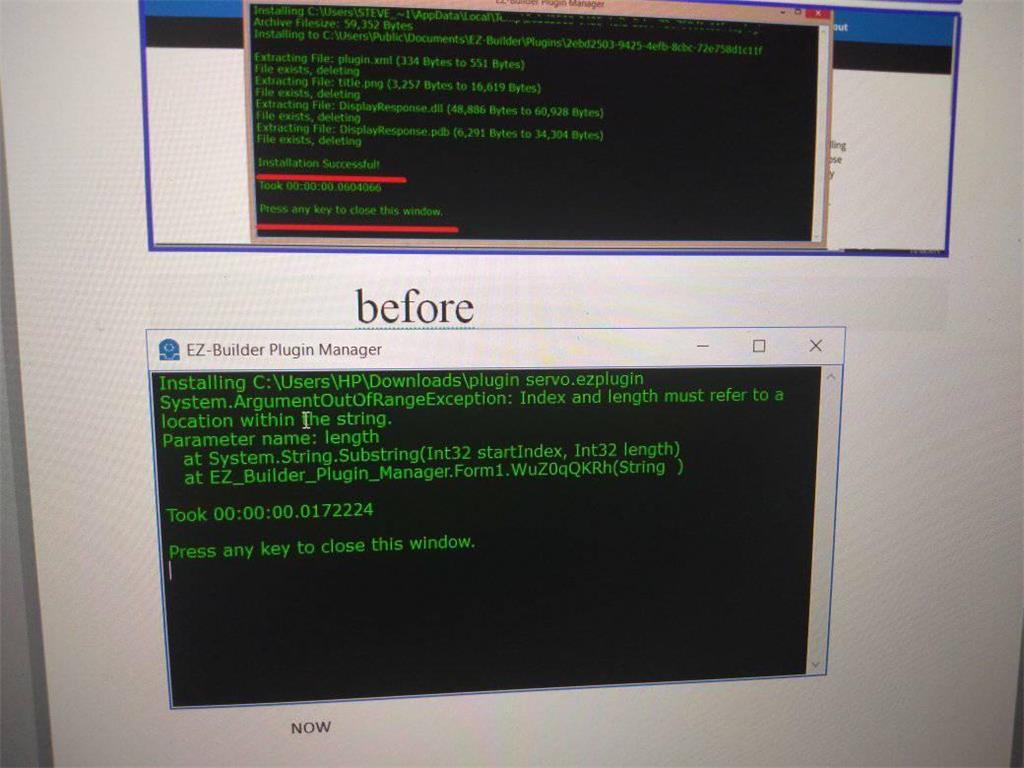
I do not think that is a good solution, I downloaded the Zip archive with winzip. Last month ARC still worked fine, can still download normal plugins like: Sighthound Clound or Dialogflow on the wed page and create plugins in VS but now it doesn't show the plugin when I download chart plugin on the wed page when using this version 2019.6.25, I constantly have trouble with unnecessary errors.I also displayed this error every time I turned on the project Sorry for the late feedback, thanks
I'm really stupid because I am just a trainee with information technology and I am interested in Ez-robot so please can guide me in detail the steps to fix the error, thank you!