

EEGbiofeedback
USA
Asked
— Edited
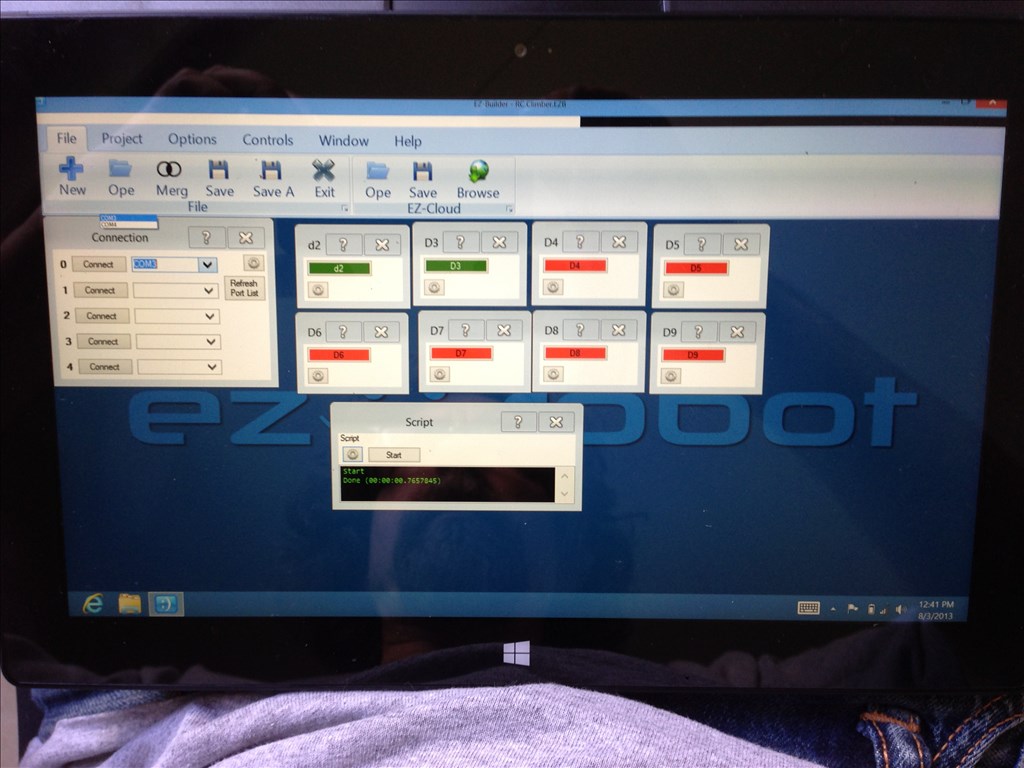
ARC Works On Ms Surface Pro With Win8
Ez-builder Works On Ms Surface Pro With Win8 It's operational but there are font scaling issues that require me to work around them.
A few of things require the pen / stylus because of the small sized screen.
Here's a screen shot:
Bill

Visit the Display properties and change the Font scaling to 100%... Right now I bet it is set to 150% or 250%
Lower it, and it'll work normal
That did it!
Thanks Mate!