


Version: 2022.02.22.00
System.Exception: Capability 'Hardware UART TX/RX with DMA buffer and adjustable baud rate' is not supported on this EZB device. at EZ_B.Firmware.FirmwareCls.CapabilityRequired(CapabilityCls cap) at EZ_B.Uart.ekkk6bh47sl3YnIGsBG(Object , Object ) at EZ_B.Uart.UARTExpansionInit(Int32 port, UInt32 baudRate) at Dynamixel.FormMain.initUART(Boolean skipSettings) in C:\My Documents\SVN\Developer - Controls\In Production\Dynamixel\Dynamixel\FormMain.cs:line 108 at Dynamixel.FormMain.ConfigPressed() in C:\My Documents\SVN\Developer - Controls\In Production\Dynamixel\Dynamixel\FormMain.cs:line 634 at ARC.UCForms.FormMasterBase.w627sjNTfcO6xwjxgxKr(Object ) at ARC.UCForms.FormMasterBase.UM9Z40Cp5bP(Object , EventArgs ) at System.Windows.Forms.Control.OnClick(EventArgs e) at System.Windows.Forms.Control.WmMouseUp(Message& m, MouseButtons button, Int32 clicks) at System.Windows.Forms.Control.WndProc(Message& m) at System.Windows.Forms.Label.WndProc(Message& m) at System.Windows.Forms.Control.ControlNativeWindow.OnMessage(Message& m) at System.Windows.Forms.Control.ControlNativeWindow.WndProc(Message& m) at System.Windows.Forms.NativeWindow.Callback(IntPtr hWnd, Int32 msg, IntPtr wparam, IntPtr lparam)?
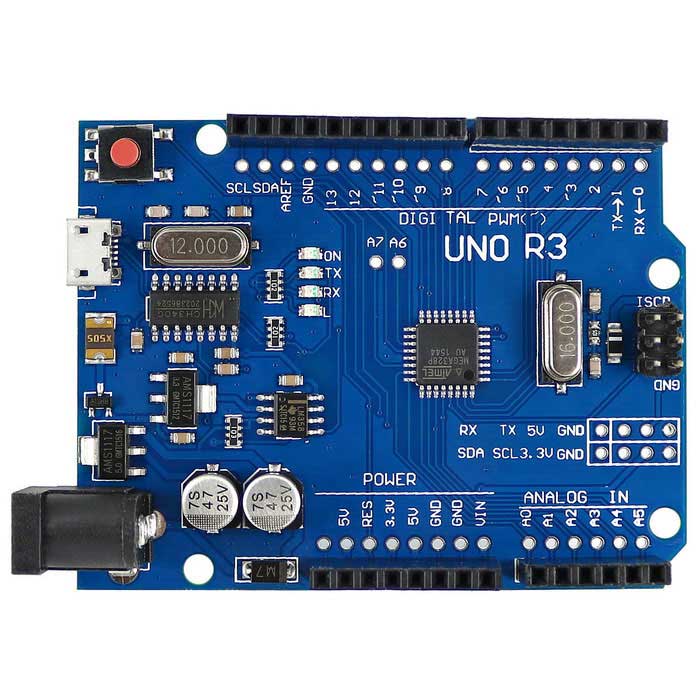
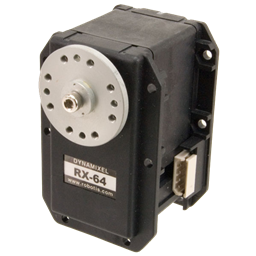

The error message you're seeing indicates that the Arduino Genuino Uno does not support the 'Hardware UART TX/RX with DMA buffer and adjustable baud rate' capability, which is required for the Dynamixel robot skill.
The Arduino Uno has only one hardware UART, which is also used for programming and serial monitor communication, so it's not available for other uses.
If you want to use the Dynamixel robot skill, you'll need to use a different controller that supports the required capability. For example, the EZ-Robot EZ-B v4 or the Robotis OpenCM 9.04 controller both support this capability.
You can find more information about these controllers and how to use them with the Dynamixel robot skill in the Dynamixel robot skill documentation.
how about u2d2