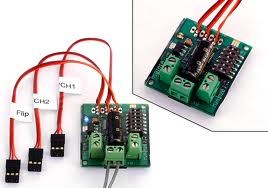
I do have a sabertooth (non RC version) 2 x 12 motor controller that works great with ARC. However, for the project I am working right now it is serious overkill. So I was hoping to use a sabertooth 2 x 5 RC controller that I have... Problem is because it is the RC model, I don't see a way to set it up in ARC... It doesn't seem to work using serial commands (and yes the dip switches are set as per the ARC tutorials)... This is probably because it is meant for RC use... Saying that, I have used it with no problem with the Atom Micro controller using PulseOut commands... PulseOut (D0,2000) is full speed, PulseOut (D0,1000) is reverse and PulseOut (D0,1500) is full stop... So I know it will work using a microcontroller...
So my question is there a way to use this with the EZB? Using what movement control panel? I have tried a few and although I can get movement, I have no real control over the motors... I am also still coming to grips with ARC, so I am hoping I am overlooking something and that there is a way to get this to work...
Thanks everyone R