

Asked
— Edited
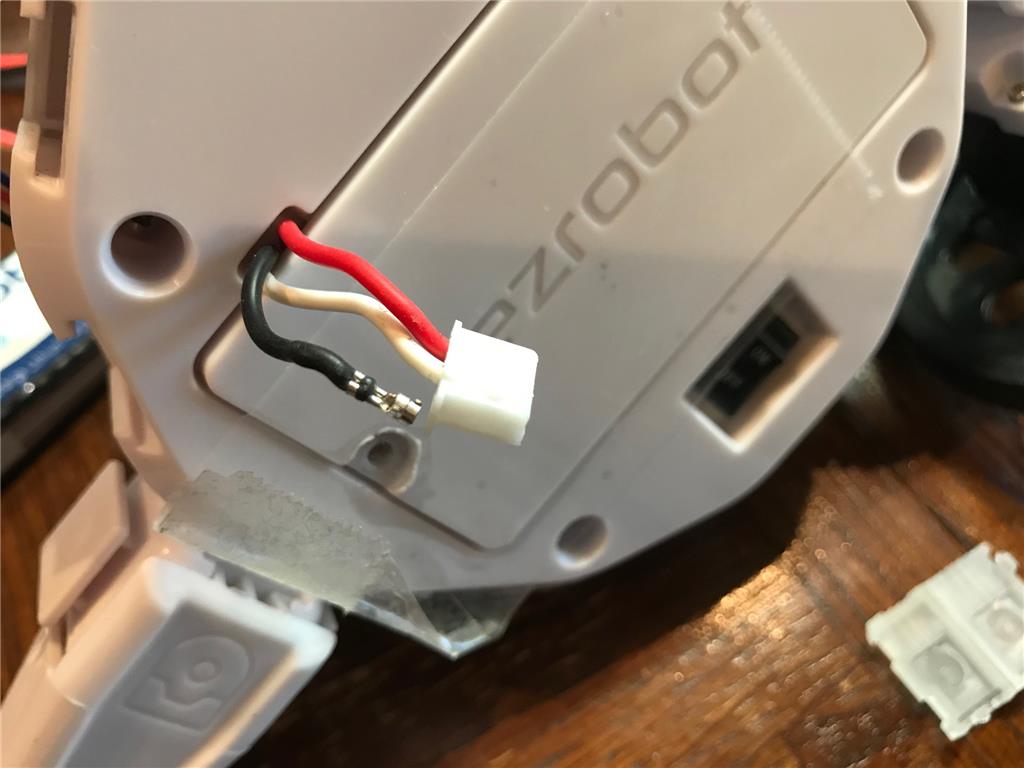
Lipo Battery Lead Protector. Makes It Easier To Unplug After Charging
At times I have struggled with trying to disconnect the small JST-XH charging connector on the liPo battery from the robot. Not only is it hard on my fingers, but sometimes damages the battery leads if I don't hold the connector properly.
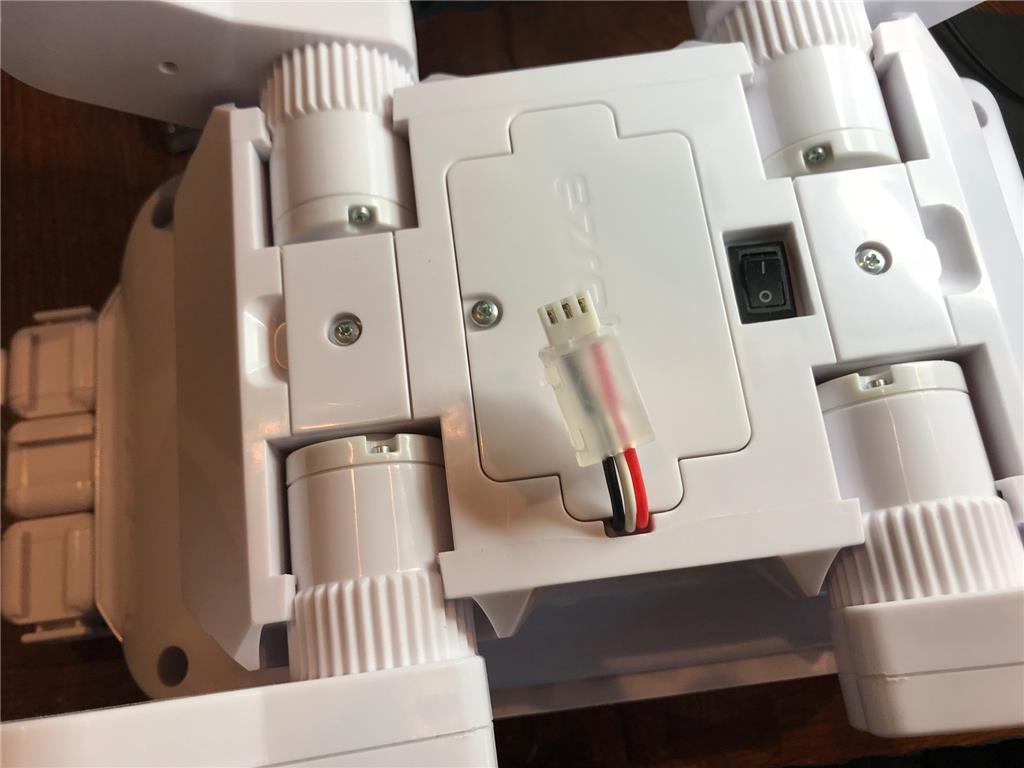
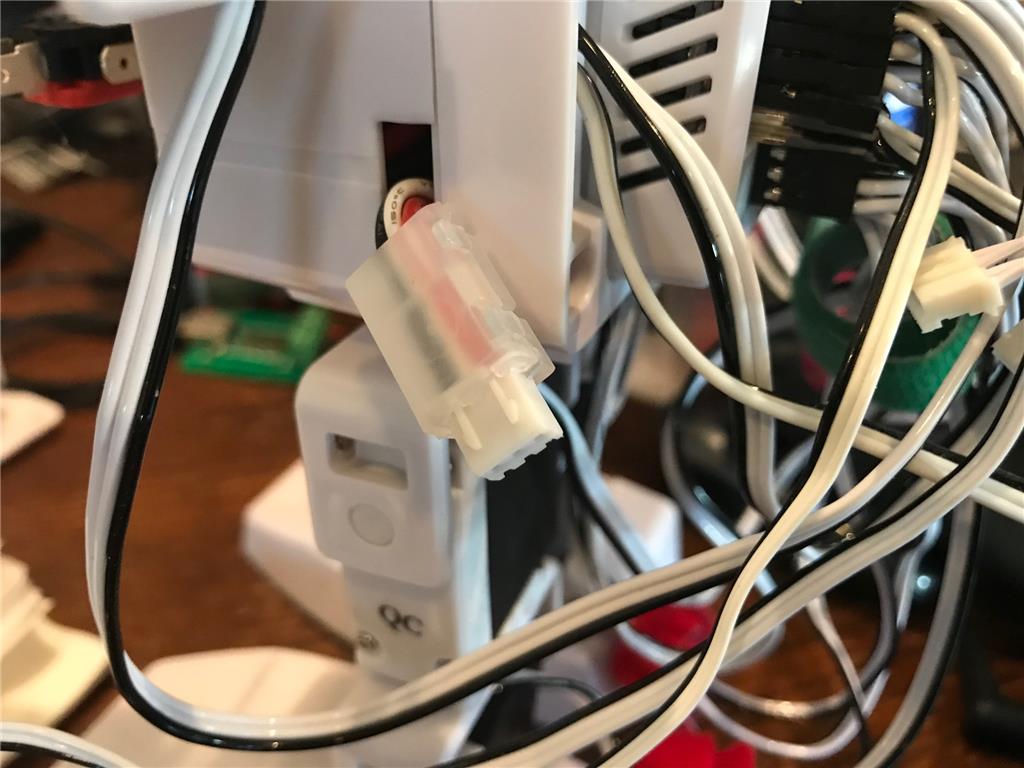
I just found these neat JST-XH protectors made just for this purpose.
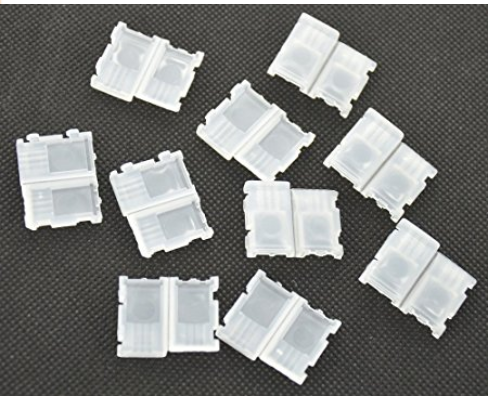
www.amazon.com/gp/product/B00YGNSKZO/ref=oh_aui_search_detailpage?ie=UTF8&psc=1
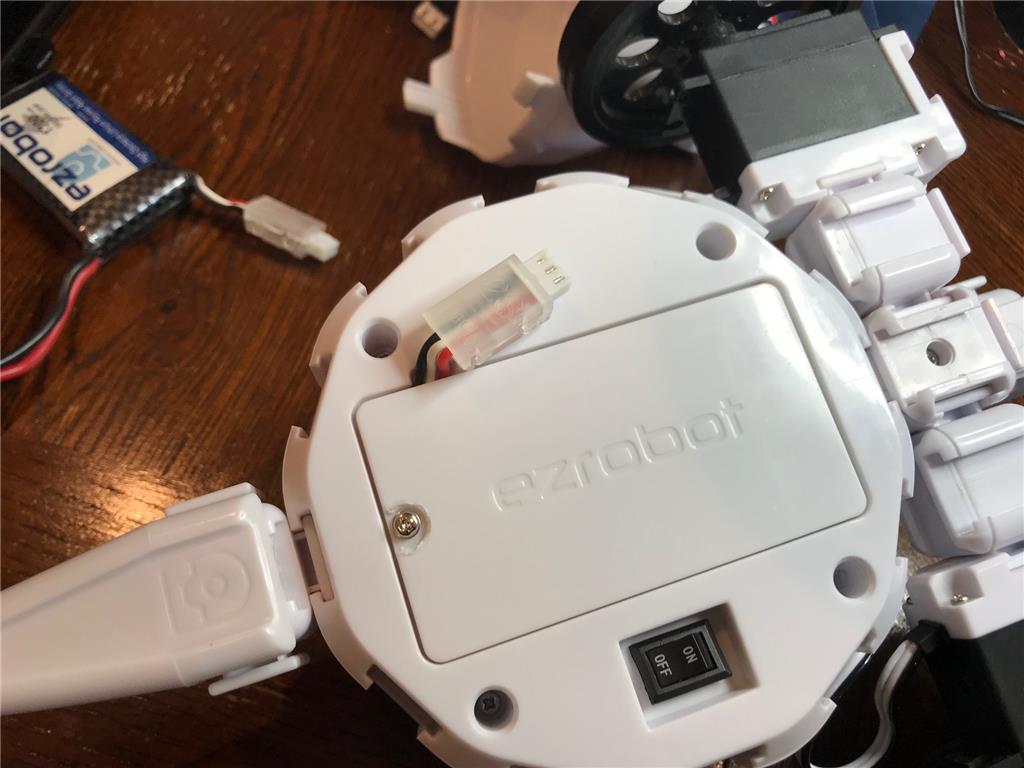
Here are some installations I've tried

That is a great find! Thanks for sharing!
In addition to the strain relief hoods, I have found that a JST extension cable makes life a lot easier because I am not trying to balance the robot on its side and work with the short little cable to the charger. I can hook up the extension to either the robot or the charger and leave one on the bench while I work on the other. A 6 or 8 inch cable makes a world of difference.
https://www.amazon.com/dp/B0757G3FNM/ref=sspa_dk_detail_1?psc=1
Alan
@theTechGuru You are right. This extension cables make it much easier than trying to "close couple" a charger in an ackward position
Alan, Thanks for turning me unto those extension cables a while back!
I was thinking of the application in a school where you might need some extra protection for student handling
Thanks, Frank