
rowdyjoe
Hello To The Group
I'm a complete rookie when it comes to robotics but, I'm willing to learn. I'm about to find out if an "old dog" can learn new tricks.  I'm fully retired for about 6 yrs now and loving it. I have experience with RC airplanes, helicopters, and a few cars and digitally controlled model trains. I know a bit about the hardware of computers but, the software boggles my mind and that's why I'm so excited about E-Z Robot. It appears that Mr. Sures has taken the hard part out of the programming by providing an easy to use programming suite.
I'm really excited about the mods/hacks associated with "toy" robots and plan to easy. Since Mr. Sures has done all of the hard work for us, I'm looking very strongly into the Wow Wee selection of bots. I follow instructions pretty well and the tutorial videos I've watched make it look pretty darned simple.
I'm looking forward to learing from this group and I hope you will all forgive my occasional dumb question.
RJ Arlington, TX

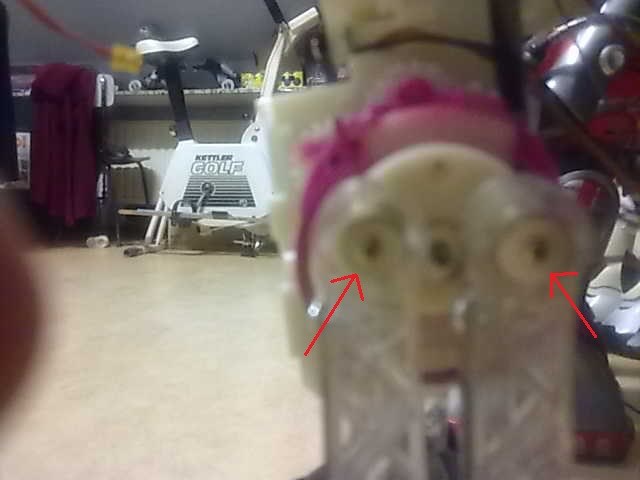
I've been searching for the 7 pin connector with wire pig-tails attached but, have had no success. I went to a 2nd hand electronics shop today and rummaged through the cables with connectors and found some wire that will work and a perfect replacement for the left side (6 pin) connector with harness attached. It's basically plug and play once I solder the wires to the board in his left foot.
I have ordered more connector pins for the 7 pin shell and will pick them up tomorrow. The wire I found at the used electronics shop is more flexible and a bit smaller in diameter so, it should fit without binding.
Wish me luck on the re-wire of the re-wire.
RJ
haha great keep rolling.thumbs up
Hey Nomad. I have a Green Board (G6008-10C). My board is similar to the blue board we were talking about in that other thread. (I cant find it now)
Here's the board:
I connected my ground wire from the ground pin on D1 to the red circle. And the signal wire the signal pin on D1 to the yellow.
Then on the power switch board I connected the positive lead to the red circle and the negative to the black circle. This way the EZB draws its power from the robosapien batteries.
It's all working great now. My dog hates it. I love it. lol Hope that helps.
great pictures.that is a neath finich.no need for a batt case. but am confuse whit the text. gnd to red on D1 and yellow also on D1
Yes the D1 has 3 pins Ground, +5V, Signal. You don't need to have a +5V to vcc on the main board. So in the picture you just posted, the one you marked sig is correct and the one you have marked positif is actually the gnd.
I pretty much just followed the video. My boards were just a little different. EZ-Robot RoboSapien
He explains it starting at about 1:45. Let me know if you have anymore questions.
ah okay.the wire off the swits where goes that connected.?
Yes. The picture on the left is correct now
In the picture below, I have labeled where you connect the power lines that will send power to the EZB. I did it just like DJ Did in the video.
I hope that clears it up for you. (Btw, I'm very happy to be of help. I'm fairly new so it is not often I know an answer and when I do usually some one answers before me There are a lot of great minds on this forum.)
thank you very much