


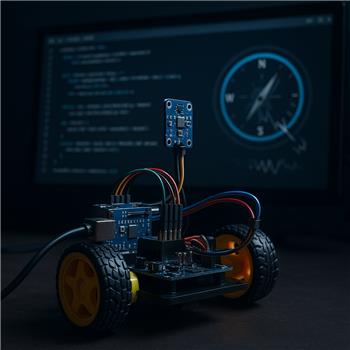
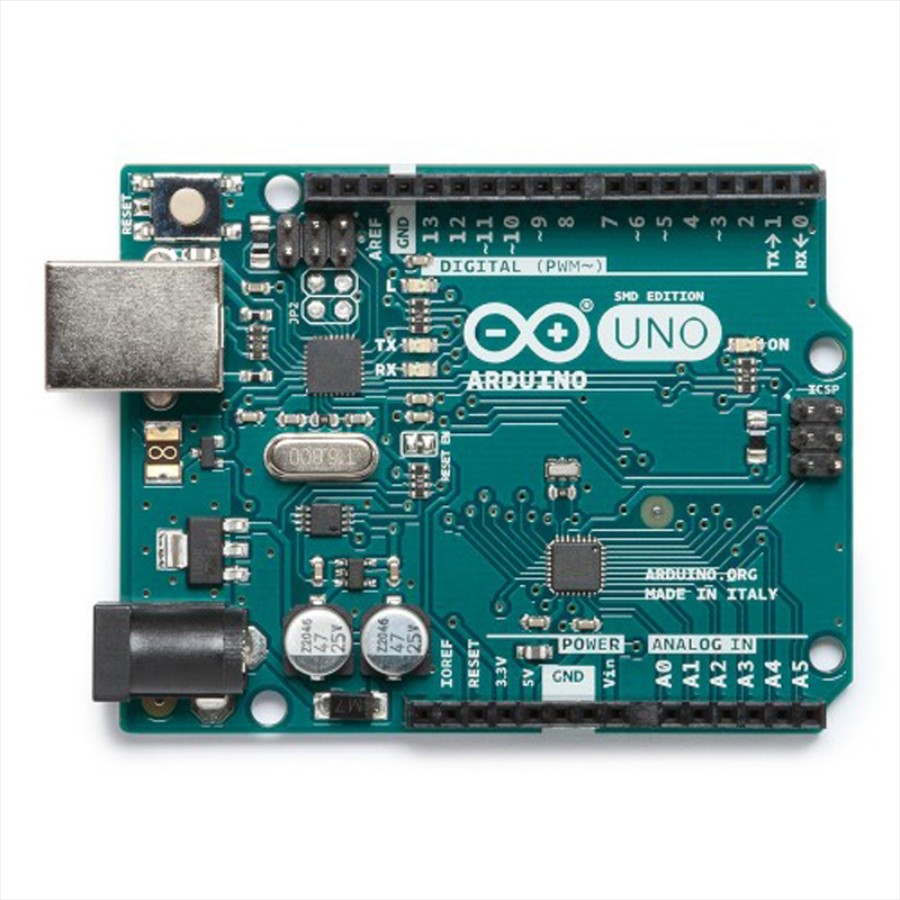
I’ve got an Arduino Leonardo connected to ARC over USB running the EZ-Genuino_Leonardo firmware, and I made sure to check DTR Enabled in the connection config so serial RX works. I’m trying to use the Dual-Axis Compass robot skill with a Sure Electronics DC-SS503V100 sensor on I2C for a small 2WD rover (L298N driver, 7.4V LiPo, motors powered separately). SDA/SCL are wired to the Leonardo’s I2C pins (SDA/D2, SCL/D3), 5V and GND shared, and I verified common ground between logic and motor supplies. Per the skill’s wiring note, I shortened the I2C leads to about 6 cm and mounted the sensor on a little plastic mast away from the motors and battery.
The skill connects and streams headings, but as soon as the motors run the reading jitters by 30-90 degrees and sometimes drops to -1. With motors off it’s steadier, but still off by ~60-70 degrees from a known compass heading, and a slow 360 rotation of the robot only yields ~250 change in the readout. I tried: adding 4.7k pull-ups to SDA/SCL, moving the sensor 20 cm higher, twisting motor leads, ferrites on motor wires, powering the sensor from a separate 5V buck (still common ground), and rotating the board in different orientations. I left the Dual-Axis Compass skill at its default I2C address (not sure if this module supports alternates) and don’t see a calibration/declination option in the UI.
Is the Dual-Axis Compass skill fully compatible with the Leonardo running the EZ-Genuino firmware over I2C, and if so, what’s the recommended way in ARC to calibrate/apply an offset and eliminate the jitter I’m seeing under motor load?

Yes - the Leonardo + EZ-Genuino firmware + ARC I2C path is generally compatible, so the behavior you’re describing points more toward sensor interference / calibration / magnetic environment than a Leonardo communication problem.
A few things stand out from your description:
What I’m seeing
Important note about the Dual-Axis Compass skill
The Dual-Axis Compass skill is designed for the Sure Electronics DC-SS503V100 sensor, but it’s still a magnetic heading sensor, not a GPS compass. That means it can be affected heavily by:
Even with the sensor on a mast, a 2WD rover with L298N + DC motors can still distort the field enough to make headings jump.
About calibration / offset in ARC
If the skill UI doesn’t expose calibration or declination controls, ARC won’t magically correct the magnetic environment for you in that skill. The usual approach is:
1. Apply a heading offset in your own logic
If the sensor is consistently off by a fixed amount, you can subtract/add an offset in an ARC script or behavior.
For example, in JavaScript:
If the skill exposes the heading as a variable or value you can read, you can use that in a script and then normalize it.
2. Smooth/jitter-filter the value
For motor noise, you can average several samples before using the heading:
If the heading wraps around 359/0, a simple average can be misleading, so a circular average is better if you want I can help you build that.
3. Use a servo fine-tune / global offset if you’re mapping the reading to a pose
If you’re using the heading as part of a robot behavior rather than direct navigation, you may be able to use a global offset approach in your control script instead of trying to modify the skill itself.
What I would try next
A. Verify the sensor orientation
Make sure the sensor board is mounted:
A 60-70 constant offset often means the robot "forward" and sensor "forward" aren’t aligned the way you think.
B. Test the sensor with motors physically disconnected
Not just "not commanded", but actually unplugged from the driver if possible.
If jitter disappears, it’s interference from motor current or the driver wiring.
C. Increase distance from motors/driver/battery
A mast helps, but sometimes the problem is the magnetic field from the wiring loop itself, not just the motor bodies.
D. Keep I2C wiring very short and away from motor power
Even though you already shortened it, I’d still route SDA/SCL away from:
E. Consider whether this sensor is the right choice for a rover
For a differential-drive rover, a compass can be useful, but it’s often hard to make stable near motors. In many cases an IMU / gyro-based heading solution is more reliable for short-term heading hold.
About the
-1readingsIf the skill is returning
-1, that usually means the sensor reading is failing or timing out in the skill path. Under load, that can happen if:Even though you have separate motor power, check whether the 5V rail to the sensor stays solid when the motors start.
ARC-specific recommendation
If you want to make this usable in ARC right now, I’d recommend:
-1If you want, I can help you write that script once you tell me how you’re reading the heading from the skill in ARC.
Best next question
Can you share:
If you want, I can also help you build a JavaScript heading filter in ARC to smooth the jitter and apply a constant offset. The ARC AI Assistant built into ARC is also great for this kind of script work since it can rewrite and debug the code right in the editor:
https://synthiam.com/Products/AI-Assistant