
Tutorial


Published
— Updated
Using Amazon Echo (Alexa) As Microphone For Synthiam
Step 3 of 5
Setting up IFTTT
Create an IFTTT account and login and select My Applets
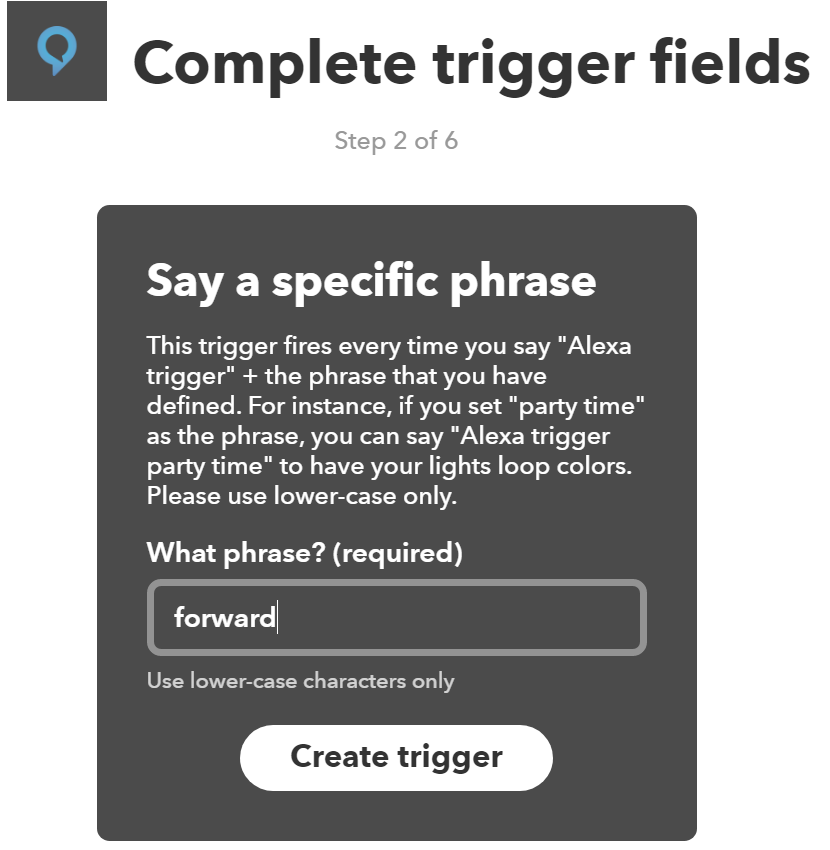
Create a new Applet and select Amazon Alexa Channel as the "IF" part and enter a phrase (must be all lower case)
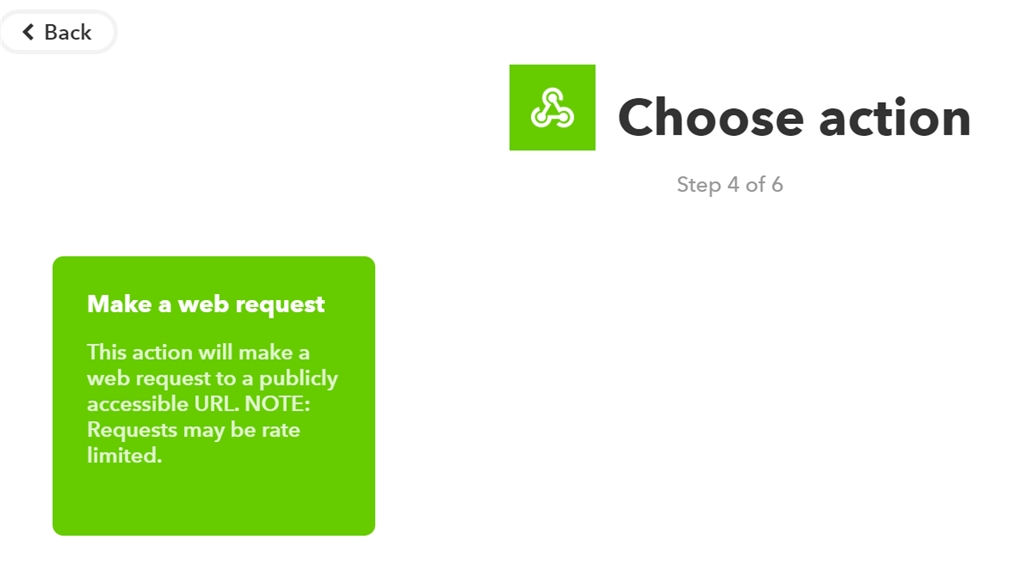
Choose Webhooks as the "That" part
NOTE: Capitalization and NO spaces!!! Enter YOUR public IP address
and enter the Web Request and set the type to text/plain
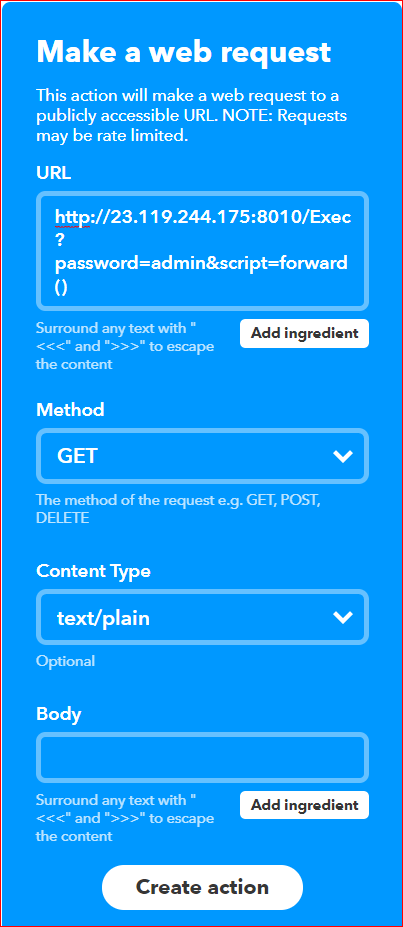
Save the Applet
