


Asked
— Edited
 Resolved by Robot Doc!
I Cannot Connect Ez-B To ARC
This is a new board I went trough the firmware upgrade and now I don't know what's next, which is connecting the ez-b with ARC

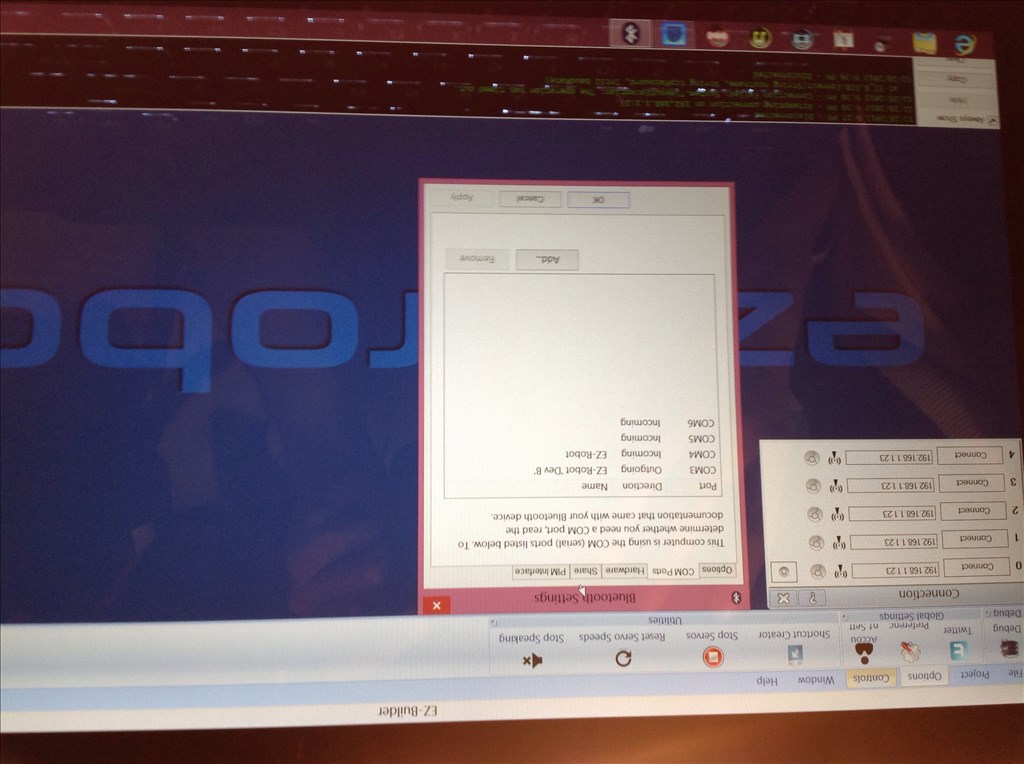
That's just what you do now. Run the ARC program then connect to it by selecting the same comm port you used to upgrade the firmware.
This where I am stuck do I go to connect(3) ?
I got it I clicked where the numbers and the periods where and it gave me a com3 option, thanks robot-doc