
When the Interface Is the Robot (And Autonomy Is Just a Guest)
We argue all day about robot autonomy. Then we open a remote UI, change pages, and the robot instantly “becomes” something else. Maybe the real robot is the interface.
Think of page switches as costume changes. One moment it’s a survey drone; the next, a careful gripper. Same motors, new mind. And yes, this means your robot can have stage fright if Wi‑Fi hiccups.
Interfaces Shape Behavior
Buttons and pages aren’t just skins. They decide what the robot can do, when, and how fast. UI is policy in a friendly outfit.
Shared Autonomy
Humans and code can co-drive. The trick is blending inputs without a tug‑of‑war. Your thumb plus a PID loop equals grace.
Remote UI, Real Personality
A robot can feel different from page to page. Modes become moods. The interface is the script the robot reads from.
Your Robot Is a Window, Not a Brain
We love to say “It’s fully autonomous,” as if the robot woke up and chose its destiny. But watch what happens when you open a remote control page. One set of buttons invites bold moves. Another page adds gentle, careful nudges. Same hardware, new habits. The interface is a window you look through—and the robot acts like what you see.
Give a kid a hammer and the world looks like nails. Give a robot a “Go Fast” page and… well, you own a fast robot. UI choices become behavior choices. It’s not cheating. It’s honesty: we design the mind by drawing the map.

Page‑Turned Personalities
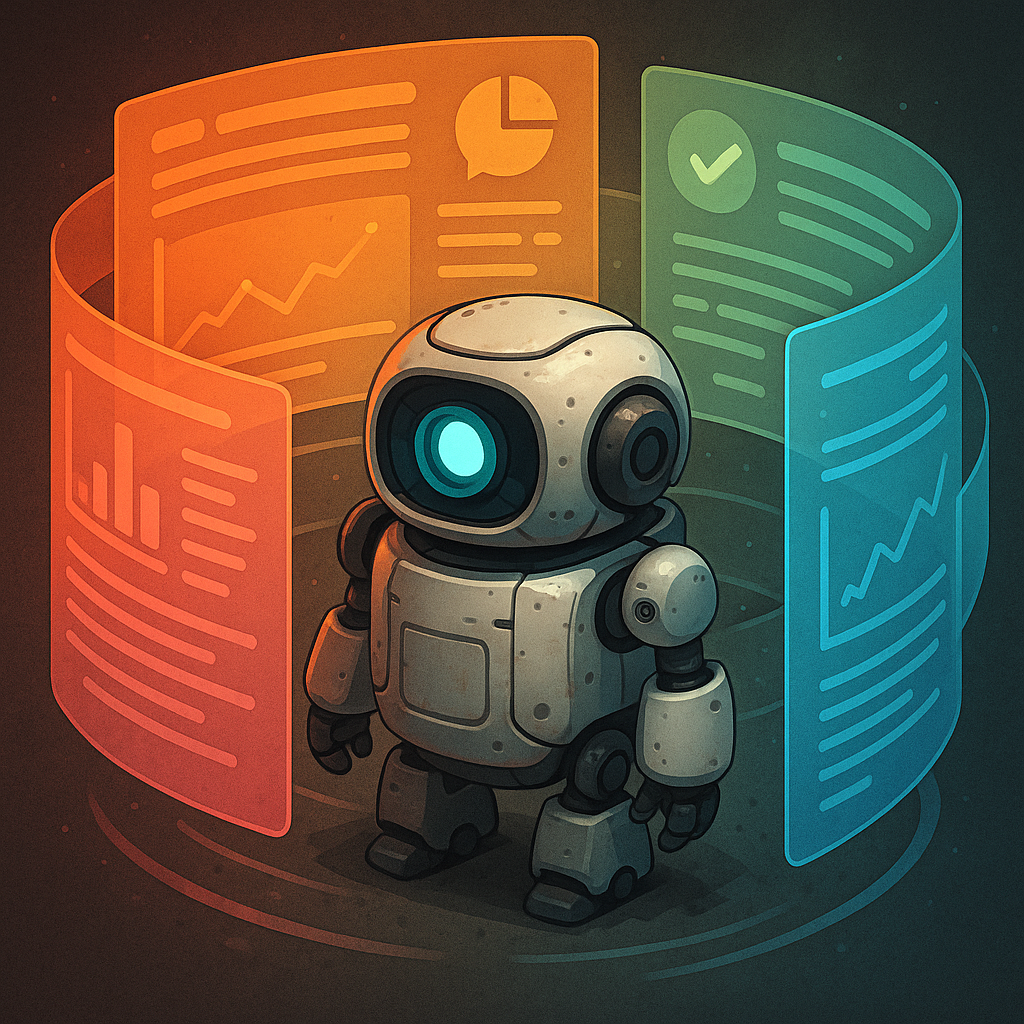
Robots often need different “selves”: explorer, lifter, talker. In ARC, you can build these selves as interface pages. With a single command—like ControlCommand() ShowControl()—you flip from one page to another, and the robot’s priorities change. Sliders become speed limits. Big red buttons become courage brakes. That’s not just layout. That’s ethics in rectangles.
This is where Synthiam’s Remote UI Client gets bold. It lets a PC connect to another ARC instance and run those custom pages remotely. You can stack as many pages as you like and switch them in the moment. It’s like giving your robot a wardrobe and a stage manager who actually listens.
Nerd Corner: How It Actually Works
Remote control rides on networks. An IP address is the robot’s street number on your network. A TCP port is the door to the right room; the Remote UI usually listens on port 3184. Your PC connects, logs in with a password, and the interface streams over. When you tap a button, your command becomes a small packet that zips across the link and lands in ARC on the robot side.
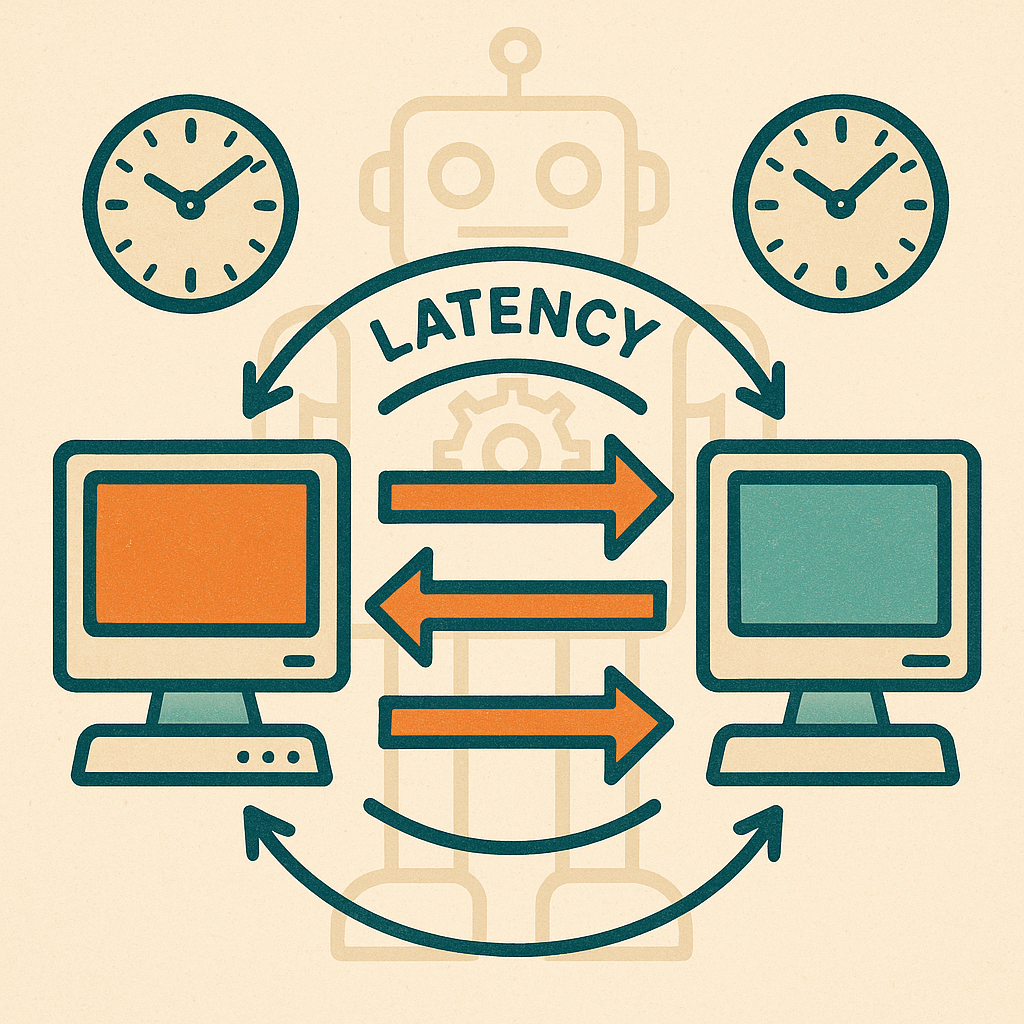
Latency—the wait for a round trip—matters. Under 100 ms feels snappy. Over 300 ms feels like coaching a robot on a very slow phone call. Control loops hide some of this. A servo runs on PWM, which are tiny timed pulses, about 50 times per second. ARC can smooth your joystick input so the servo doesn’t jump, like easing a car’s gas pedal. Add a PID controller—P is push, I is patience, D is brakes—and you get moves that start fast, settle clean, and don’t wobble.
Shared Autonomy: Handing the Wheel, Not the Car
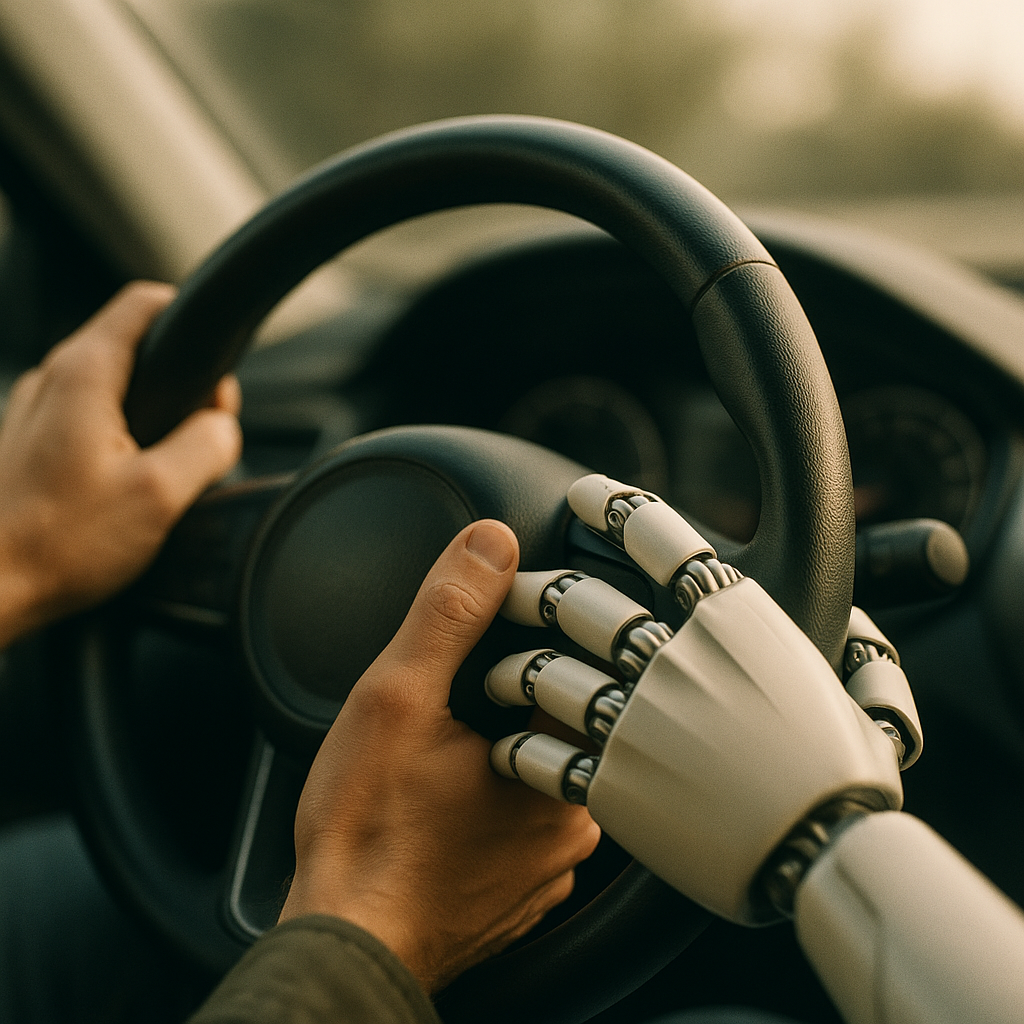
Pure teleop is tiring. Pure autonomy gets weird when reality refuses to match the plan. Shared autonomy blends both. The robot follows your joystick but keeps a small bubble from bumping things. It’s like driving with cruise control that’s actually paying attention.
In practice, you mix signals. Your thumb sets a target speed. The robot’s sensors nudge it away from trouble. If confidence drops—say, an object detector isn’t sure—you can flip to a “Manual Save” page. Page switches become safety rails, not band-aids. And yes, a giant STOP button is still the hero of the story.
How Synthiam Is Leaning In
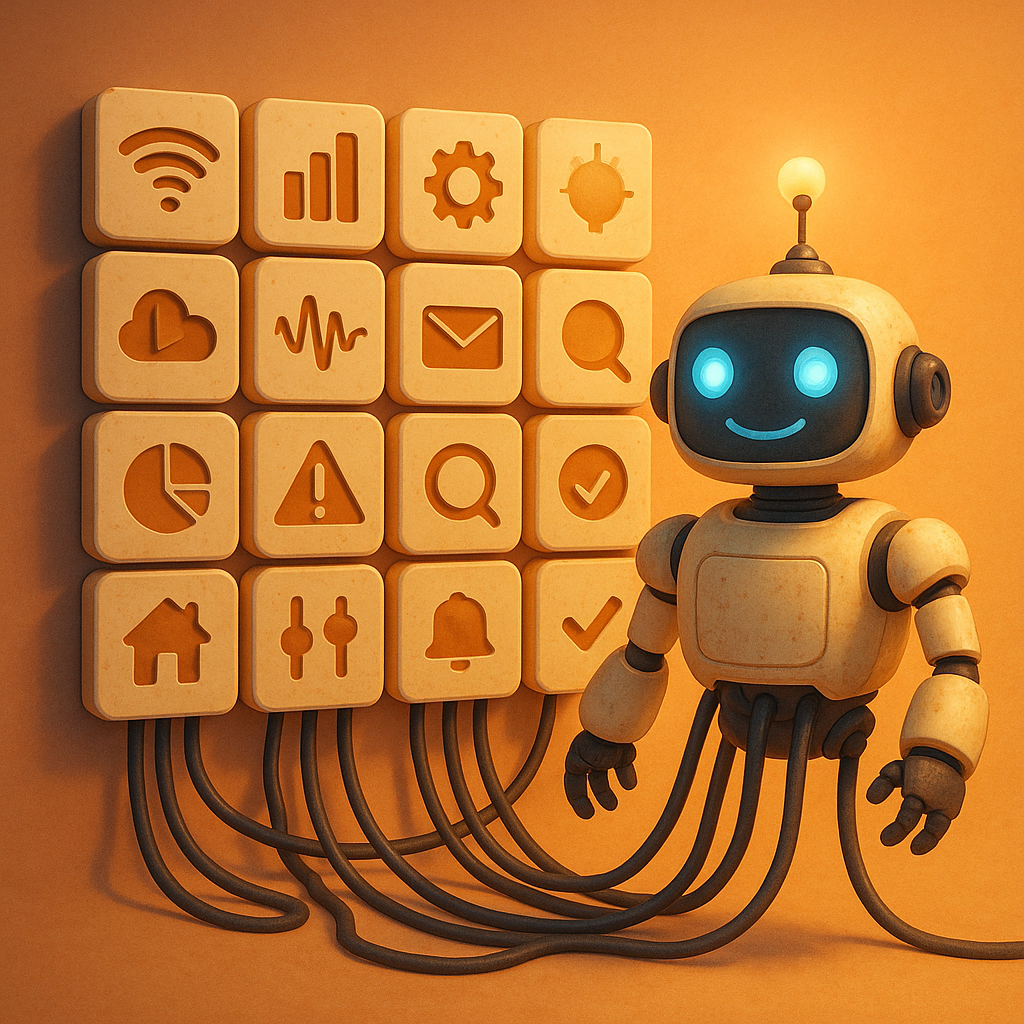
ARC treats interfaces as first‑class parts of the robot. Build pages with Interface Builder, switch them with ControlCommand() ShowControl(), and drive them from anywhere using the Remote UI Client. Add Robot Skills for computer vision, voice, or mapping, and let those skills flip pages when confidence changes—like jumping to a “Teleop Focus” page when object detection gets iffy.
On the hardware side, ARC talks to EZB‑based controllers and more, translating your tidy UI taps into PWM and motor moves that feel smooth. The Synthiam community swaps pages, scripts, and hard‑won wisdom—so your “gripper finesse” page can be as calm as a tea ceremony. Remote when you need it, autonomous when it helps, and always designed like it matters. Because it does.
Question for you: If a robot’s personality changes with its pages, which version is the “real” one you’re responsible for?
- Interfaces don’t just look— they decide.
- Latency under 100 ms feels natural.
- PID + smoothing = graceful motion.
- Page switches are safe mode switches.
- ARC’s Remote UI brings the pages to you.
Key Thought
Most robots don’t need a bigger brain. They need a better cue card. Design the page, design the outcome.
Big Idea
Treat UI pages as programmable personalities. Let autonomy request a page. Let humans approve the mood. That’s shared trust in one click.
