
The Wisdom of the Dead Zone: Why Great Robots Sometimes Ignore You
The most honest control a robot can give you is a little patch of nothing. That quiet center—where tiny twitches do nothing—turns noise into intent.
It sounds rude: a robot that disregards your smallest moves. But that “dead zone” is a feature, not a snub. It filters jitter, saves toes, and leaves room for the robot to help without fighting you. Also, yes, it makes your thumb feel like a calm boss instead of a caffeinated squirrel.
Silence as Signal
A dead zone ignores tiny input so only clear intent moves the robot. Less twitch, more truth.
From Thumb to Wheels
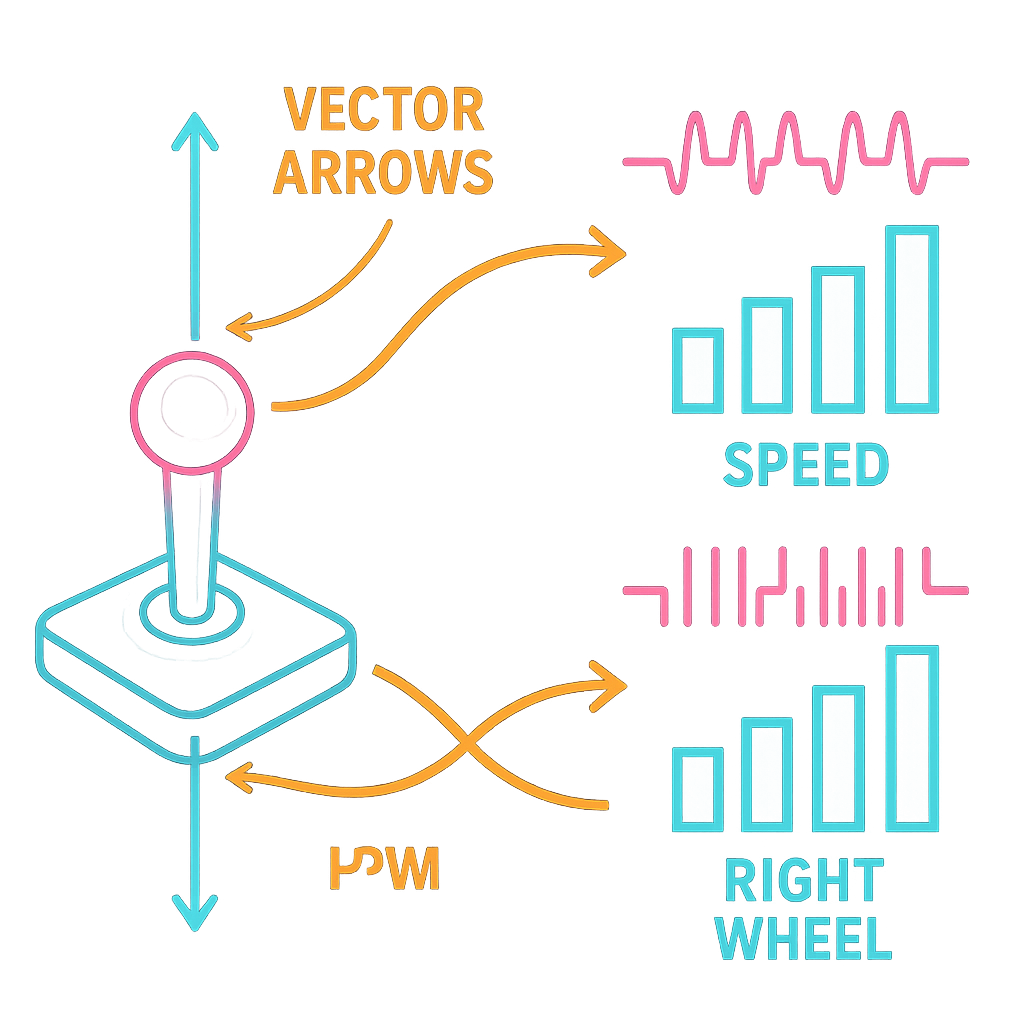
Joystick axes map to motor speeds with mixing, deadband, and PWM. Your thumb becomes physics.
Shared Autonomy
The quiet center gives room for assistive behaviors to step in without stealing the wheel.
Robots That Ignore (For Your Own Good)
Every joystick has a small area near the center where nothing happens. This is the dead zone, sometimes called the “deadband.” It is the robot’s way of saying, “I heard your micro-wiggle, but I choose peace.” That peace keeps motors from buzzing, batteries from sulking, and furniture from learning to fly.
The surprise is that ignoring you, a little, actually listens better. It listens for intent, not noise. Your hand shakes. Sensors jitter. Tables bump. The dead zone trims all that. When you push past it, the robot knows you mean it. Like a friend who waits for the full sentence before passing the salt.
The Thumb Paradox: Less Wiggle, More Will
In Synthiam ARC, the Movement Joystick skill turns your tiny drags into smooth motion on any Movement Panel. You set a dead zone so the stick must move a little before the robot reacts. You also cap speed and choose whether the stick snaps back to center. It’s like choosing whether your robot is a sprinter or a Sunday stroller.
That tiny gap between “maybe” and “move” is powerful. It reduces accidental nudges. It stops slow-motion wheel creep. And it means your thumb’s rest position is a clear command: do nothing. Zero is not a lack of control. Zero is a strong choice. (Also a great way to avoid clipping chair legs. Sorry, chair.)
"A good interface forgives your twitch so it can honor your intention."

Nerd Corner: How It Actually Works
Here’s the simple map from thumb to wheels. A joystick gives two values: forward/back (Y) and left/right (X). We scale them to speed. Then we “mix” them for a two-wheel robot: left wheel = forward plus turn, right wheel = forward minus turn. Turn right? Right wheel slows; left speeds. Spin in place? Push sideways; one wheel goes forward, the other backward. Easy like LEGO math.
The dead zone ignores small values around zero so tiny noise does nothing. Many systems add hysteresis too. That means the threshold to start moving is a bit higher than the one to stop. This avoids “chatter,” where wheels flicker on-off at the edge. Motors use PWM (pulse-width modulation), which is like turning power on and off very fast to set an average speed from 0 to 255. Small PWM without a dead zone can just make motors stutter—like whispering at a rock.
Shared Autonomy Starts at Zero
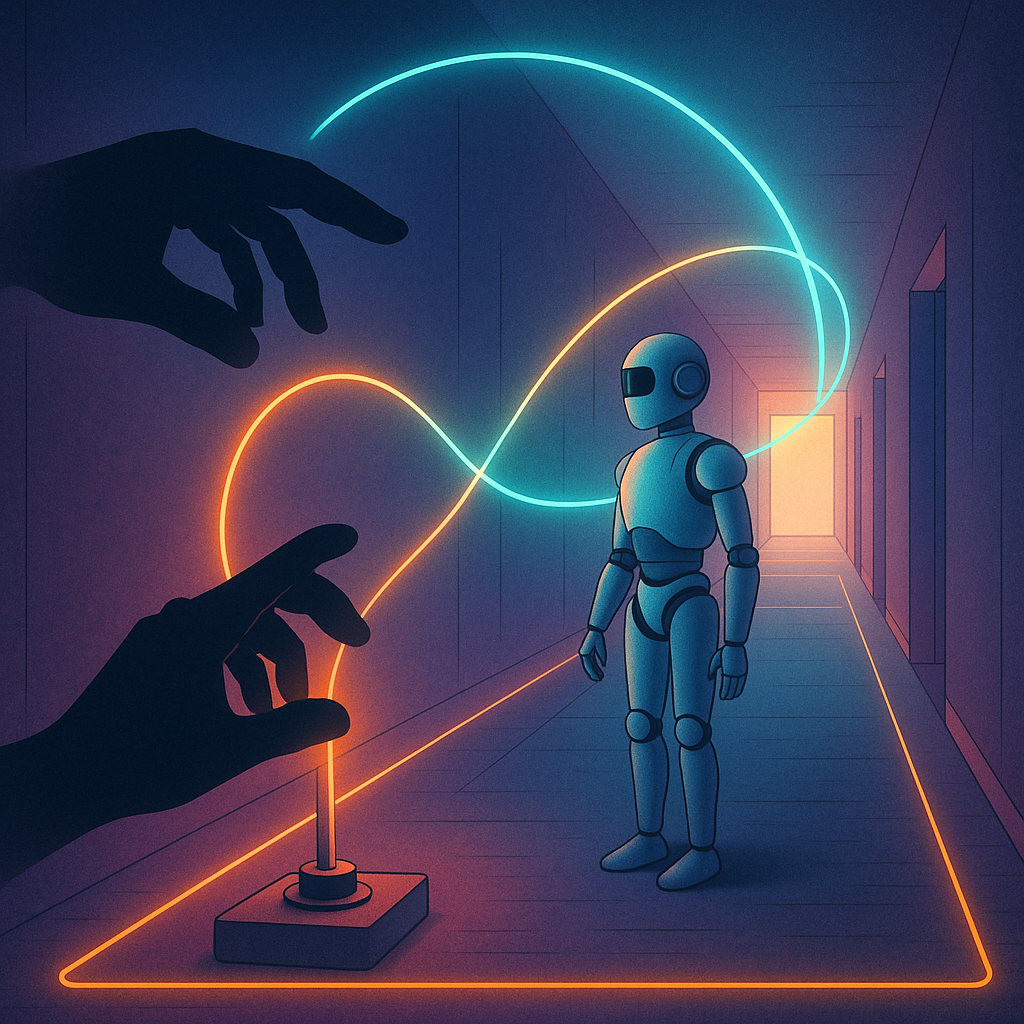
That quiet center is also a handshake with autonomy. When your thumb rests, the robot has room to help. It can stabilize, hold heading, or avoid a wall. This is called shared autonomy, where human intent blends with assistive smarts. The robot handles micro-corrections. You steer the story.
Picture it: you nudge forward; onboard logic trims drift using a gyro. Or a depth sensor reins in speed near a stair edge. The dead zone gives these helpers space to act without arm-wrestling your tiny twitches. If you push harder, your will wins. If you relax, the robot keeps you safe. It’s cooperation in the language of zero.
How Synthiam Puts Silence to Work
ARC treats control like a conversation. The Movement Panels handle the drive logic. The Movement Joystick skill adds clear intent with adjustable dead zone, max speed, and center reset. On EZB-based builds and other controllers, that means less jitter on PWM outputs and happier motors. Want finer feel? Lower max speed. Fighting creep? Widen the dead zone. Need a steady stop? Keep “reset to center” on.
Blend it with other Robot Skills—like object avoidance or IMU heading hold—and you get shared autonomy without drama. The Synthiam community swaps tunings, curves, and tricks, so you don’t start from scratch. In ARC, even zero is a setting you can sculpt. That’s control you can feel—and a robot that knows when to listen by doing nothing at all.
So here’s the question: when your robot pauses in the dead zone, is it waiting on you—or inviting you to decide what matters next?

- Dead zone filters jitter and accidents.
- Mixing maps joystick X/Y to wheel speeds.
- Hysteresis prevents edge flicker.
- PWM sets smooth motor speed.
- Shared autonomy blooms where input is zero.
Key Thought
Design isn’t just about what happens when you act. It’s about what happens when you don’t.
Big Idea
Make zero a first-class control. Tune the dead zone. Let autonomy help when you rest. Then move with intent.
