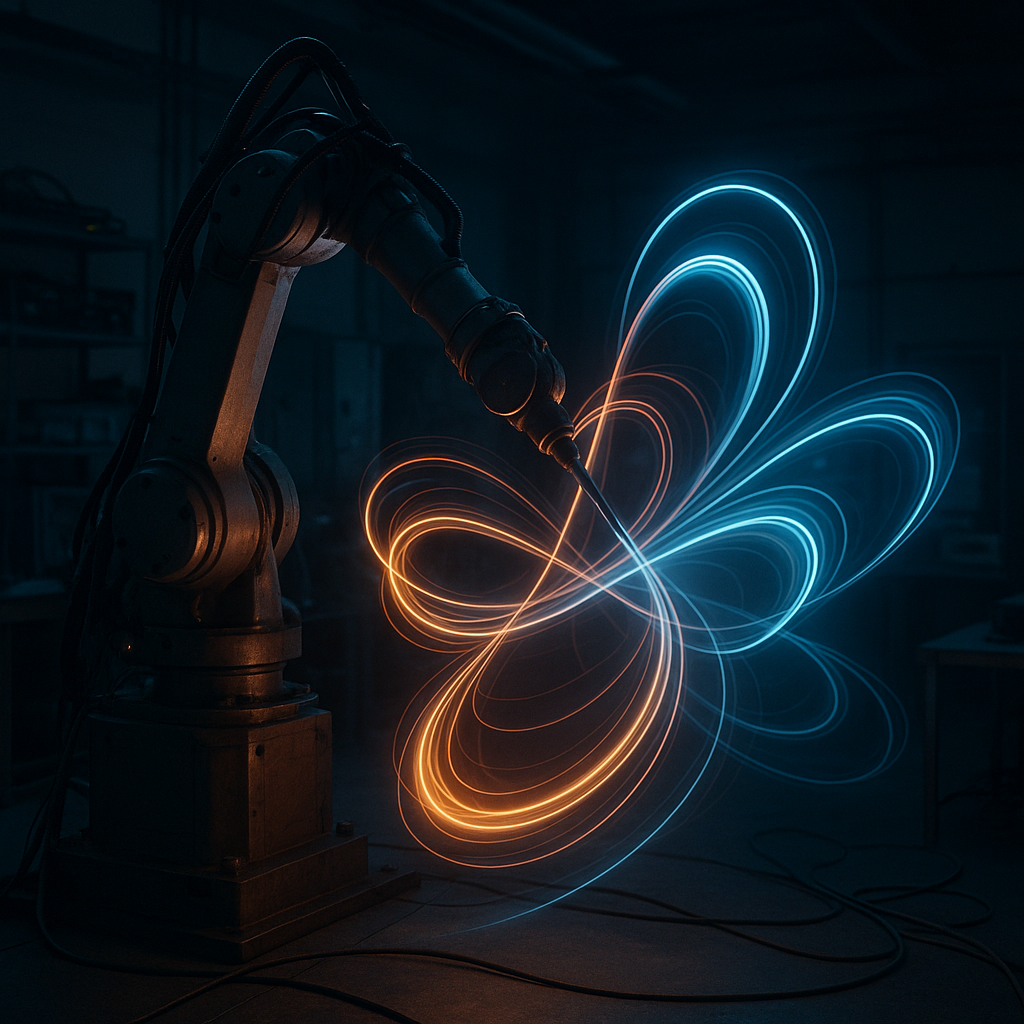
Autographs in Air: Why Robots Should Sign Their Moves
What if the most honest log a robot keeps isn’t text or code—it’s the line it draws through space?
We measure robots by goals hit and errors avoided. But motion leaves traces. Those traces are memory made visible. And yes, your robot has better handwriting than my doctor.
Motion Is Memory
A robot’s path is a diary, not just a route. Trails reveal intent, hesitation, and hidden friction.
See the Signals
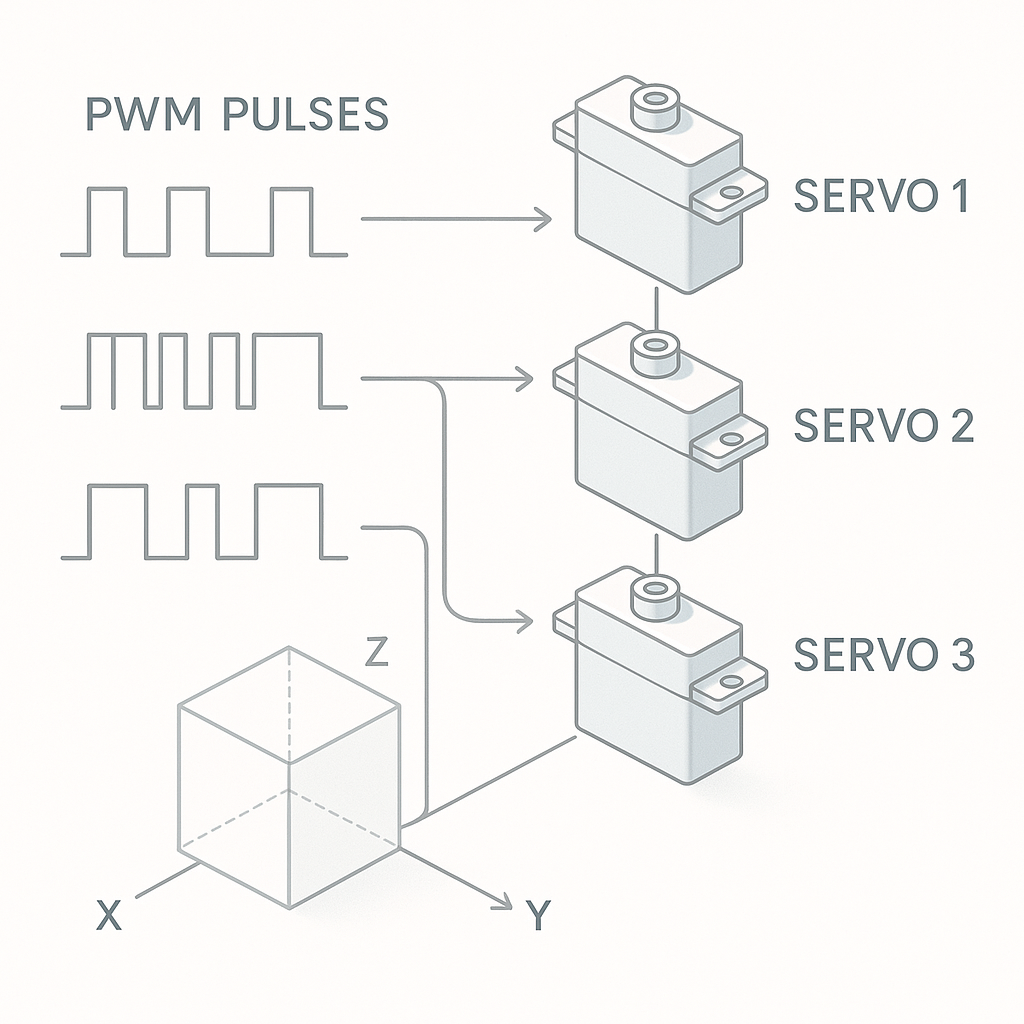
Servos map PWM pulses to angles. Stack three and you sketch in 3D. Trails make timing errors obvious.
Tune by Sight
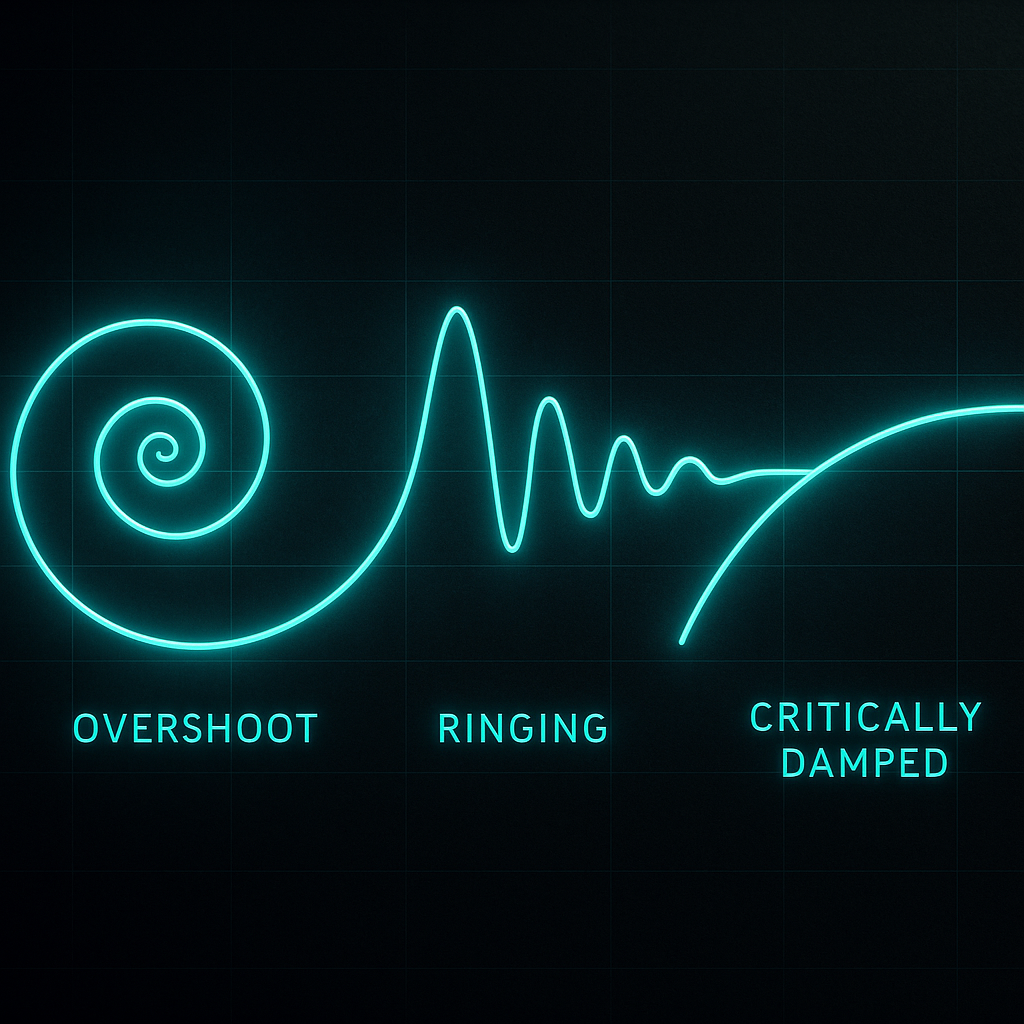
Overshoot, drift, backlash—watch them as shapes. Adjust PID until the squiggle becomes a signature.
Robots That Sign Their Moves
Humans sign documents. Drones sign the sky. Robotic arms sign the air the way a violin bow signs a note. You can’t see it—until you draw the path. Then the motion becomes a sentence you can read. Neat party trick. Better debugging tool.
When a robot repeats a task, we hope for sameness. But sameness hides stories. A tiny wobble here, a late start there—these are the footnotes of real life. Put the path on screen, and the footnotes become headlines. The robot is basically doing cursive, and every loop tells you whether it is calm, stressed, or just had too much voltage.
How It Actually Works
Most hobby servos listen to PWM, which means pulse width modulation. Think of it like a metronome that blinks. The width of each blink sets the angle. Shorter pulse, one angle. Longer pulse, another. Simple beats, precise moves.
Now map three servos to X, Y, and Z. Each servo reads its pulse and turns to a position. We normalize those angles into a 3D box, like shrinking a big room into a small model. As the tip moves, we drop dots. We then connect the dots with thin lines. That’s the trail. If the dots bunch up, motion was slow. If the line kinks, something stuttered. It’s like a lie detector, but for elbows.
When a Path Becomes a Diary
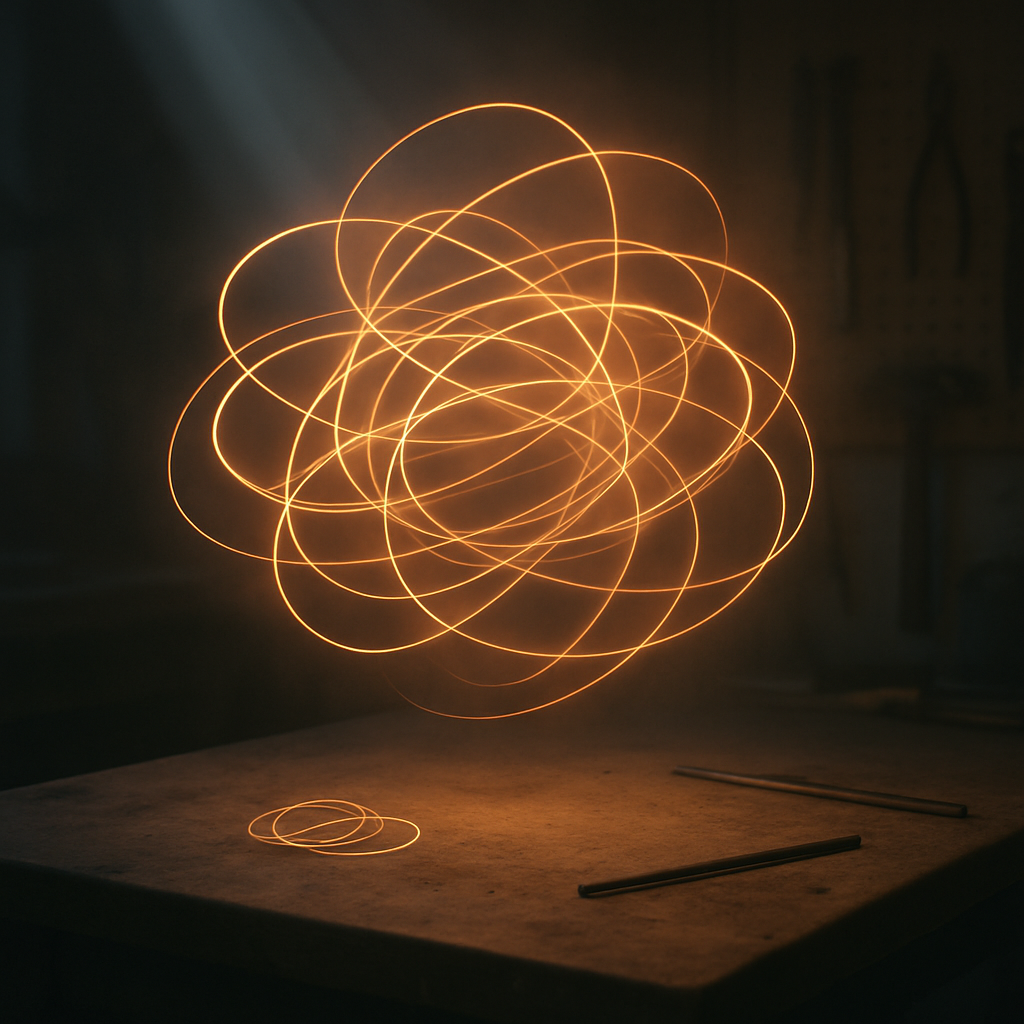
A trail is a timeline. It shows where a robot started to care and where it stopped pretending. You’ll see fatigue, cable drag, even a sticky bearing. The line doesn’t judge; it just tattles. Helpful tattling, the best kind.
There’s a design lesson too. If you choreograph motion for beauty or safety, trails make that art visible. You can compare two routines like sheet music. Same notes, different phrasing. One is smooth jazz; the other is “robot drank espresso.”
Nerd Corner: Overshoot You Can See
Many robots use a PID loop to hit a target. PID stands for Proportional, Integral, Derivative. Proportional is “how hard do I push right now?” Integral is “how far off have I been for a while?” Derivative is “how fast is the error changing?” Together they’re a band: P is the lead guitar, I is the bassist keeping score, D is the drummer who hates surprises.
In trails, bad P looks like the tip slamming past the goal (big loops). Too much I gives slow, bulging curves that creep and never quite calm down. Too much D makes jagged, nervous scribbles. Tune by sight: lower P if you see big swings, trim I if the path balloons, and add a touch of D if the line wiggles on approach. When the trail ends cleanly at the target, the band finally found the tempo.
Hands-On with ARC: Teach Your Bot to Sign
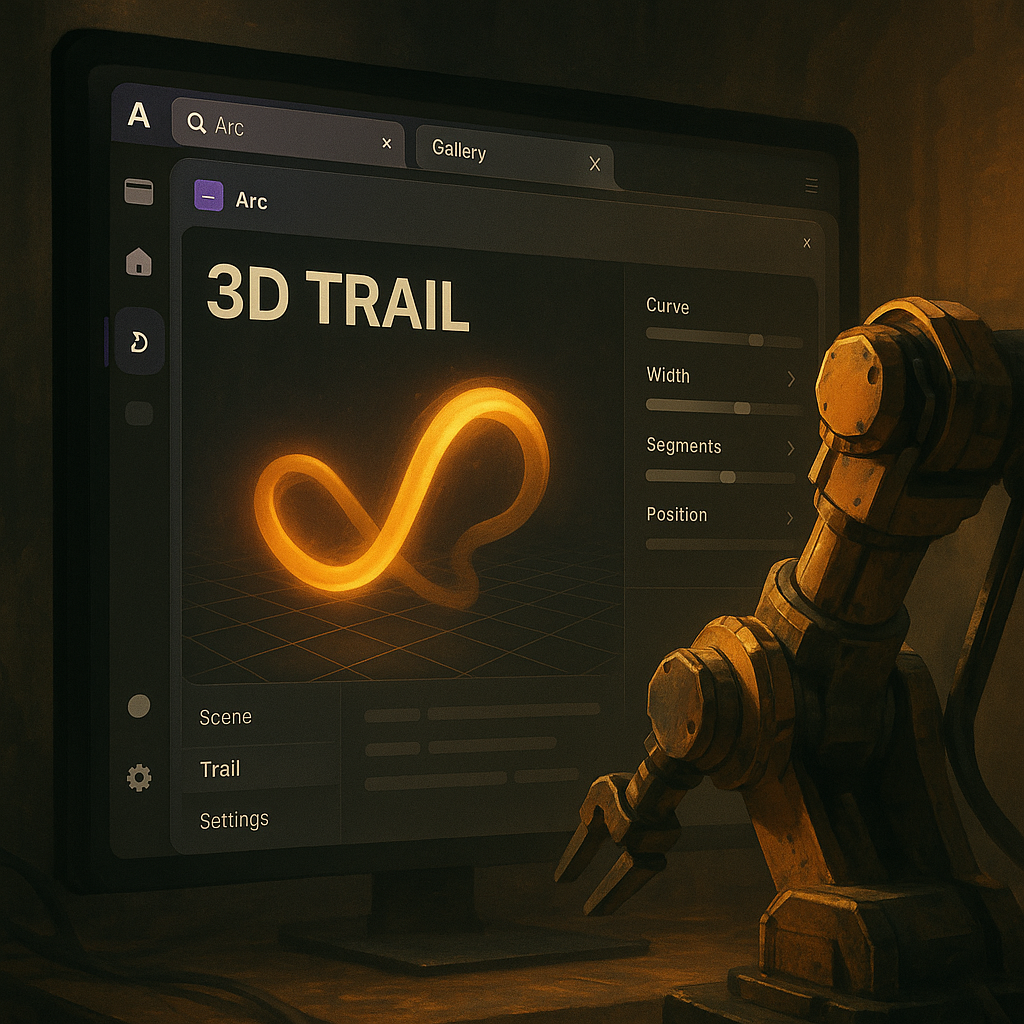
Synthiam ARC makes motion visible with the Servo Sketch 3d Robot Skill. It listens to your chosen servos, maps their angles into a 3D space, and draws a live trail. Camera controls let you rotate, zoom, and pan like a director shooting a sci‑fi ballet. There’s even a Clear button for fresh takes between “dance rehearsals.”
Under the hood, ARC uses your global max servo positions to scale travel, so big servos and tiny micro-servos speak the same visual language. The skill binds to the movement event, so every twitch becomes a stroke. Just remember: this skill expects the servos on EZB index #0. If your EZB hardware is on another index, consider it the backstage door—great, but not the front entrance for this show.
What’s the point? Faster debugging, better choreography, and a community that can see what you mean—literally. Share trails with the Synthiam community, swap Robot Skills, and improve together. ARC turns hidden motion into shared knowledge. Your robot gets a signature. You get fewer mysteries. Deal.
Question: If your robot could keep only one memory, should it be the line it drew to get here?
At a Glance
- Trails turn motion into a readable diary.
- Servos + PWM map to 3D paths you can analyze.
- See overshoot, drift, and backlash as shapes.
- ARC’s Servo Sketch 3d makes it plug-and-play.
- Share insights with the Synthiam community.
Key Thought
A plan is intent; a trail is truth. Design with both in mind and robots become easier to trust—and easier to tune.
Big Idea
Treat motion data like handwriting. Visualize it, compare it, and let the differences teach you. ARC turns those lessons into upgrades, not guesswork.
