Before your robot lifts an arm or sees a face, it does something louder: it chooses a voice. That single setting changes who trusts it, how fast it can help, and what people think it knows.
Pick a voice and you’ve picked a social contract. Pick the wrong one and your robot becomes the world’s most polite dial tone. Don’t worry—we’ll tune it together (no autotune required).
Voices Shape Trust
Accent, speed, and tone change how people feel. Your robot’s first impression is a waveform, not a handshake.
Latency Is a Personality
Half a second of lag can make a bot sound shy, confused, or rude. Timing is design, not fate.
ARC Makes It Swappable
With Robot Skills, you can change voices, routes, and scripts fast. Test, learn, repeat—without rebuilding the robot.
The Voice That Enters the Room Before Your Robot
Your robot walks in. Before anyone notices the chassis or the camera, they hear a hello. That hello is an accent, a rhythm, a smile you can’t see. People decide “friendly,” “helpful,” or “hmm, not for me” in a heartbeat. It’s like meeting a stranger who already started talking while the door was still opening.
Give the bot a fast, crisp voice and it sounds ready for action. Slower and warmer, and it feels like a tutor or a bedtime story assistant. One isn’t better. They are different tools for different jobs. A wrench isn’t wrong for not being a spoon. But a spoon does make a terrible wrench.
Humans read more than words. We listen to pitch, pauses, and energy. A good robot voice gets those parts right. A great one knows when to dial them up or down. Yes, your robot has a volume knob—but it also needs a vibe knob.

Nerd Corner: From Text to Talk
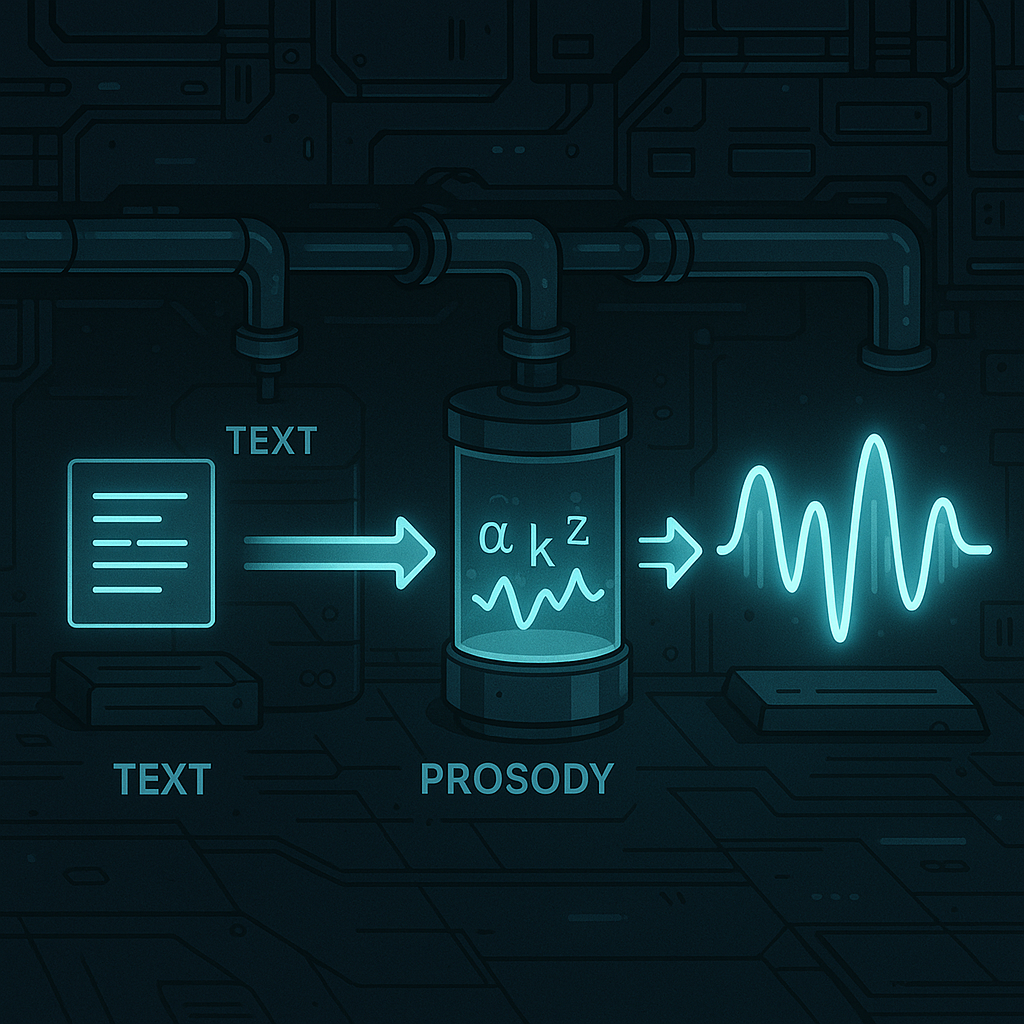
How does a robot turn text into speech? Think of it like making a concert from a grocery list. First, the system cleans the text (turning “Dr.” into “Doctor,” numbers into words). Next, it maps letters to sounds. Those sounds are called phonemes—the tiny sound units in speech.
Then comes prosody. That’s the music of speech: pitch, speed, and where stress goes. Prosody tells the voice when to sound excited or calm. Last, a vocoder (a model like WaveNet or HiFi-GAN) turns the plan into a real audio wave. It’s like going from sheet music to an orchestra playing in your living room.
Why do we care? Each step adds delay. Network time, model time, and audio buffering all add up. Keep it under about 250 milliseconds from “I want to talk” to sound, and the robot feels snappy. Go longer, and it starts to feel like it’s thinking in dial-up.
Why Latency Changes Behavior
Conversation is a dance. People expect a reply gap that’s shorter than a blink. If your robot takes half a second to answer, it sounds unsure. A full second? People start talking over it. The machine didn’t get dumber—it just missed the beat.
Design for timing. Use backchannels like “mm-hmm” and short acks while longer speech is loading. Show that speaking is in progress with lights or a head nod. In ARC, you can trigger a script the moment speech starts, so LEDs light up or servos move in sync. And if you route audio out the EZB speaker, the sound comes from the robot’s body, not the laptop across the room. That fights the weird “throw-voice” puppet effect.

The Accent Dial: Ethics in a Dropdown
Picking a voice is not just taste. It’s a choice about who feels seen and heard. A hospital helper might need a calm local accent. A museum guide might switch styles by exhibit. Matching the room can reduce friction. But don’t stereotype. Give users control. Let context lead, not our assumptions.
In ARC, the Azure Text To Speech Robot Skill lets you pick from many neural voices and change them on the fly. You can swap voices with a command during a script, set a “start speaking” trigger to animate the robot, and even override older speak commands so all speech uses the same high-quality voice. That’s design power without a rewrite.
How Synthiam Turns Philosophy Into Practice
Synthiam ARC is built for this kind of experiment. Robot Skills snap in, so you can try ideas fast. Use the Azure Text To Speech Skill to select a neural voice, route audio to an EZB speaker for “sound-from-source,” and kick off scripts the instant speech starts. Flip the “replace default speak” option so your old Audio.say lines now use the better voice—no code archaeology needed.
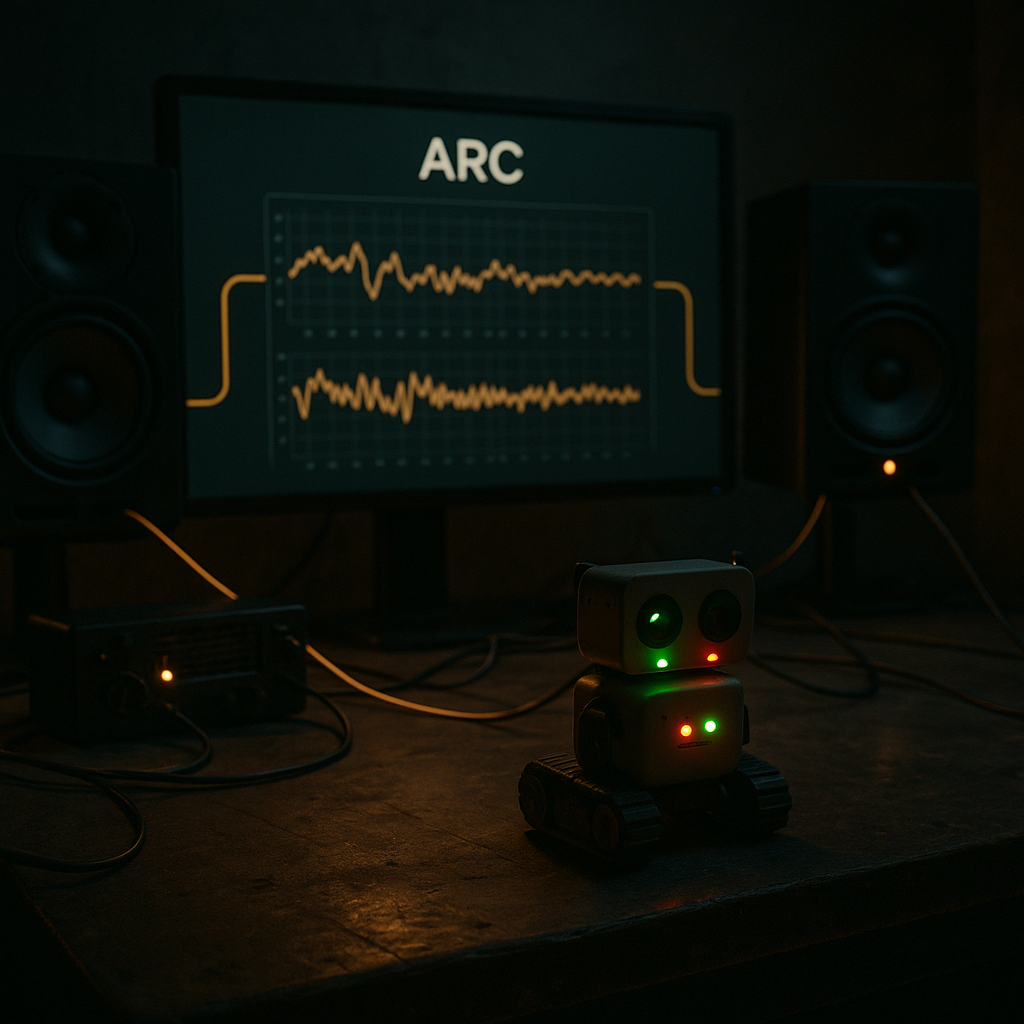
Pair it with wake-word listening, a camera skill for nod detection, and a simple LED script. Now your robot responds quickly, looks engaged, and speaks from its own body. Log timestamps to measure lag. Change voices by context with a ControlCommand. Share your findings with the Synthiam community and steal (ahem, borrow) their best tricks back. That’s how we learn together.
So, if the first bias you ship is a voice, will you ship one that listens as well as it speaks?
At a Glance
- Voice sets trust before any action.
- TTS pipeline: text → phonemes → prosody → vocoder.
- Keep reply latency under ~250 ms if you can.
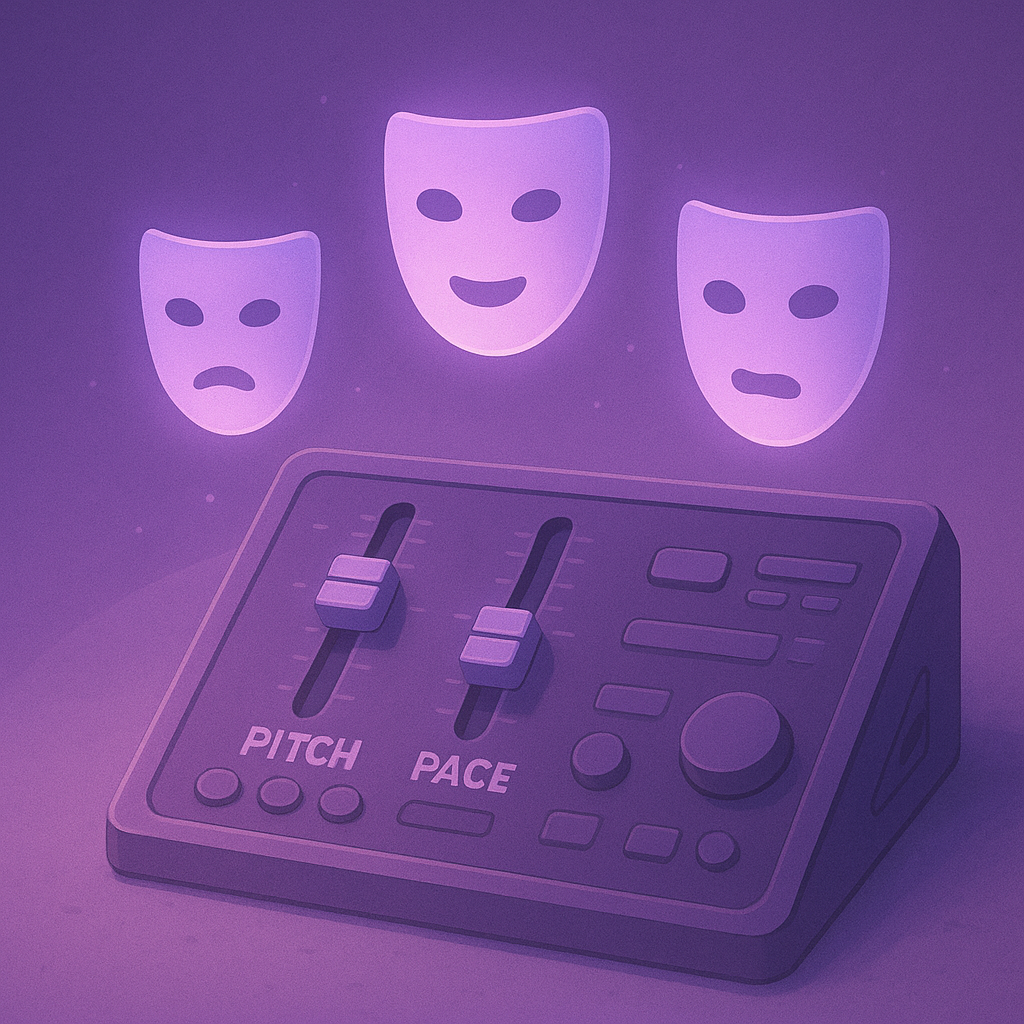
- Use SSML for gentle pitch/pace tweaks.
- ARC + Azure TTS = quick swaps, scripts, and EZB audio.
Key Thought
People hear intention in timing. Even a tiny pause says a lot. Make your robot’s silence as designed as its words.
Big Idea
Prototype three voices for the same task in ARC. Measure task time, error rate, and smiles. Let data—not guesswork—pick the accent.
